Operating Instructions Scanner Reference
94
Deleting Stored Files
You can delete files that are longer needed.
Limitation
❒ Delivery standby files cannot be deleted.
A
AA
A
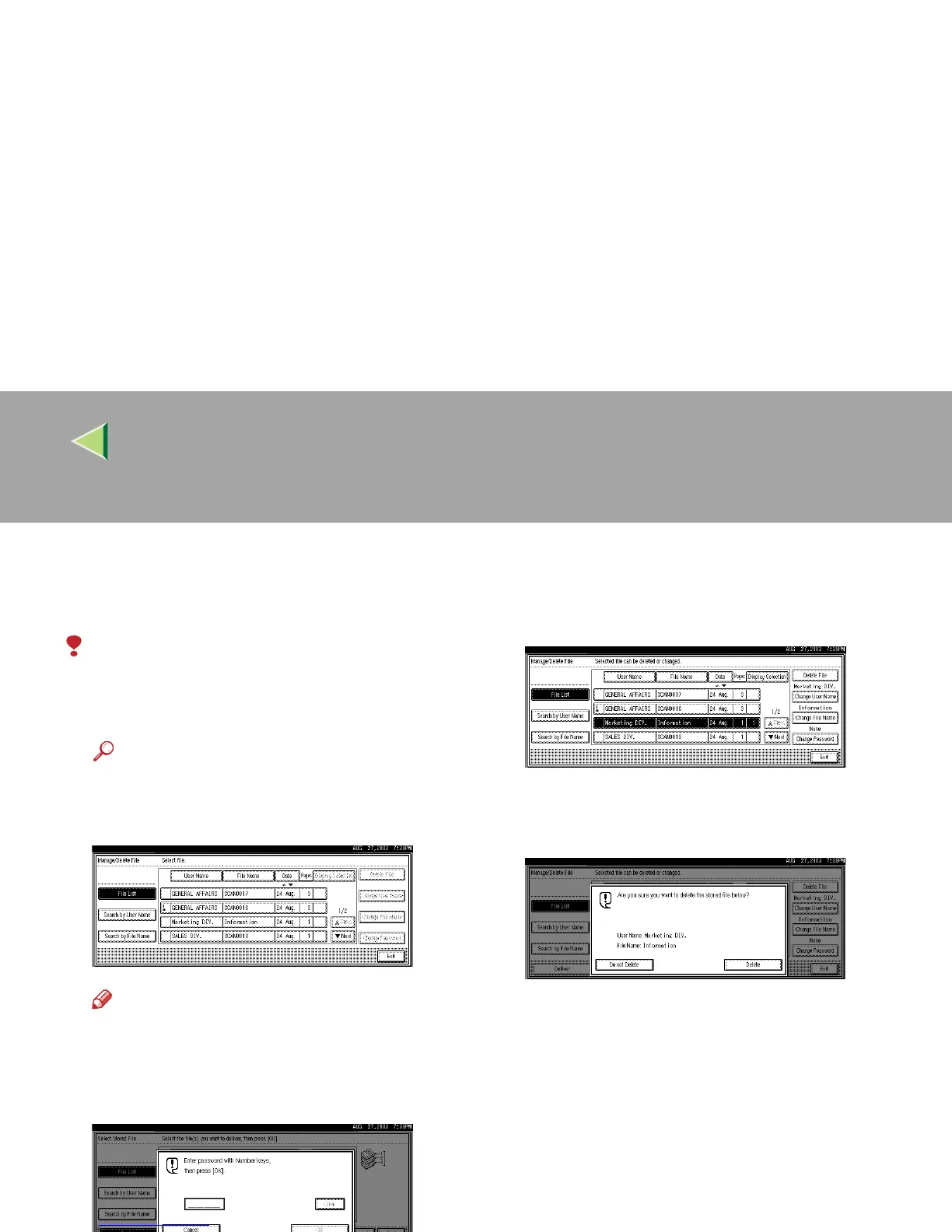
Display the list of stored files.
Reference
❒ ⇒ p.88 “Viewing a List of Stored Files”
B
BB
B
Select the file to be deleted.
Note
❒ Up to 30 files can be selected.
❒
When you select a password protected file,
the Password Entry screen appears. Enter
the correct password, and then press
[
OK
]
.
C
CC
C
Press [Delete File].
A confirmation message appears.
D
DD
D
Press [Delete].
The file is deleted.
E
EE
E
Press [Exit].



 To Next Page