Operating Instructions Copy Reference <Advanced Features>
36
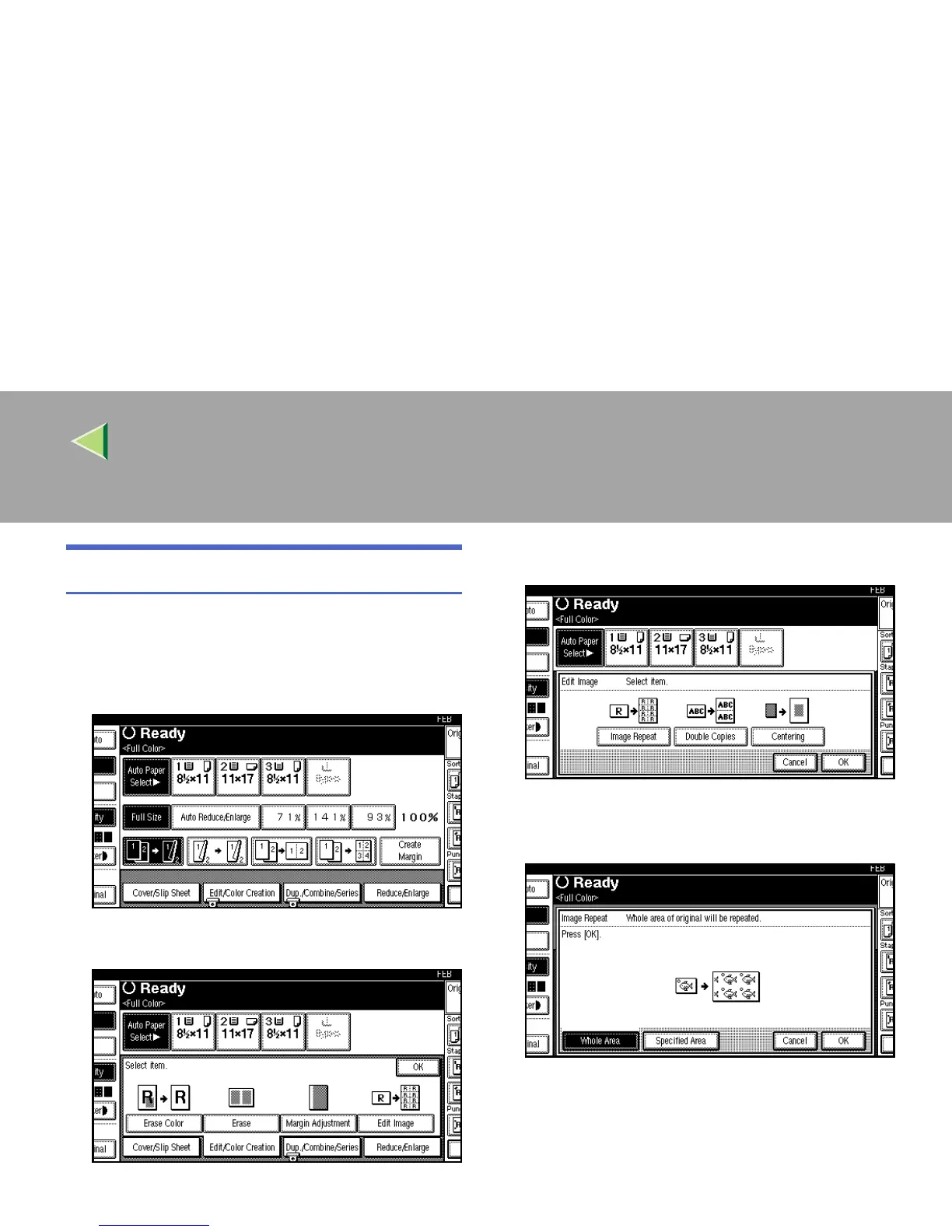
Whole Area Repeat
A
AA
A
Select the size of the copy paper and the re-
production ratio.
B
BB
B
Press [Edit/Color Creation].
C
CC
C
Press [
Edit Image
].
D
DD
D
Press [
Image Repeat
].
E
EE
E
Make sure that [Whole Area] is selected, and
then press [OK].
F
FF
F
Press [OK].
G
GG
G
Press [OK].
H
HH
H
Place your originals, and then press the
{
{{
{Start}
}}
} key.



 To Next Page