Operating InstructionsFacsimile Reference (option) <Advanced Features>
42
Re-sending a File
This function is valid when the machine is set up
with the User Parameters to save messages that
could not be sent in memory.
Preparation
❒ You should select “Store for 24 hours” for
“Store a message that could not be transmit-
ted” in User Parameters.⇒ p.216 “Changing
the User Parameters” (Switch 24, Bit0)
Note
❒ If you select the failed transmission file, you
can resend it. This feature allows you to trans-
mit a fax message again. These files will be
kept for either 24 or 72 hours depending on
how you program this feature. ⇒ p.216
“Changing the User Parameters” (Switch24,
Bit1,0)
A
AA
A
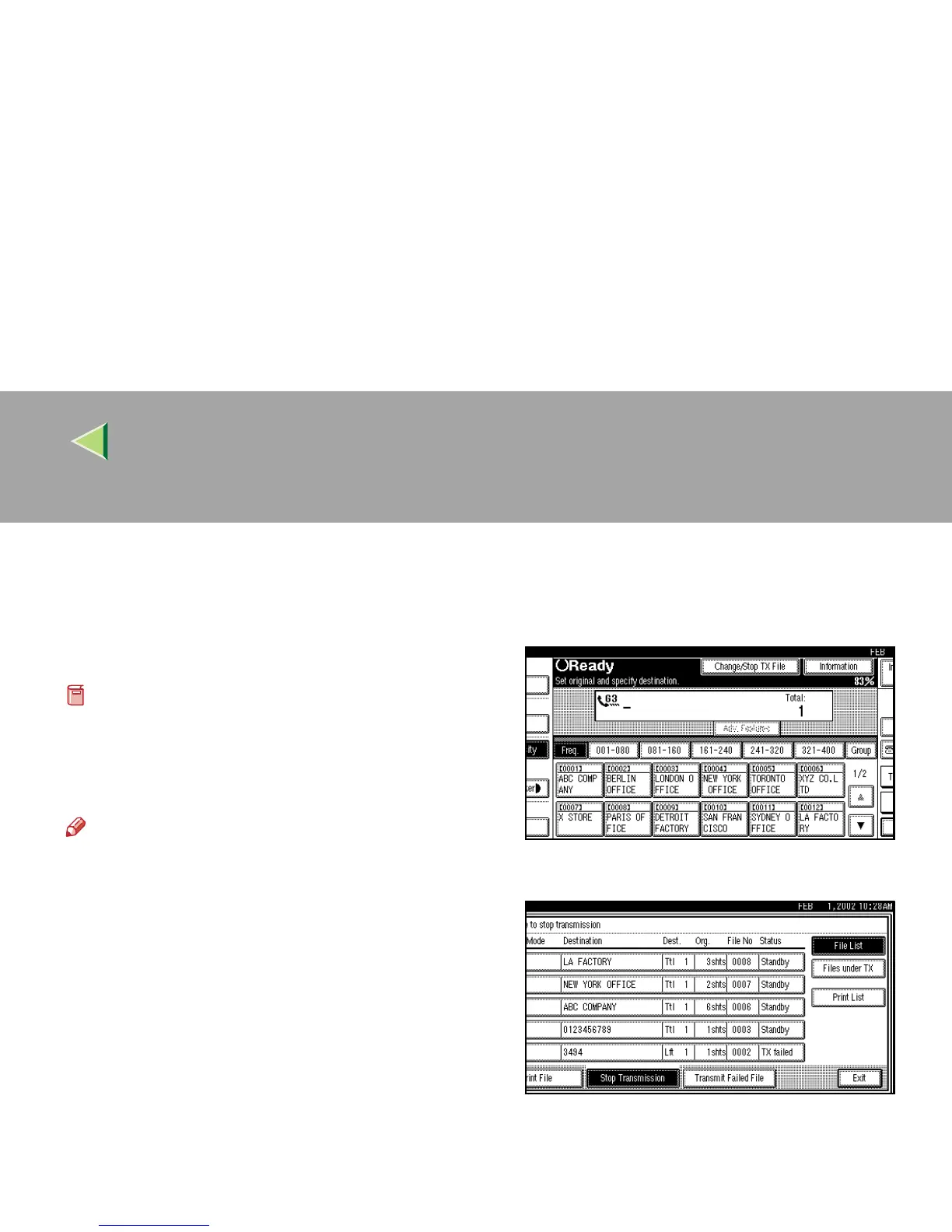
Press [Change/Stop TX File].
B
BB
B
Press [Transmit Failed File].



 To Next Page