Getting Started
8
1
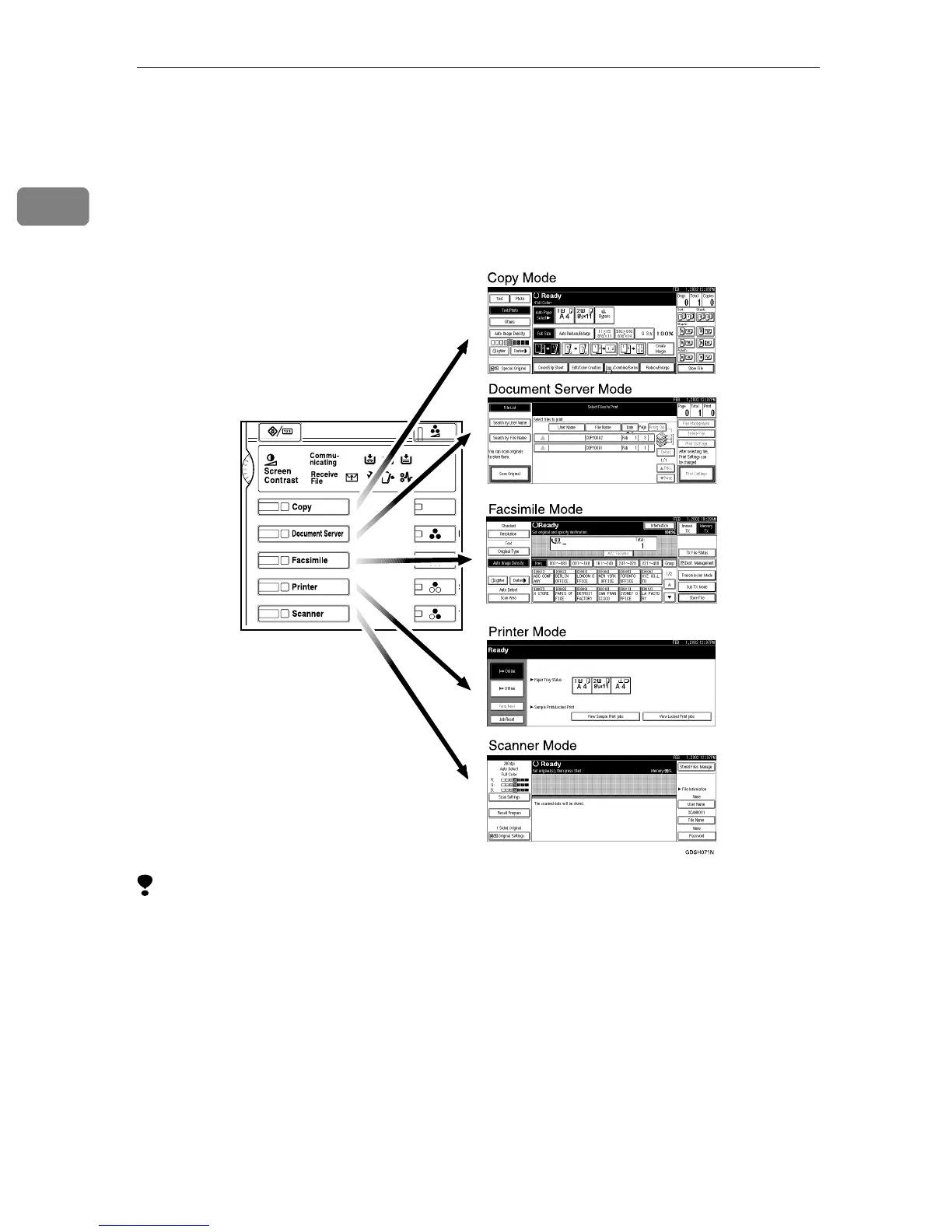
Changing Modes
This machine is a copier, facsimile, printer and scanner. If the machine is not in
Facsimile mode, press the {
{{
{Facsimile}
}}
} key on the left of the operation panel to use
fax functions.
Limitation
❒ You cannot switch modes under the following circumstances:
• While scanning in a fax
• During Immediate Transmission
• While editing the System Settings
• During Interrupt Copying
• While using On Hook Dial
• During Energy Saver mode



 To Next Page