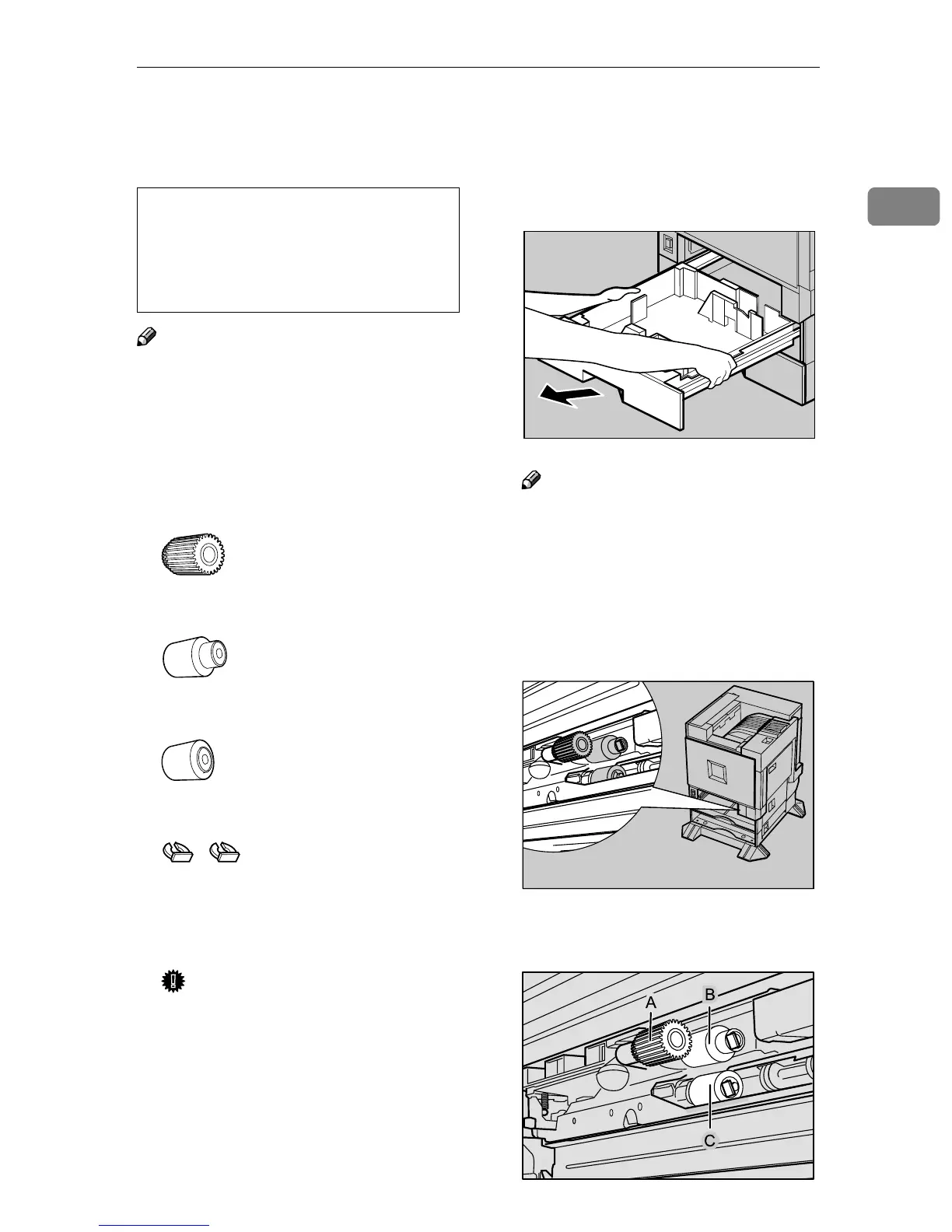
Replacing the Paper Feed Rollers
27
1
Replacing the Paper Feed Rollers
CAUTION:
Note
❒ The following illustrations are for
replacing the paper feed rollers of
Tray 1. The same procedure is fol-
lowed with the other trays.
A
AA
A
Check the contents of the box.
❖
❖❖
❖ Paper Feed Roller A
❖
❖❖
❖ Paper Feed Roller B
❖
❖❖
❖ Paper Feed Roller C
❖
❖❖
❖ Two Stoppers
B
BB
B
Turn off the power switch, and
then unplug the power cable and
interface cable.
Important
❒ If you replace the paper feed
rollers of the optional 2000-
sheet Large Capacity Tray, re-
move all paper from the tray.
C
CC
C
Pull out all trays slowly while lift-
ing them up a little.
Note
❒ If you replace the paper feed
rollers of the optional Paper
Feed Unit or 2000-sheet Large
Capacity Tray, pull out all the
paper trays from each unit.
D
DD
D
Confirm the position of the paper
feed rollers.
Confirm the positions and names
of each roller.
• The inside of the machine be-
comes very hot. Do not touch the
parts with a label indicating a
"hot surface". Touching a "hot
surface" could result in a burn.
ZERH010E
ZERH020E
ZERH030E



 To Next Page