Operating Instructions Administrator Reference 2
81
C
CC
C
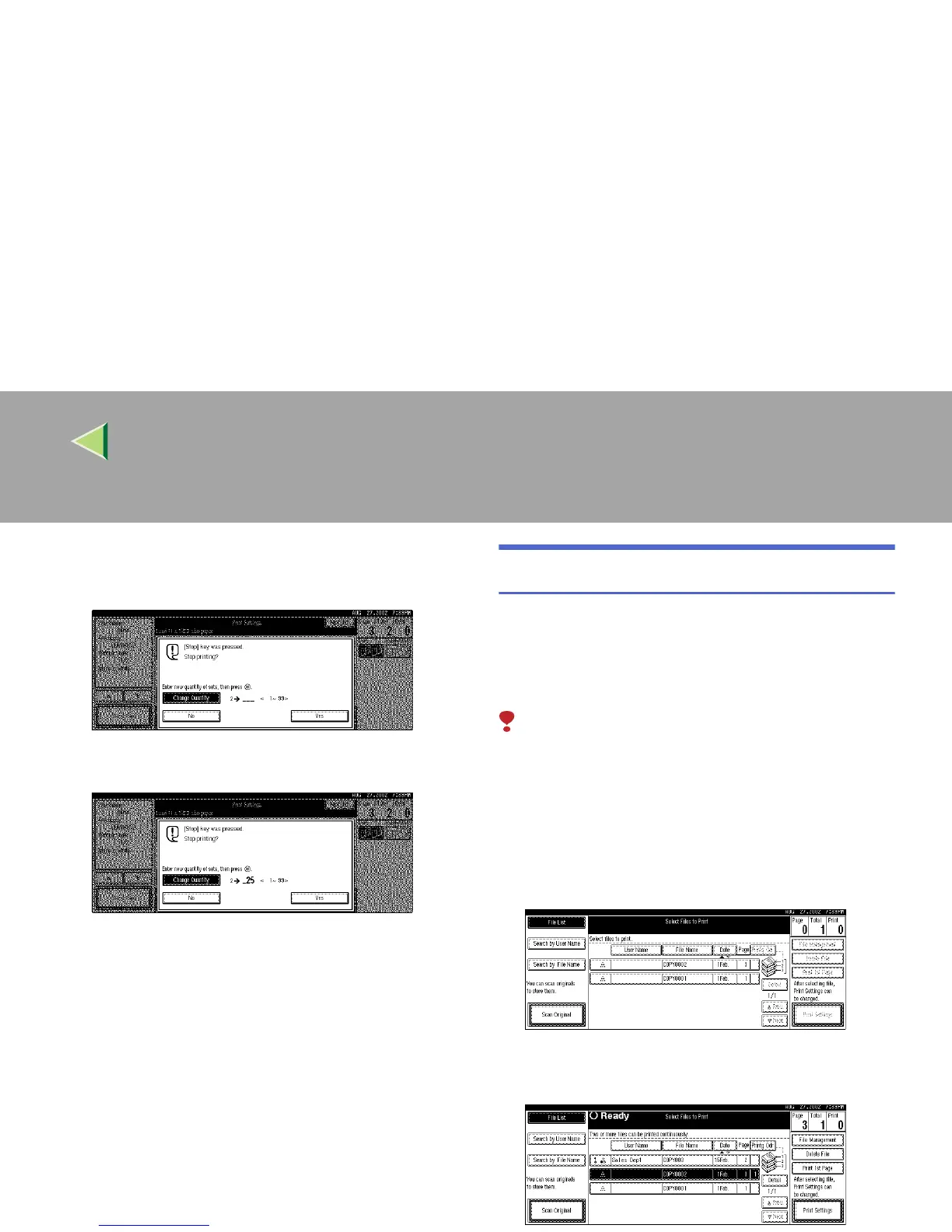
Use the number keys to enter a new
number of copies.
D
DD
D
Press the {
{{
{#}
}}
} key.
E
EE
E
Press [Print].
Printing restarts.
Sample Copy
If you print multiple sets using the Sort function,
you can check if the print order or the print set-
tings are correct by printing out only the first set
using the {
{{
{Sample Copy}
}}
} key.
Limitation
❒ This function can be used only when the Sort
function has been turned on.
A
AA
A
Press the {
{{
{Document Server}
}}
} key.
The "Select File to Print" display appears.
B
BB
B
Select the document to be printed.
• If no password is set for the document, the
line for the selected document is highlighted.



 To Next Page