Replacing Consumables and Maintenance Kit
4
1
Replacing the Toner Cartridge
WARNING:
CAUTION:
Note
❒ The actual number of printed pag-
es will differ depending on the pa-
per type, size, contents and
settings. For more information, see
p.56 “Toner cartridge”.
If "Add Toner" or "Toner is almost
empty." appears on the panel display,
replace the toner cartridge.
Note
❒ A combination of one to four col-
ors, yellow, magenta, cyan, and
black is displayed.
❒ If cyan, magenta or yellow toner
runs out, you can print in black
and white mode using the black
toner. Change the color mode set-
ting to "Black and White" from the
printer driver .
❒ If black toner runs out, printing is
not possible until the black toner
cartridge is replaced.
A
AA
A
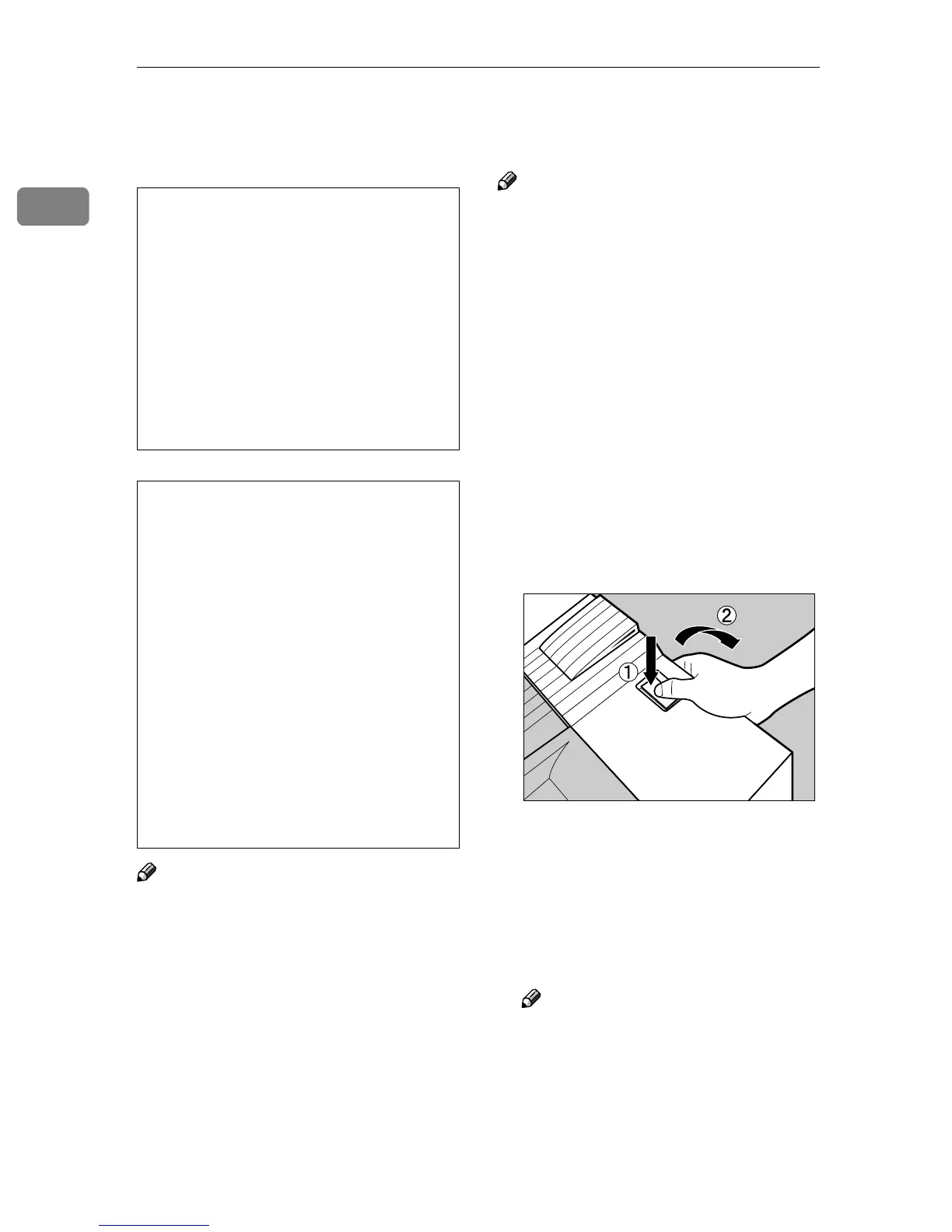
While pushing the lock button on
the upper right cover of the print-
er (A
AA
A), open the upper right cover
(B
BB
B).
From the end, the toner cartridges
are installed in the order of magen-
ta (M), cyan (C), yellow (Y), and
black (K).
B
BB
B
Remove the toner cartridge for
the color you want to replace.
Note
❒ The method to remove a toner
cartridge is the same for all four
cartridges.
• Do not incinerate spilled toner
or used toner. Toner dust is
flammable and might ignite
when exposed to an open
flame. Disposal should take
place at an authorized dealer
or an appropriate collection
site. If you dispose of the used
toner cartridges yourself, dis-
pose of them according to lo-
cal regulations.
• The inside of the machine be-
comes very hot. Do not touch the
parts with a label indicating a
"hot surface". Touching a "hot
surface" could result in a burn.
• Keep toner (used or unused) and
the toner cartridge out of reach
of children.
• Our products are engineered to
meet the highest standards of
quality and functionality. When
purchasing expendable sup-
plies, we recommend using only
those provided by an authorized
dealer.
ZDJT006J



 To Next Page