Operating InstructionsFacsimile Reference (option) <Advanced Features>
58
Printing a File Received with Memory Lock
This is a security feature designed to prevent un-
authorized users from reading your messages. If
Memory Lock is switched on, all received mes-
sages are stored in memory and are not automat-
ically printed. To print the messages, you have to
enter the Memory Lock ID Code. When your ma-
chine has received a message with Memory
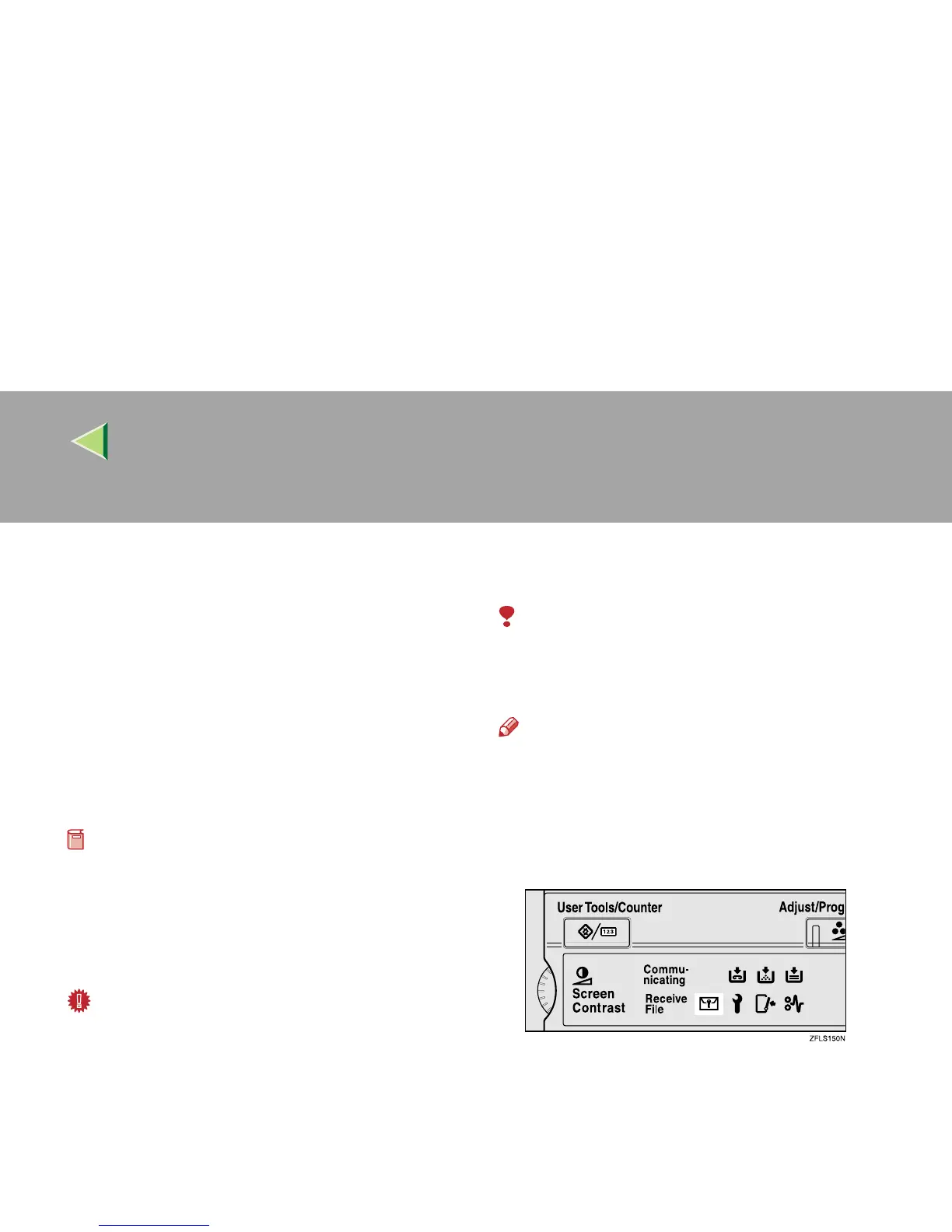
Lock, the Confidential File (i) indicator
blinks.
Preparation
❒ Before using this function, program your
Memory Lock ID.⇒ p.260 “Programming a
Memory Lock ID”
❒ Before using this function, set Confidential
Transmissions to On.
Important
❒ If the main power switch is turned off for more
than an hour, all messages protected by
Memory Lock will be deleted. In that case, the
Power Failure Report will be printed so you
can confirm which messages have been de-
leted. ⇒ p.278 “Power Failure Report”
❒ Set Confidential Transmissions to ON.
Limitation
❒ Messages received by Polling Reception are
automatically printed even if this feature is
switched on.
Note
❒ You can also apply a Memory Lock to mes-
sages that come only from certain senders. ⇒
p.223 “Special Senders to Treat Differently”
A
AA
A
Confirm that the Confidential File indica-
tor is blinking.



 To Next Page