Operating Instructions Maintenance Guide 2 Copier System Edition
38
F
FF
F
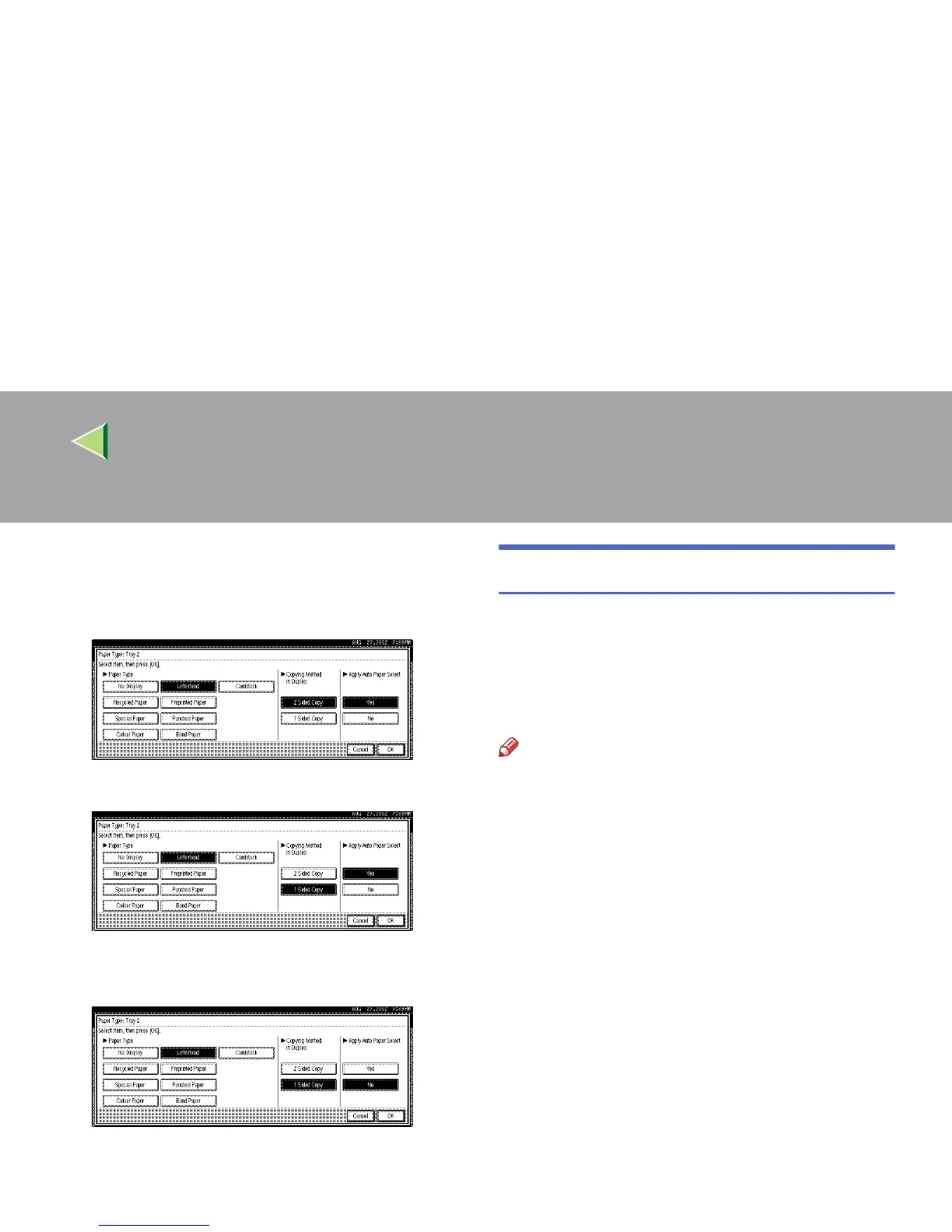
Select the paper type and the copying
method in duplex.
A Select the paper type
B Specify the copying method in duplex.
C Specify whether you want to apply auto
paper selection.
D Press [OK].
The specified paper setting is displayed.
G
GG
G
Press the {
{{
{User Tools/Counter}
}}
} key.
The initial display is shown.
Loading Paper in the Bypass Tray
Besides regular paper, you can load paper onto
the Bypass Tray which cannot be loaded in the
Paper Tray or Paper Feed Unit such as thick pa-
per, envelopes, OHP transparencies, and paper
that is longer than A3L.
Note
❒ Paper sizes supported by the Bypass Tray
are 90 - 305 mm in width and 148 - 457 mm in
length.
❒ If you load custom size paper or special pa-
per, select the paper size with the control pan-
el. The RPCS printer driver can select the
paper size with the printer driver properties.
The paper size selected with the printer driver
overrides the one selected with the control
panel. See p.41 “Specifying a custom paper
size for the Bypass Tray”.
❒ If you load thick paper, OHP transparencies,
or envelopes, make the settings for thick pa-
per or OHP transparencies with the control
panel or printer driver. See p.43 “Specifying a
paper type for the Bypass Tray”.
❒ The number of pages that can be loaded in
the Bypass Tray differs depending on the pa-
per type. Confirm that the top of the stack is
not higher than the limit mark inside the tray.



 To Next Page