Operating Instructions Administrator Reference 2
145
Clearing the Counter
Clearing the Number of Prints (Counter) for Each User Code
A
AA
A
Press the {
{{
{User Tools/Counter}
}}
} key.
B
BB
B
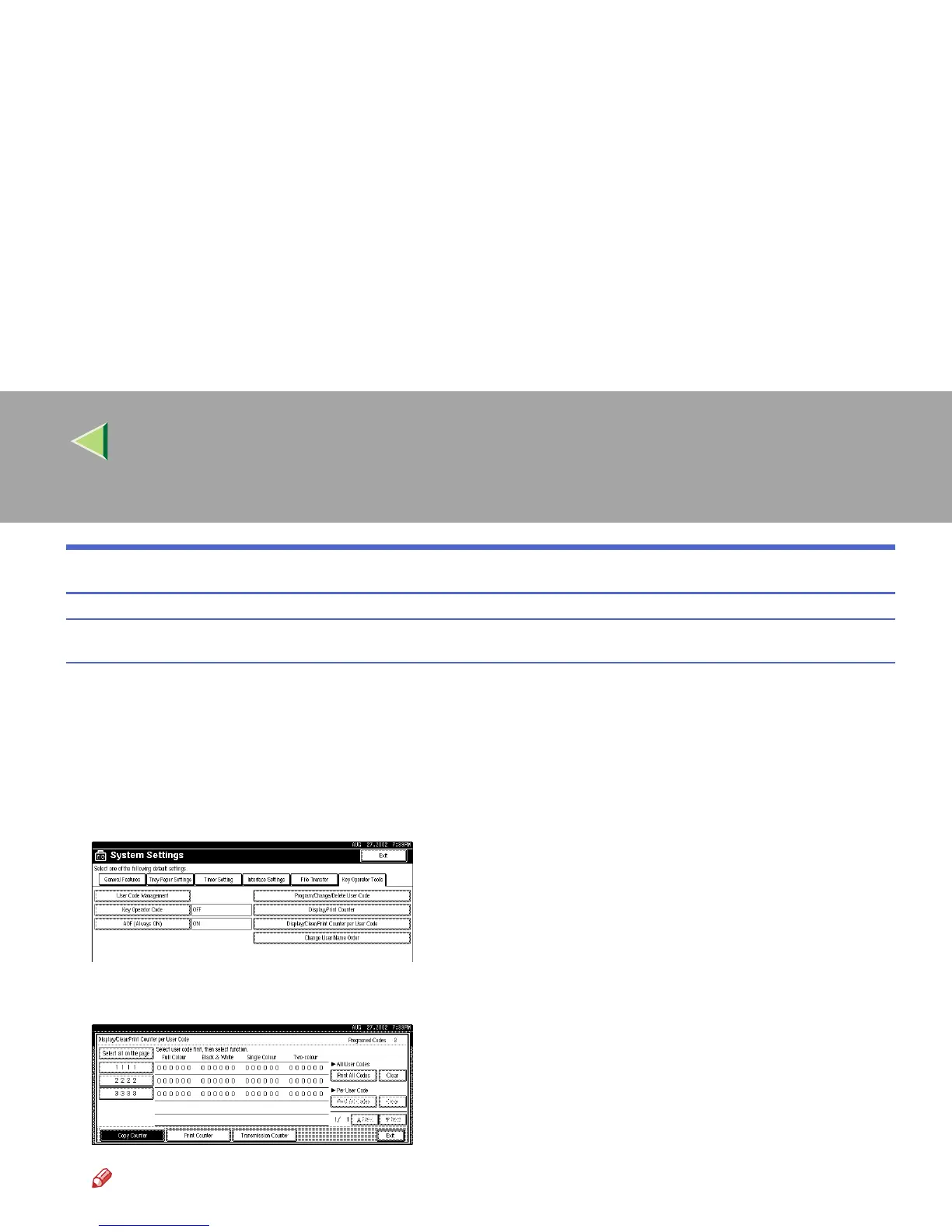
Press [System Settings].
C
CC
C
Press [Key Operator Tools].
D
DD
D
Press [Display/Clear/Print Counter per User Code].
E
EE
E
Select a User Code from the left side of the display.
Note
❒ Press [
All on The Page
] if you want to select all user codes on the page.



 To Next Page