Operating Instructions Administrator Reference 2
146
F
FF
F
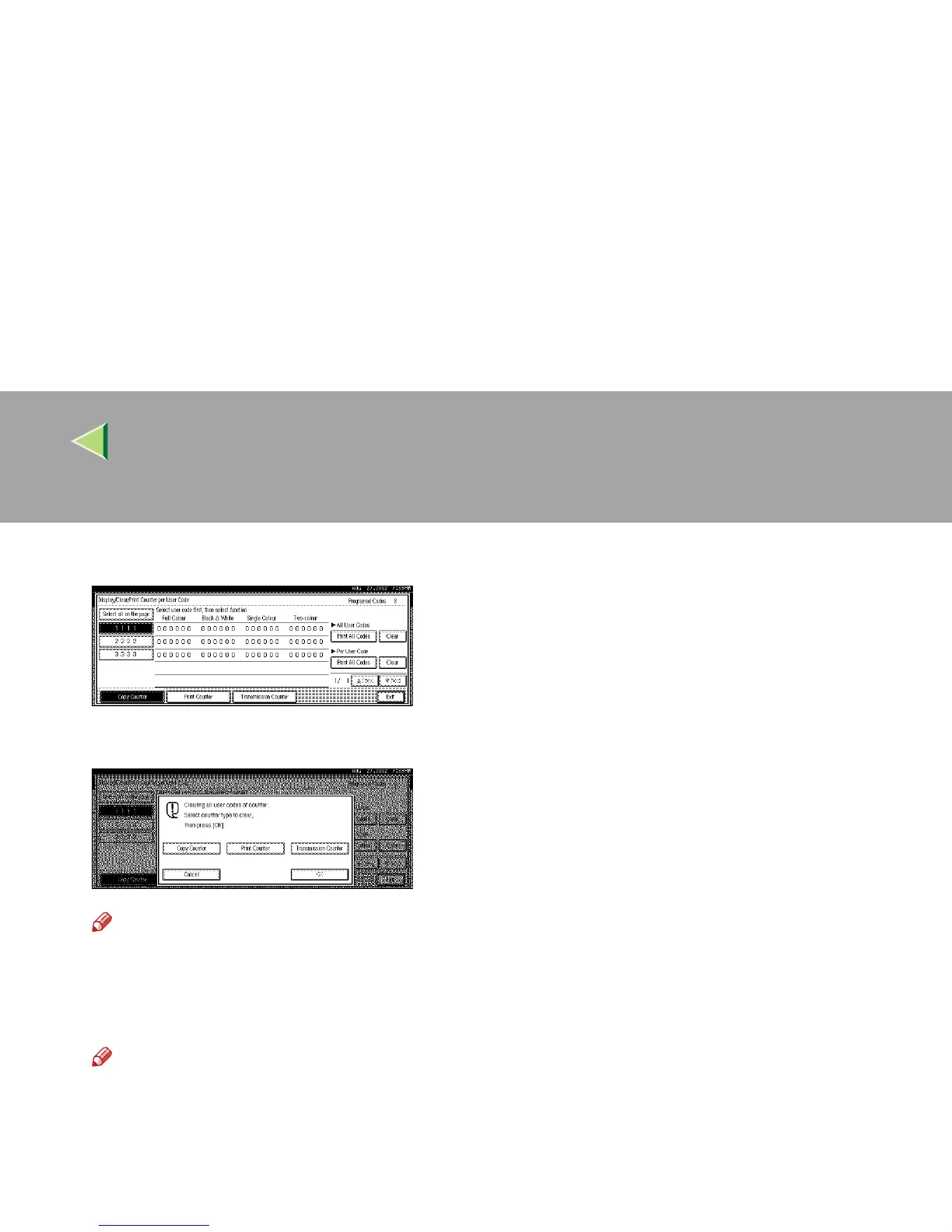
Press [Clear] for Per User Code.
G
GG
G
Press [Copy Counter], [Print Counter] or [Transmission Counter].
Note
❒ You can select [Copy Counter], [Print Counter] and [Transmission Counter] at the same time.
H
HH
H
Press [OK].
The user code counter will be clear.
Note
❒ If you want to cancel the operation, press [Cancel].



 To Next Page