Combined Function Operations
42
4
Facsimile Mode
Changing to Facsimile Mode
A
AA
A
Press the {
{{
{Facsimile}
}}
} key.
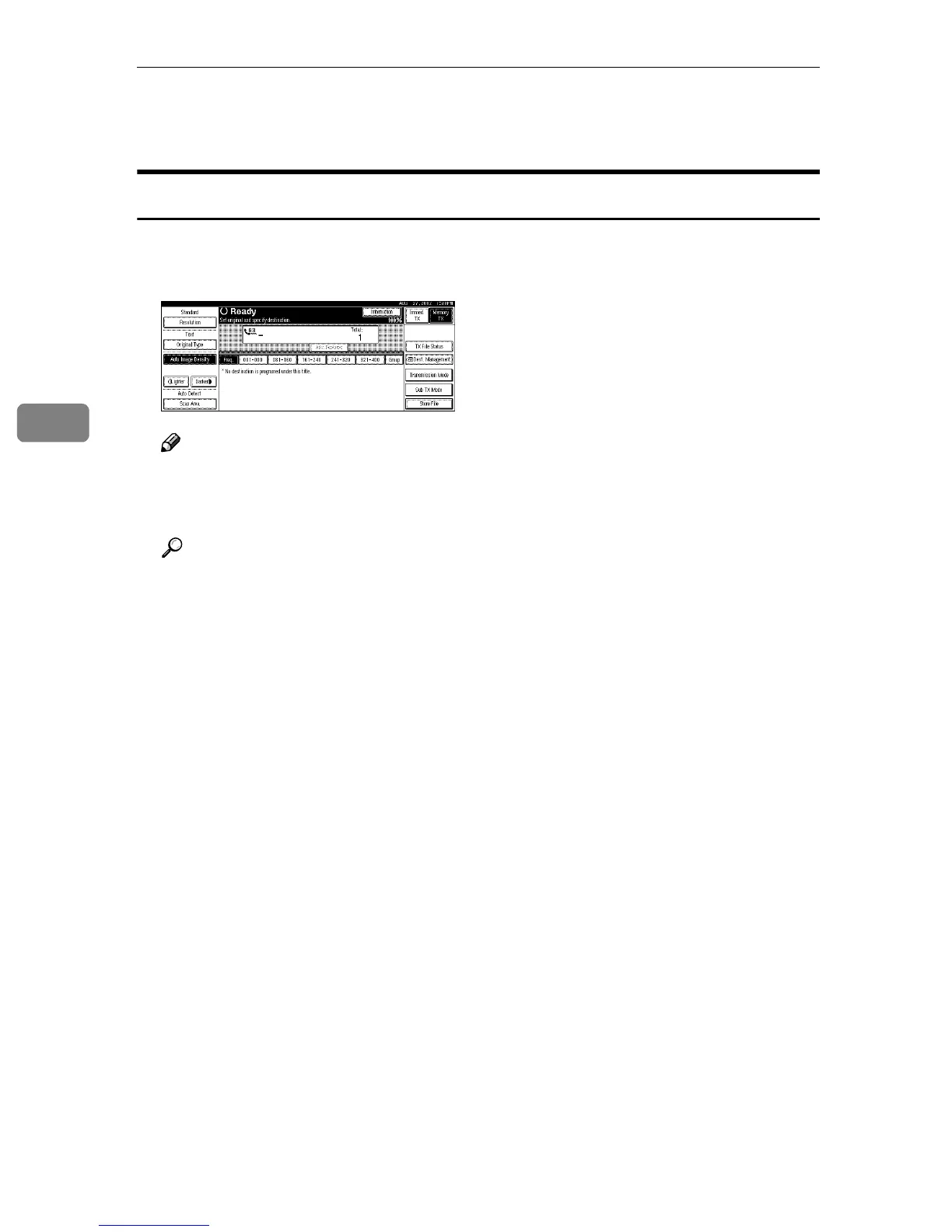
The Facsimile display appears on the panel display.
Note
❒ The Memory Transmission/Reception function is performed automatical-
ly even when another function is being used. You need not switch the dis-
play. When data is received in memory, the Receive File indicator is lit.
Reference
For more information, see the Facsimile Reference <Basic Features>.



 To Next Page