Operating Instructions Maintenance Guide 2 Copier System Edition
69
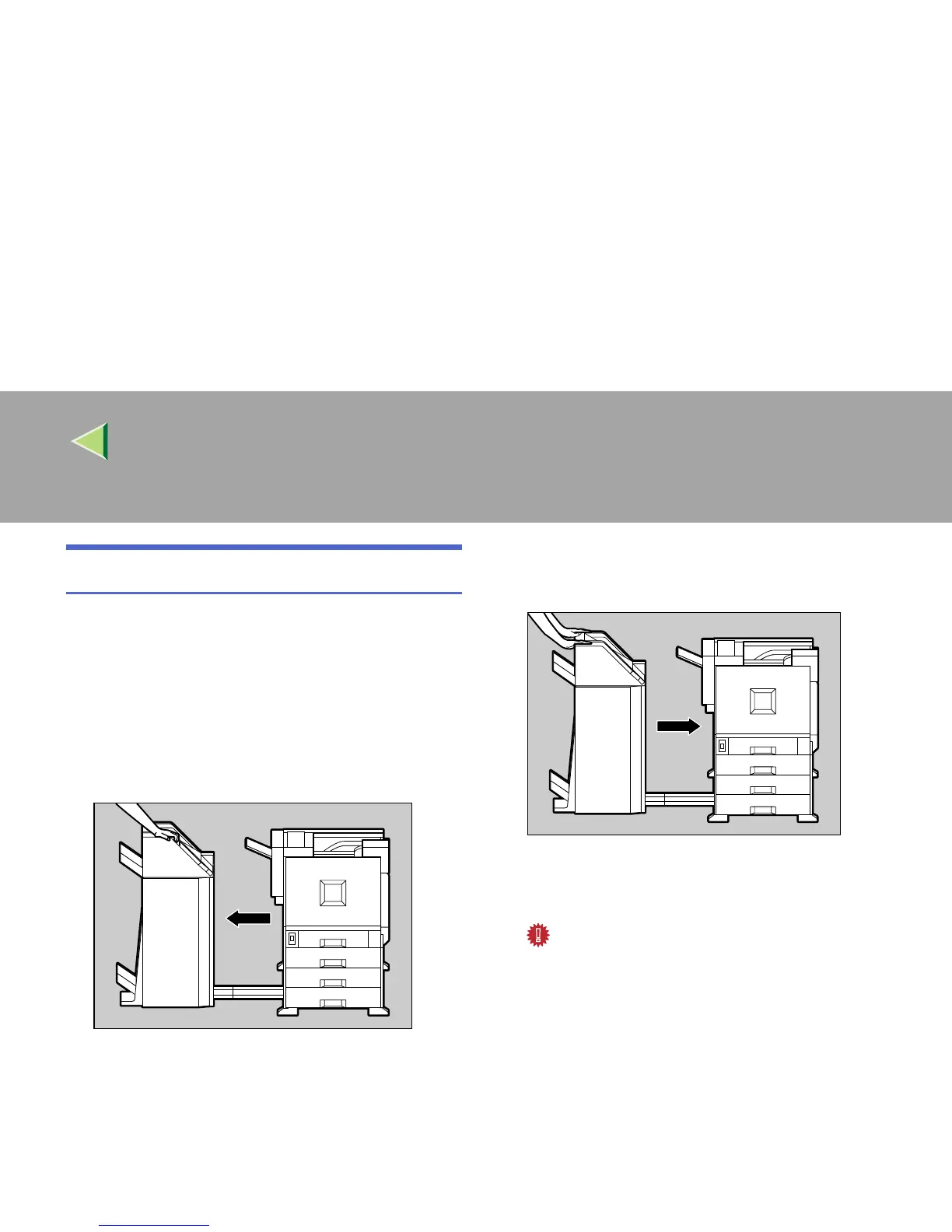
Detaching the 2 Tray Finisher
There are times when you might have to detach
the 2 Tray Finisher from the printer to remove
misfed paper. This section describes how to de-
tach the 2 Tray Finisher.
A
AA
A
Hold the handle at the top of the 2 Tray
Finisher firmly with one hand, pull the 2
Tray Finisher straight out until it stops.
The 2 Tray Finisher is detached from the
printer.
B
BB
B
Use both hands to push it straight back in
until it clicks into place.
The 2 Tray Finisher is reattached to the print-
er.
Important
❒ Attach the 2 Tray Finisher to the printer af-
ter closing the Duplex Reversal Unit.
ZDJP201J
ZDJP202J



 To Next Page