Basic Copying
36
1
When Copying on the Back
Side of the Paper
Using the Bypass Tray, you can make
copies on the back of paper on which
the front side of the paper has already
been copied.
Note
❒
Do not use paper that has been cop-
ied once using other equipment.
❒ Copies made on the back side of
paper should be originals that
have a very low image area, such
as text originals.
❒ If the paper is curled, straighten it
out and then re-set it. If the paper is
not straightened out, it can cause
paper jams.
-
--
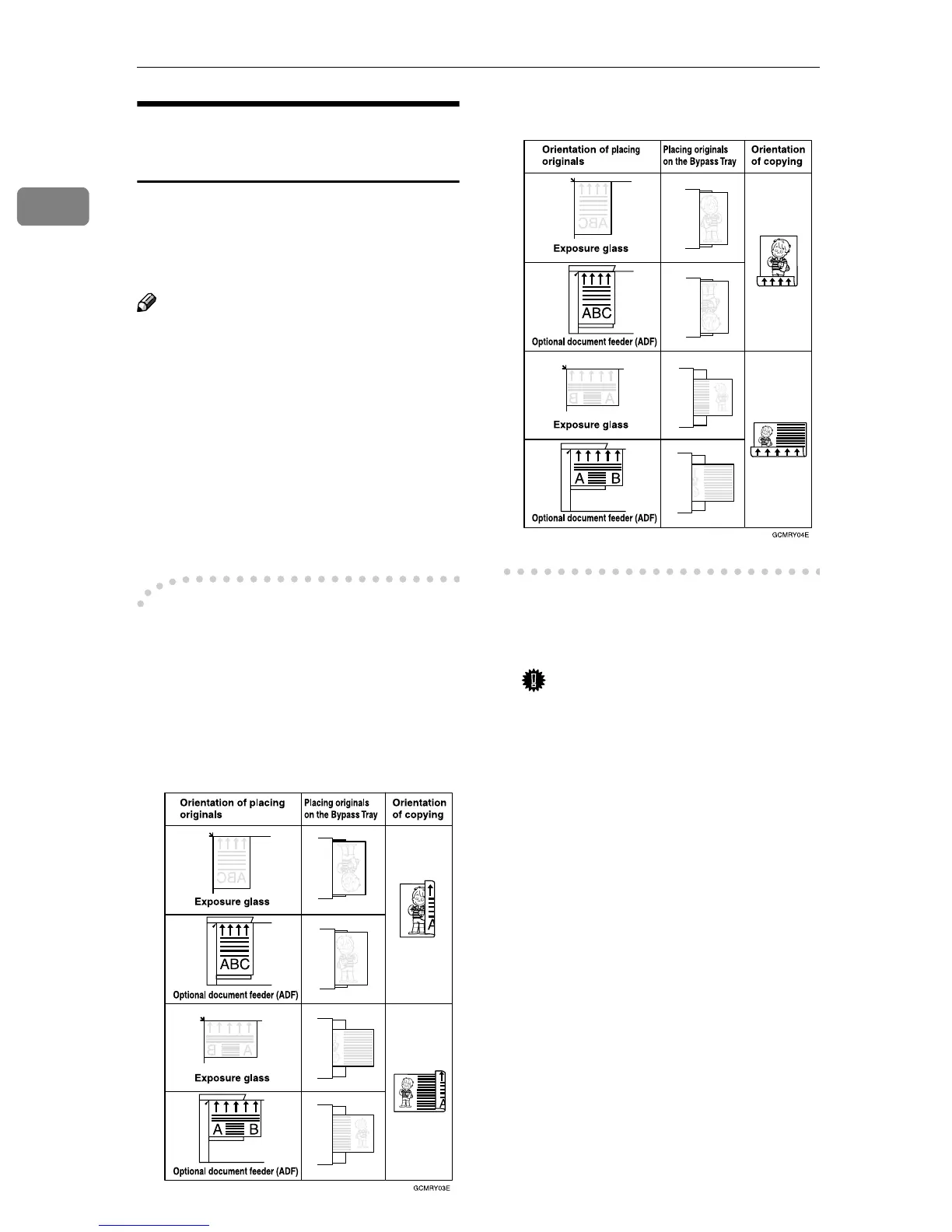
-The orientation of placing
originals and paper and when
copying.
Take care with placing the orientation
of paper and originals.
❖
❖❖
❖ Top to top
❖
❖❖
❖ Top to bottom
A
AA
A
Open the Bypass Tray, and then
adjust the guides to the paper
size.
Important
❒ If the guides are not flushed
with the copy paper, a skewed
image or paper misfeed might
occur.
B
BB
B
Gently insert the copied paper
with the copied side face down
(the non-copied side face up) un-
til the beeper sounds.
The k indicator on the display
automatically goes on.
C
CC
C
Press the {
{{
{#}
}}
} key.
Display for "Bypass Tray Paper" is
shown.
D
DD
D
Select the paper size.



 To Next Page