Operating Instructions Copy Reference <Advanced Features>
85
Copy Quality
The following are types of copy quality you can
make.
❖
❖❖
❖ Sharp/Soft
For adjusting the outline of an image
❖
❖❖
❖ Contrast
For adjusting the shades of an image
❖
❖❖
❖ Background Density
For adjusting the background density of an
image
❖
❖❖
❖ Adjust U.C.R.
For expressing vividly the black areas in an
image by adjusting the amount of black toner
❖
❖❖
❖ Text/Photo Sensitivity
For adjusting the standard level in the text and
the photo part of the image, when using
“Text/Photo”
Note
❒ “Sharp/Soft”, “Contrast” and “Background
Density” can each be adjusted. However,
their adjustments can affect the level of
other functions.
A
AA
A
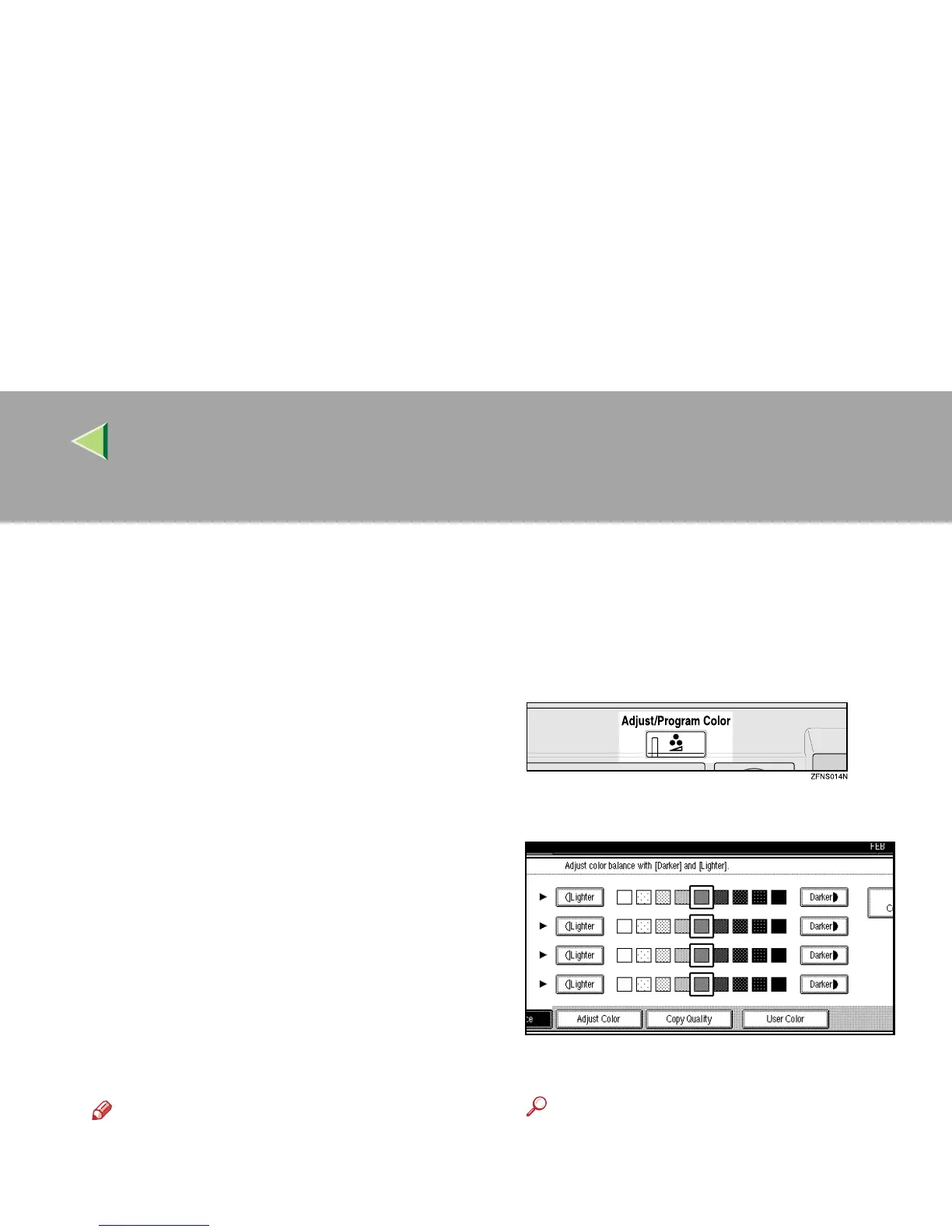
Press the {
{{
{Adjust/Program Color}
}}
} key.
The Adjust/Program Color indicator lights
up.
B
BB
B
Press [
Copy Quality
].
C
CC
C
Adjust the settings.
Reference
⇒ p.86 “Adjusting the Sharp/Soft”
⇒ p.86 “Adjusting the Contrast”
⇒ p.87 “Adjusting the Background Density”
⇒ p.87 “Adjusting the U.C.R.”
⇒
p.88 “Adjusting the Text/Photo Sensitivity”



 To Next Page