Operating InstructionsFacsimile Reference (option) <Advanced Features>
25
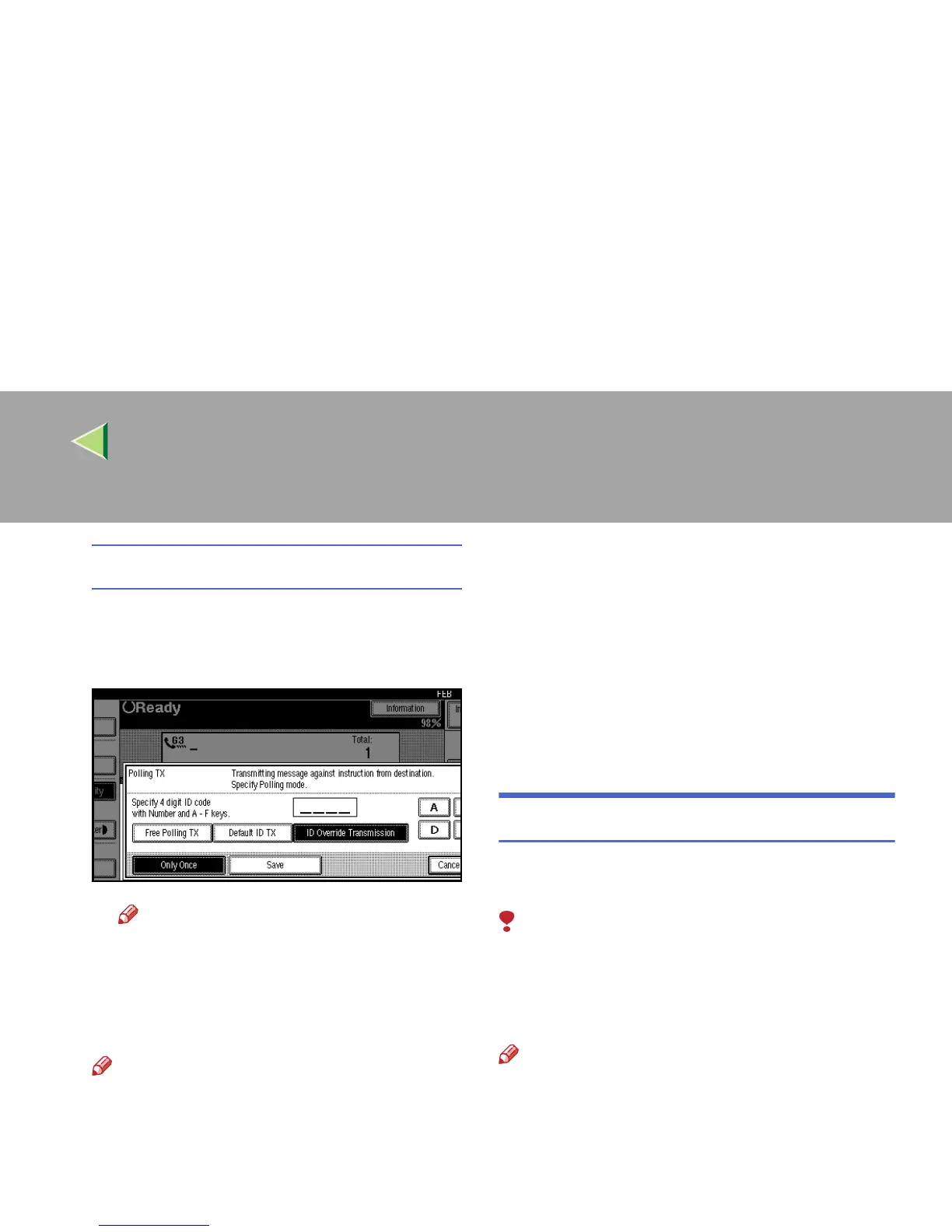
ID Override Transmission
A
AA
A Select [ID Override Transmission].
B
BB
B
Specify a 4 digit ID Code with the number
keys and the
[
A
]
,
[
B
]
,
[
C
]
,
[
D
]
,
[
E
]
and
[
F
]
.
Note
❒ If you make a mistake, press [Clear] or
the {
{{
{Clear/Stop}
}}
} key and try again.
E
EE
E
Press [Only Once] or [Save] to delete or save
the file after transmission.
Note
❒ To delete the original immediately after
transmission, select [Only Once].
❒ To repeatedly send the original, select
[Save].
❒ To cancel the Polling Transmission, press
[Cancel]. The display will return to the
Transmission Mode menu.
F
FF
F
Press [OK].
The Transmission Mode menu is shown.
The [Polling TX] key is highlighted, and the
specified mode is shown above.
G
GG
G
Press [OK].
The initial display is shown.
H
HH
H
Press the {
{{
{Start}
}}
} key.
Polling Transmission Clear Report
This report allows you to verify whether Polling
Transmission has taken place.
Limitation
❒ This report is not printed if the User Parame-
ters are set to allow the stored originals to be
repeatedly sent (Save). ⇒ p.216 “Changing
the User Parameters” (Switch11, Bit7)
Note
❒ You can turn this function on or off with the
User Parameters. ⇒ p.216 “Changing the
User Parameters” (Switch03, Bit6)
❒ You can set whether a portion of the sent im-
age is printed on the report with the User Pa-
rameters. ⇒ p.216 “Changing the User
Parameters” (Switch04, Bit7)



 To Next Page