281
Operating InstructionsFacsimile Reference (option) <Advanced Features>
11. Appendix
Replacing the Stamp Cartridge
The optional Document Feeder (ADF) is required.
When the stamp becomes lighter, replace the car-
tridge.
Note
❒ Use the cartridge specified for this machine.
A
AA
A
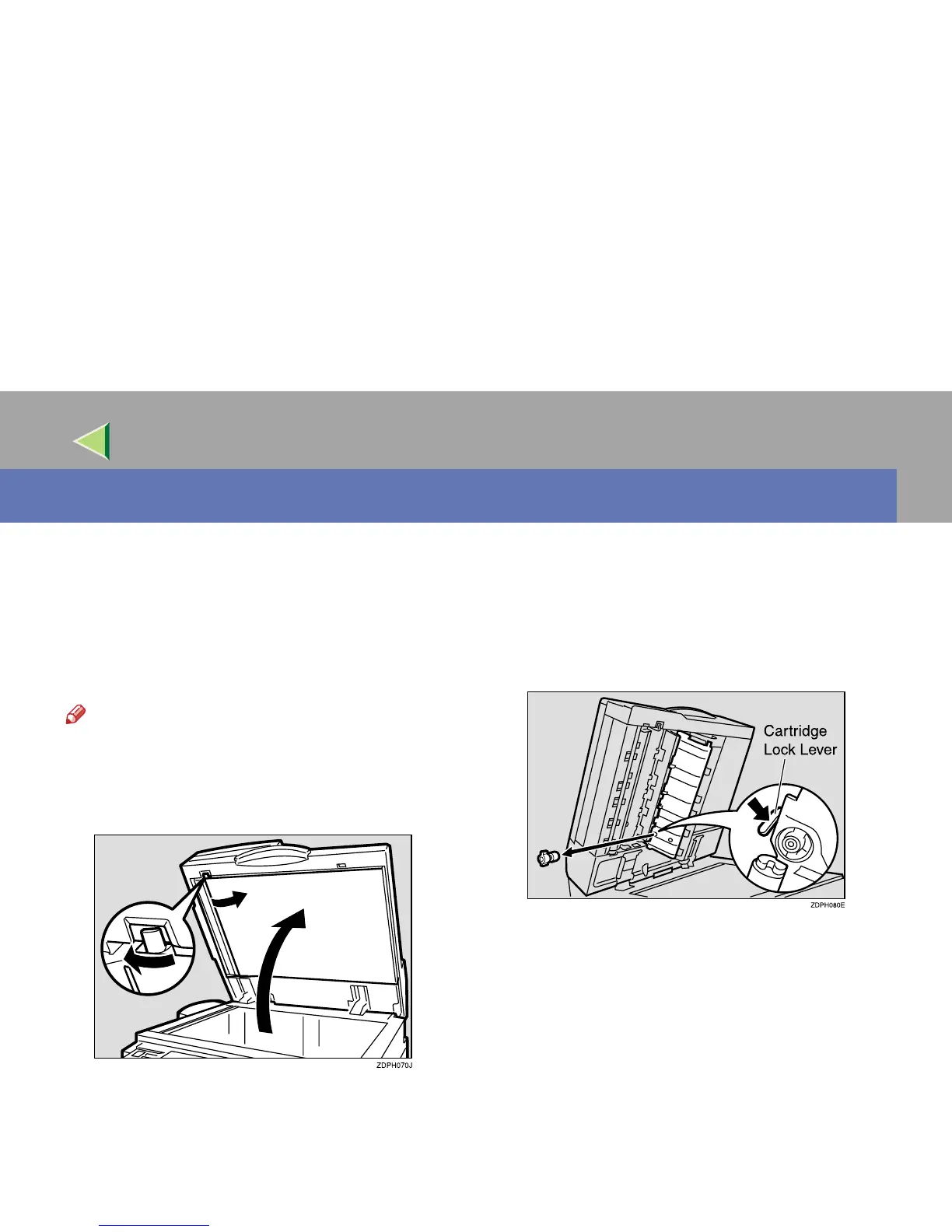
Lift the optional Document Feeder (ADF)
and open the stamp cover.
B
BB
B
Pull out the cartridge.



 To Next Page