Operating Instructions Copy Reference <Advanced Features>
35
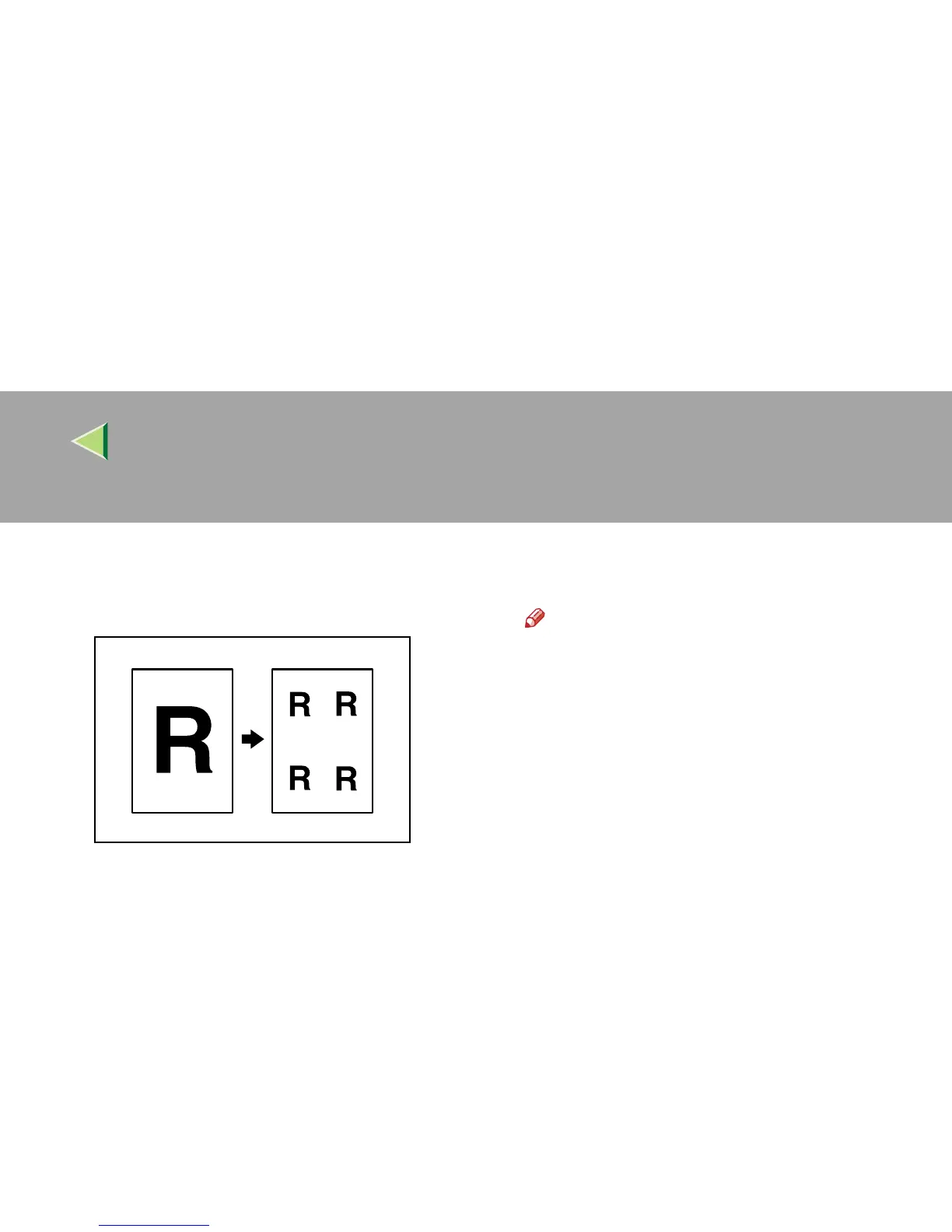
Image Repeat
The original image is copied repeatedly.
The way of specifying Image Repeat is as fol-
lows:
❖
❖❖
❖ Whole Area Repeat
Re-copies the entire image.
❖
❖❖
❖ Specified Area Repeat
Re-copies an image in a specified area. First,
choose the starting point of the area; next
choose the location of the area by specifying
the length and width.
Note
❒ The number of copies, which can be re-
peated on a single sheet of paper, is set
automatically, depending on the size of the
original, the paper size, and the reproduc-
tion ratio.
❒ You can insert separation lines between
repeated images.⇒ p.119 “Image Repeat
Separation Line”
❒ Part of a repeated image might not be cop-
ied depending on copy paper size, copy
paper direction, type of separation lines or
reproduction ratio.



 To Next Page