Auto Reduce/Enlarge
43
1
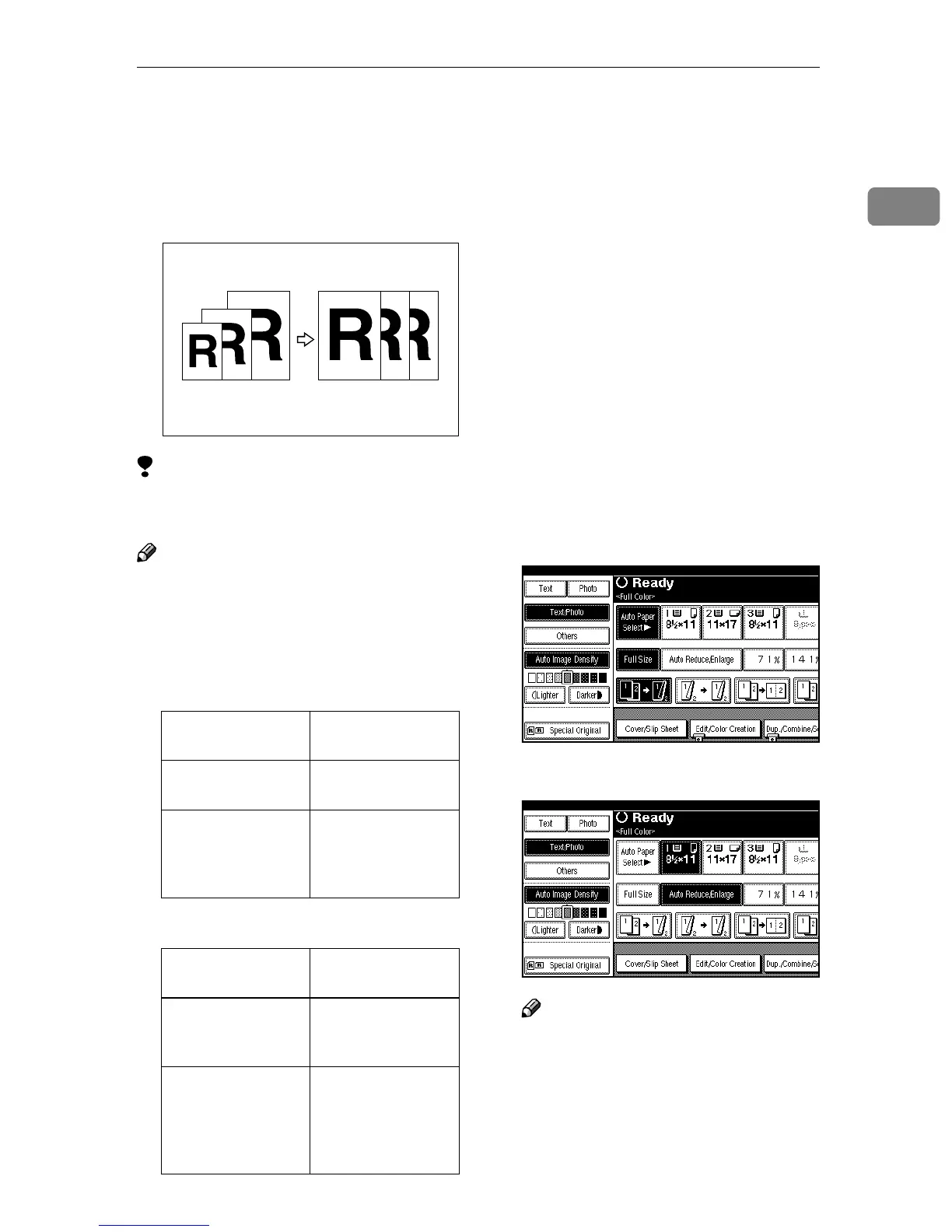
Auto Reduce/Enlarge
The machine can choose an appropri-
ate reproduction ratio based on the
paper and original sizes you select.
Limitation
❒ You cannot use the Bypass Tray
with this function.
Note
❒ When using Auto Reduce/En-
large, see the following table for
the original sizes and directions
you can use:
❖
❖❖
❖ Metric version
❖
❖❖
❖ Inch version
❒ The reproduction ratios the ma-
chine will select are 25 – 400%.
❒ For some originals, the original
size might not be detected correct-
ly. ⇒ "Sizes difficult to detect", Ad-
vanced Features manual
❒ You can also place originals of dif-
ferent sizes in the optional docu-
ment feeder (ADF) at the same
time. ⇒ p.21 “Mixed Size Mode”
❒ You cannot use the Rotated Copy
function when enlarging to B4 or
A3. When enlarging to B4 or A3
size copy paper, place the original
in the L direction.
A
AA
A
Press [Auto Reduce/Enlarge].
B
BB
B
Select the paper tray.
Note
❒ If you do not wish to set any
other functions, press the
{
{{
{Start}
}}
} key to start copying.
Where Original Is
Placed
Original Size and
Direction
Exposure glass A3L, B4L,
A4KL, B5KL
Optional docu-
ment feeder (ADF)
A3L, B4L,
A4KL, B5KL,
A5KL, 8KL,
16KL
Where Original Is
placed
Original Size and
Direction
Exposure glass 11" × 17"L, 8
1
/
2
" ×
14"L, 8
1
/
2
" ×
11"KL, 8" × 13"L
Optional docu-
ment feeder (ADF)
A4K, 11" × 17"L,
10" × 14"L, 8
1
/
2
" ×
14"L, 8
1
/
2
" × 11"
KL, 5
1
/
2
" × 8
1
/
2
"
KL, US EXEL



 To Next Page