Addendum for Printer Client Reference
18
Deleting a Locked Print File
A
AA
A
Press the {
{{
{Printer}
}}
} key.
B
BB
B
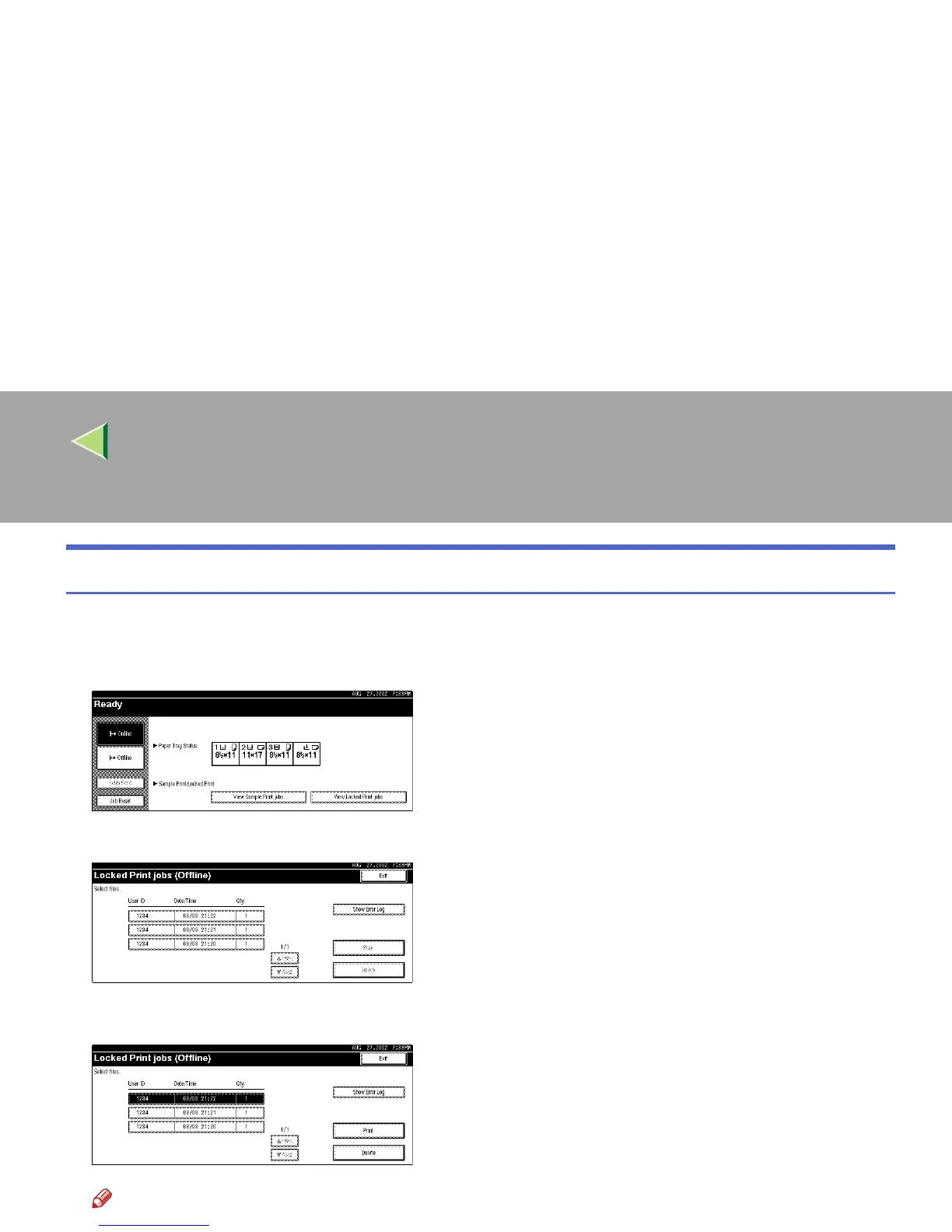
Press [View Locked Print Jobs].
The User ID and the time when the job was stored are displayed.
C
CC
C
Select the document to delete.
Note
❒ Press [U
UU
UPrev.] or [T
TT
TNext] to display any documents not appearing on the display panel.



 To Next Page