Configuring the Network
23
2
Configuring the Network with the Control Panel
This section describes the basic procedures. Please make the appropriate settings
for the network you are using.
Important
❒ These settings should be made by your systems administrator or after con-
sulting with your systems administrator.
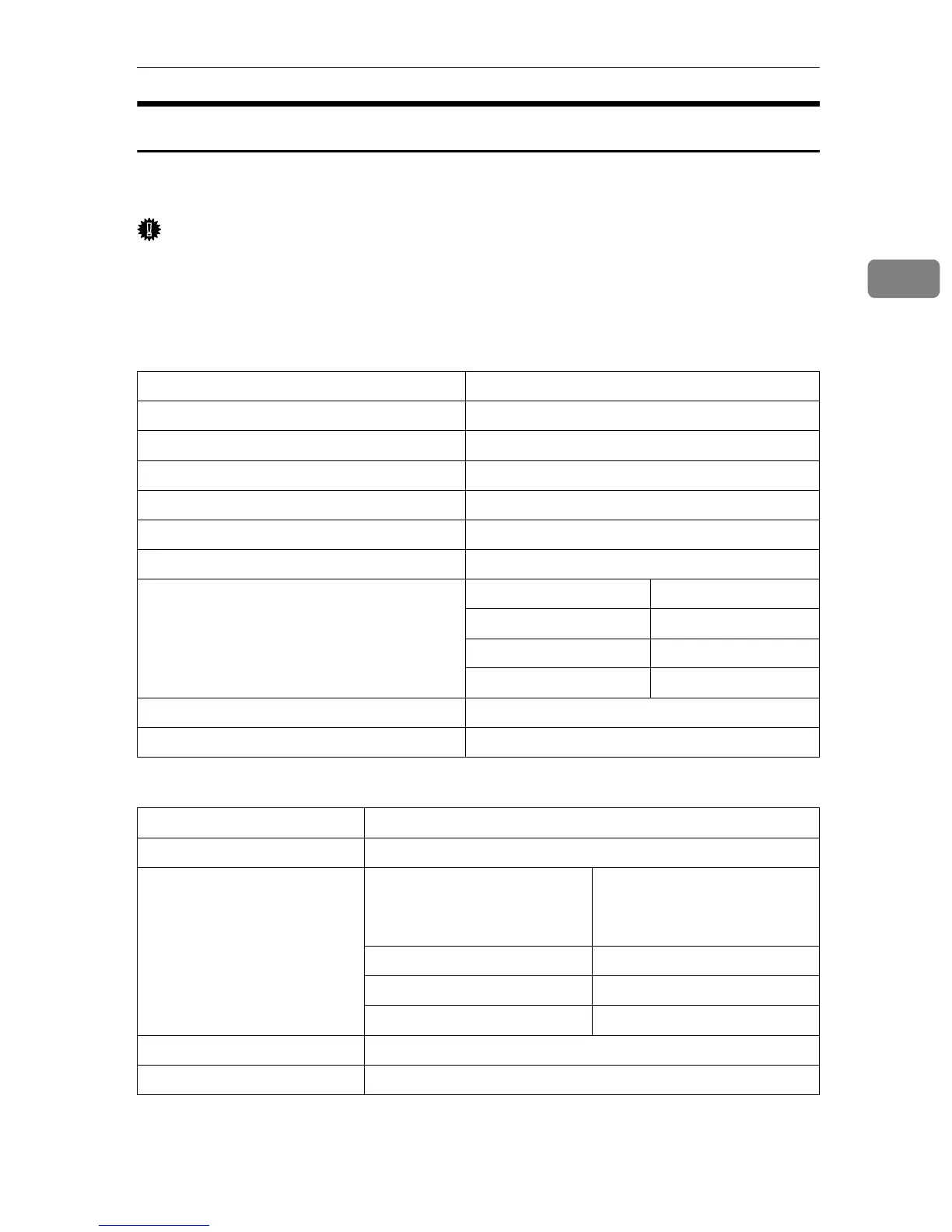
The following table shows the control panel settings and their default settings.
❖
❖❖
❖ Interface Settings/Network
❖
❖❖
❖ File Transfer Settings
Setting Name Value
IP Address 011.022.033.044
Subnet Mask 000.000.000.000
Gateway Address 000.000.000.000
Access Control 000.000.000.000
Access Mask 000.000.000.000
Network Boot None
Effective Protocol TCP/IP Effective
NetWare Effective
NetBEUI Effective
AppleTalk Effective
NW Frame Type Auto select
Ethernet Speed Auto Select
Setting Name Value
Delivery Server IP Address 000.000.000.000
Fax RX File Transmission Setting per Line • Port 1: Do not Deliver.
• Port 2: Do not Deliver.
• Port 3: Do not Deliver.
Print at Delivery No
Files to Deliver All Files
Delivery Failure File —
Recall Interval Time 300 seconds
Number of Recalls No



 To Next Page