Operating Instructions Copy Reference <Advanced Features>
29
C
CC
C
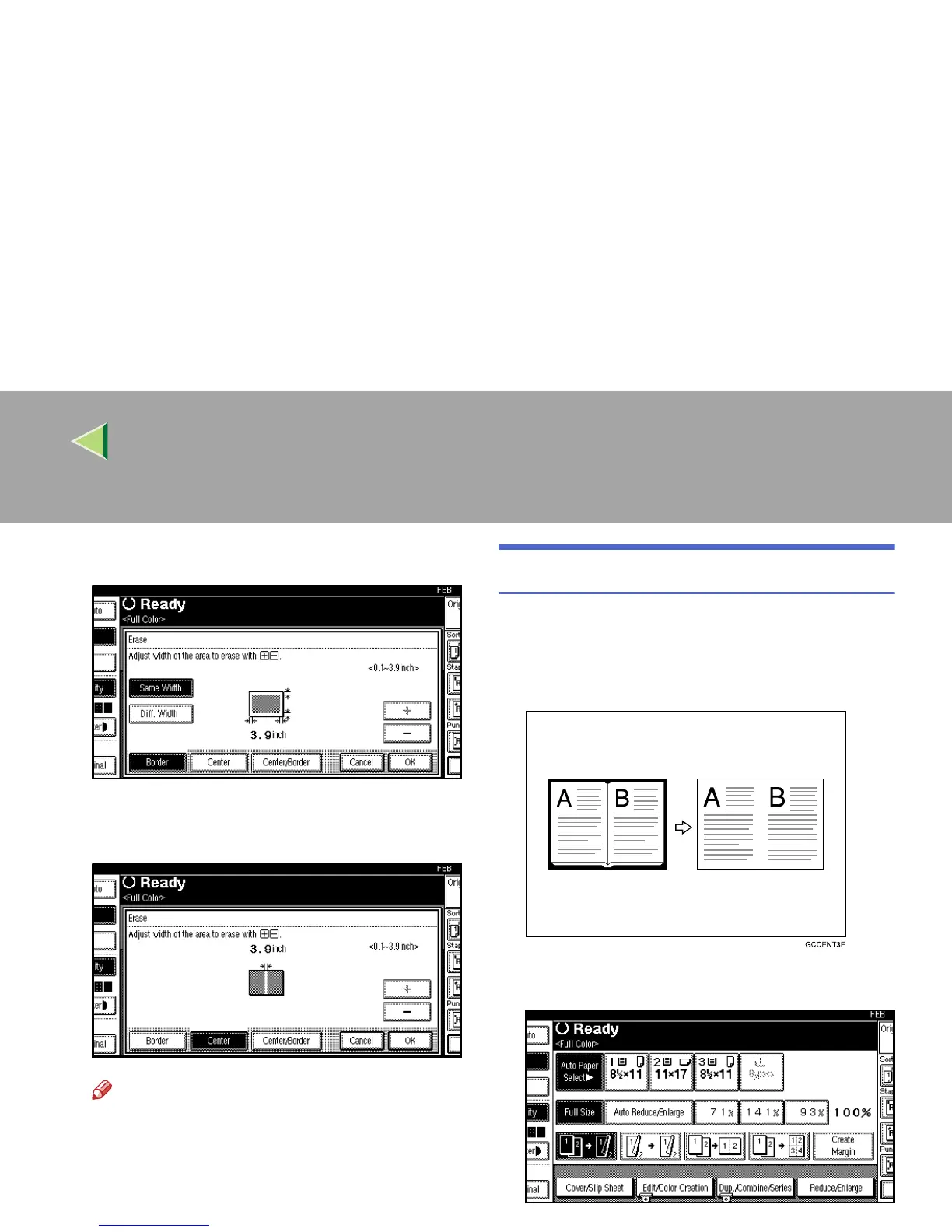
Press [
Center
].
D
DD
D
Specify the erase center width with [n
nn
n]
and [o
oo
o], and then press [OK].
Note
❒ To change the width entered, press [n
nn
n]
and [o
oo
o], and then enter the new width.
E
EE
E
Press [OK].
F
FF
F
Place your originals, and then press the
{
{{
{Start}
}}
} key.
Center/Border Erase
This mode erases both the center and edge mar-
gins. You can set the same margin width for all
four sides and the center, or you can set different
margin widths for each.
A
AA
A
Press [
Edit/Color Creation
].



 To Next Page