Operating Instructions Administrator Reference 2
71
Scanning Originals
You can scan the originals you want to save in
the Document Server using the control panel of
the machine. The originals can be either on the
exposure glass or in the document feeder.
The saved documents will automatically be
named in the order of scanning as “COPY0001”,
“COPY0002”….
Reference
Storing documents using other than Document
Server, see the manuals for each function.
Note
❒ You can set whether to automatically delete
documents stored in the Document Server af-
ter a set number of days. The factory default
is set to delete after one day. To change the
setting, see p.122 “Key Operator Tools”.
❒ You can change the file names that are as-
signed automatically.
❒ You can use a password to prevent others
from printing saved documents.
❒ After storing a file, you may not be able to
change the file name or User Name of the file
for a while.
❒ When you scan color documents during color
printing, the indicator may not blink for a while
even though the Scanner has started.
Scanning in Document Server
Mode
A
AA
A
Press the {
{{
{Document Server}
}}
} key.
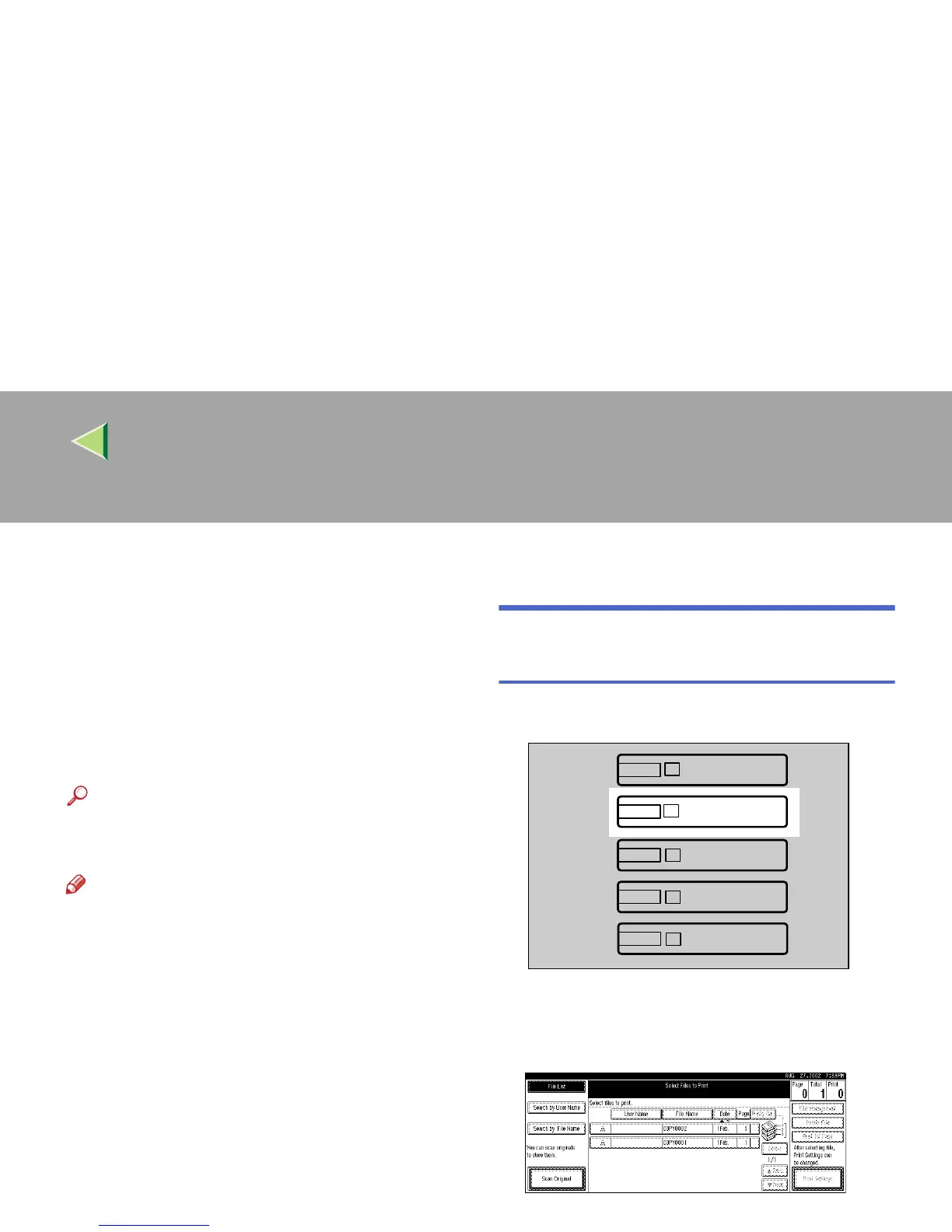
The “Select Files to Print” display appears.
B
BB
B
Press [Scan Original].
Facsimile
Copy
Document Server
Printer
Scanner
ZFEH101N



 To Next Page