Operating Instructions Copy Reference <Advanced Features>
49
Slip Sheets
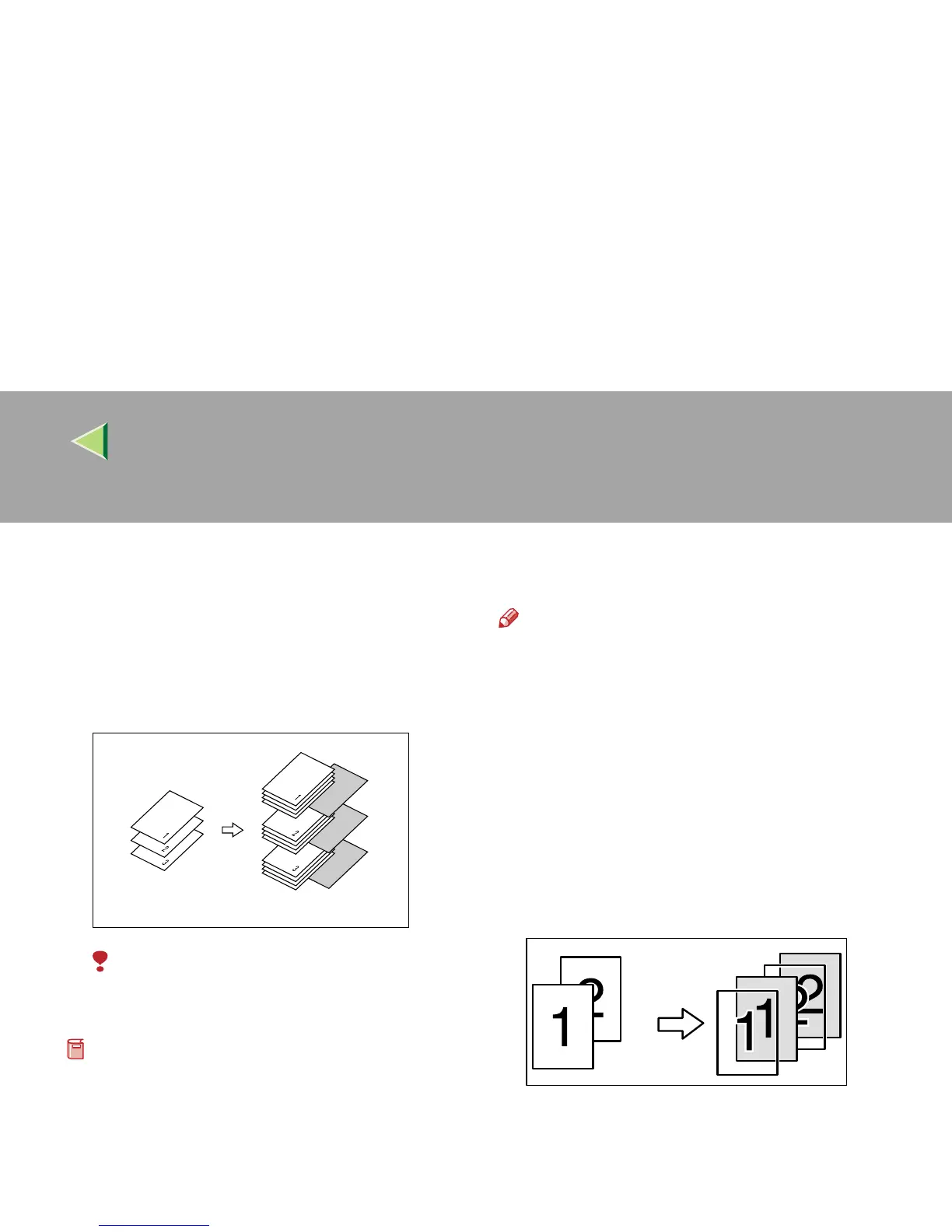
Every time the originals' page changes, a slip
sheet is inserted. This function can be used to in-
sert a slip sheet automatically between each OHP
transparency copied or used as a Stack function.
You can also copy onto the inserted slip sheets.
Limitation
• You cannot specify the Bypass Tray as the
paper tray for the slip sheets.
Preparation
Before selecting this function, specify the pa-
per tray for slip sheets.
⇒
“Slip Sheet Tray (for
Copy/Document Server function only)”, Admin-
istrator Reference 2 Copier System Edition
The default setting of inch version is “1 Sided
→ 2 Sided”. When copying with the Slip
Sheets function, set “1 Sided → 1 Sided” in
“Dup./Combine/Series”.
Note
❒ The paper tray specified for “Slip Sheet” is
used in this function.
❒ Set the slip sheets in the same orientation as
originals.
❒ You can specify whether to copy onto the in-
serted slip sheets or not.
❒ If you do not copy onto slip sheets, they are
excluded from the number of copies counted.
❖
❖❖
❖ When inserting slip sheets between OHP
transparencies
• Copy



 To Next Page