Operating Instructions Copy Reference <Advanced Features>
48
C
CC
C
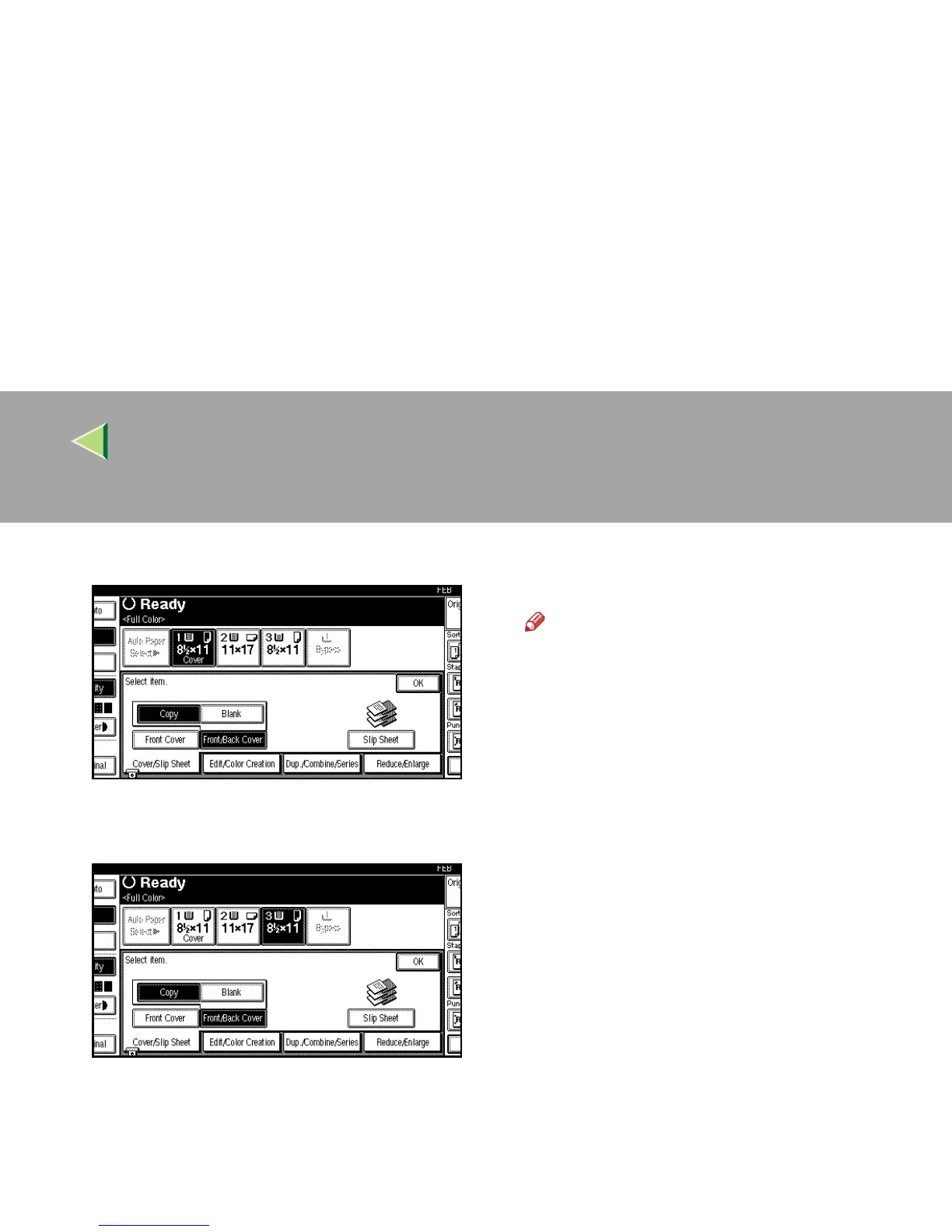
Select [
Copy
] or [
Blank
] for the cover sheets.
D
DD
D
Select the paper tray containing the non-
cover sheet paper.
E
EE
E
Place your originals, and then press the
{
{{
{Start}
}}
} key.
Note
❒ Press the {
{{
{#}
}}
} key after the last original has
been scanned, when placing originals on
the exposure glass.



 To Next Page