Operating InstructionsFacsimile Reference (option) <Advanced Features>
110
G
GG
G
Press [OK].
Note
❒ To add an original to the stored docu-
ments, place the original, and then select
any scan settings you require.
H
HH
H
Press [OK].
I
II
I
Dial, and then press the {
{{
{Start}
}}
} key.
Printing Stored Documents
Use this feature to print the documents stored in
the Document Server.
Note
❒ Only the documents that are stored using the
fax feature can be printed. Documents stored
using the fax feature are shown with an “F” in
front.
❒ You can also print the first page only to check
the content of the original.
❒ You can specify and print multiple documents.
❒ When specifying and printing multiple docu-
ments, page numbers are put on all the files.
You can specify whether to put page numbers
on your files in “User Parameters”.⇒ p.216
“Changing the User Parameters”
(Switch18,Bit3)
A
AA
A
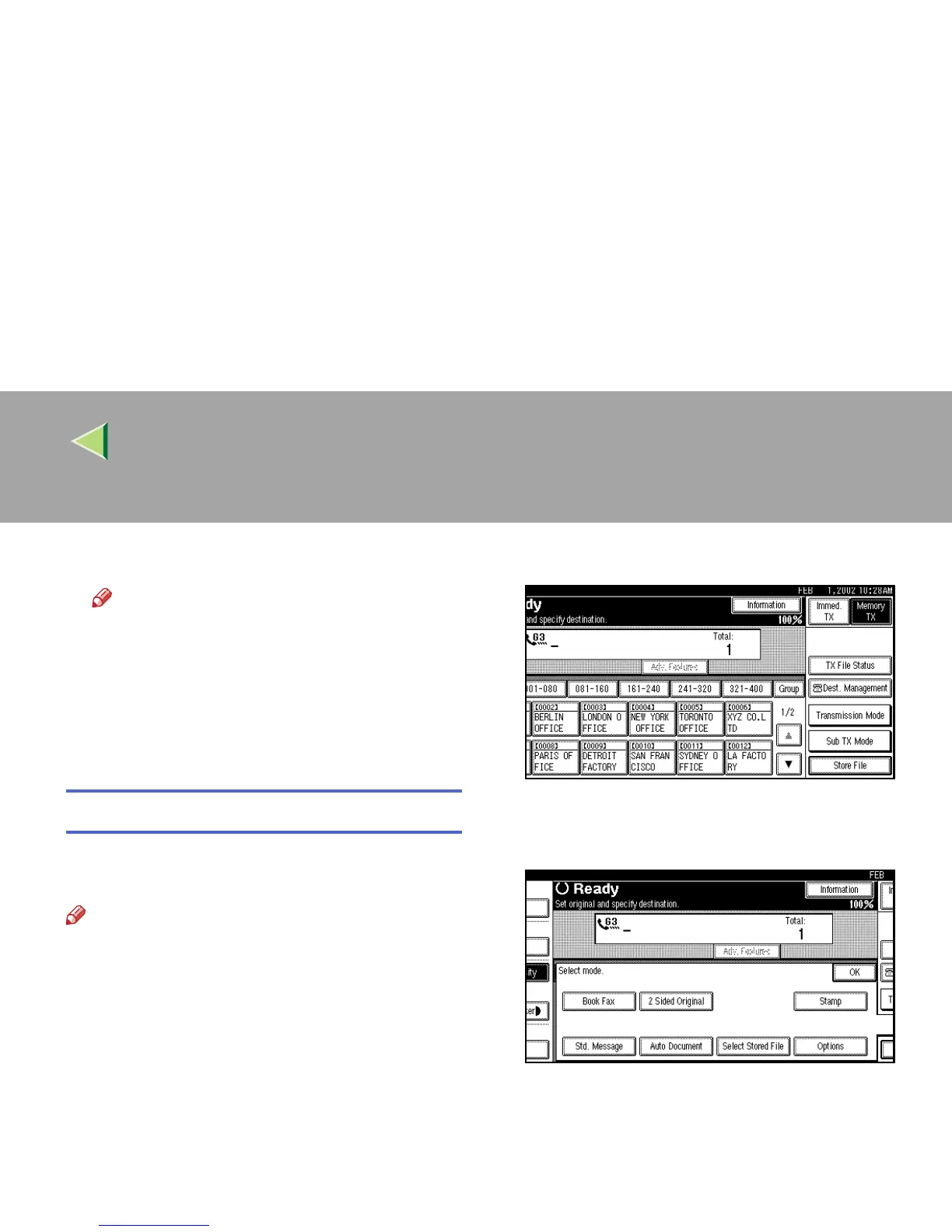
Press [Sub TX Mode].
The Sub Transmission Mode menu is shown.
B
BB
B
Select [Select Stored File].



 To Next Page