Operating InstructionsFacsimile Reference (option) <Advanced Features>
111
C
CC
C
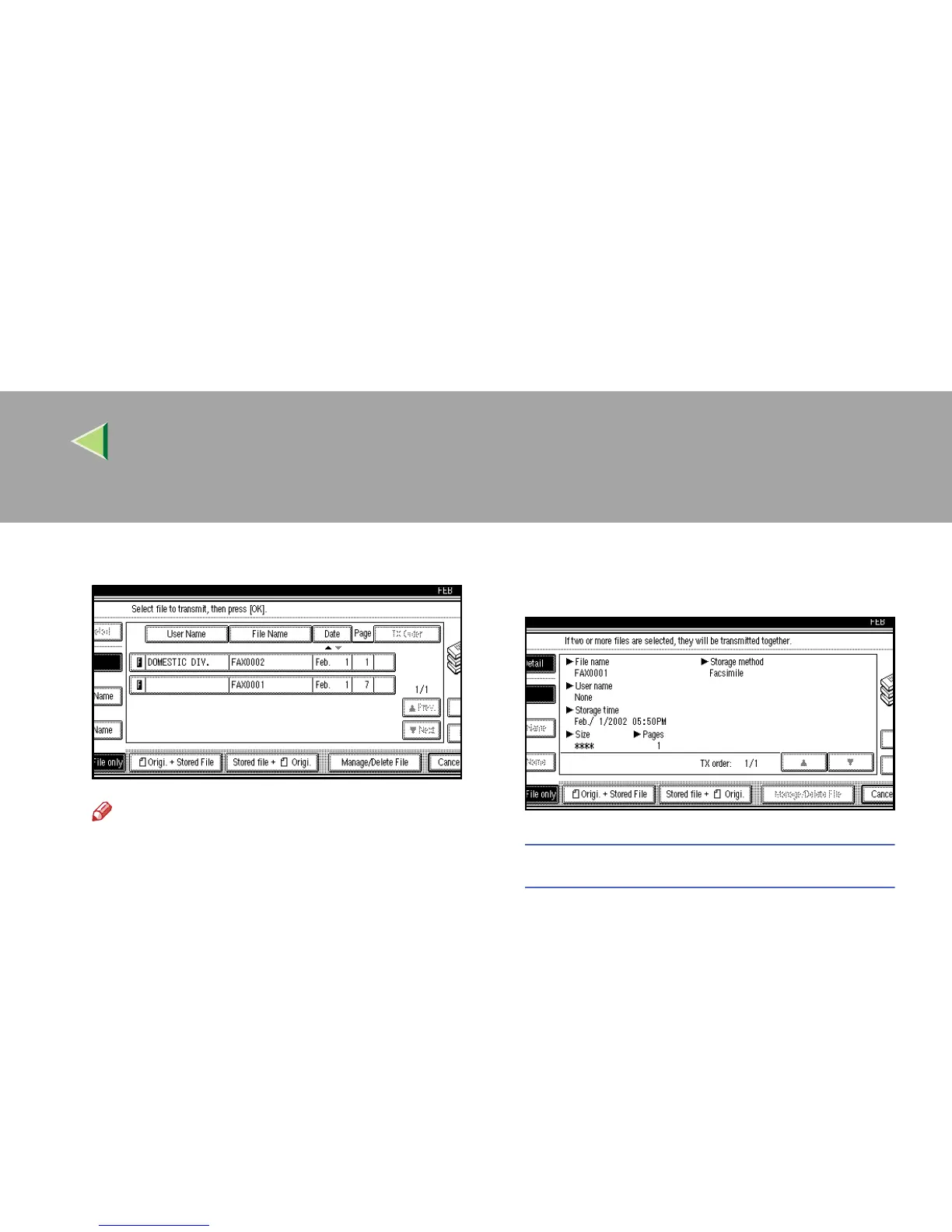
Select the document to be printed.
Note
❒ If you cannot find the document you want
to print, press [U
UU
U Prev.
] or [T
TT
T Next
].
❒ Press [
File Name
] to place the documents in
alphabetical order.
❒ Press [
User Name
] to place the documents
in order by the programmed User Name.
❒ Press [
Date
] to place the documents in or-
der by the programmed date.
❒ To see details of the selected document,
press [Detail]. To return to the standby
menu, press [
File List
].
Selecting a Document from “File List”
A
AA
A Press [U
UU
U Prev.] or [T
TT
T Next] to display the
document to be sent.
B
BB
B Select the file name.



 To Next Page