Sort/Stack/Staple
47
1
When placing a stack of originals
in the optional document feeder
(ADF)
A Place a stack of originals in the
optional document feeder
(ADF), and then press the
{
{{
{Start}
}}
} key.
Note
❒ The last page should be on
the bottom.
❒ If an original is misfed dur-
ing sorted copying, reset
your originals in the optional
document feeder (ADF) ac-
cording to the instructions on
the display. The display will
indicate the number of
scanned originals.
When placing an original on the
exposure glass or in the optional
document feeder (ADF) using
Batch mode
A Place the original, and then
press the {
{{
{Start}
}}
} key.
Note
❒ Start with the first page to be
copied.
B Place the next original, and
then press the {
{{
{Start}
}}
} key.
Note
❒ Place the original in the same
direction as the first one.
C After all originals are scanned,
press the {
{{
{#}
}}
} key.
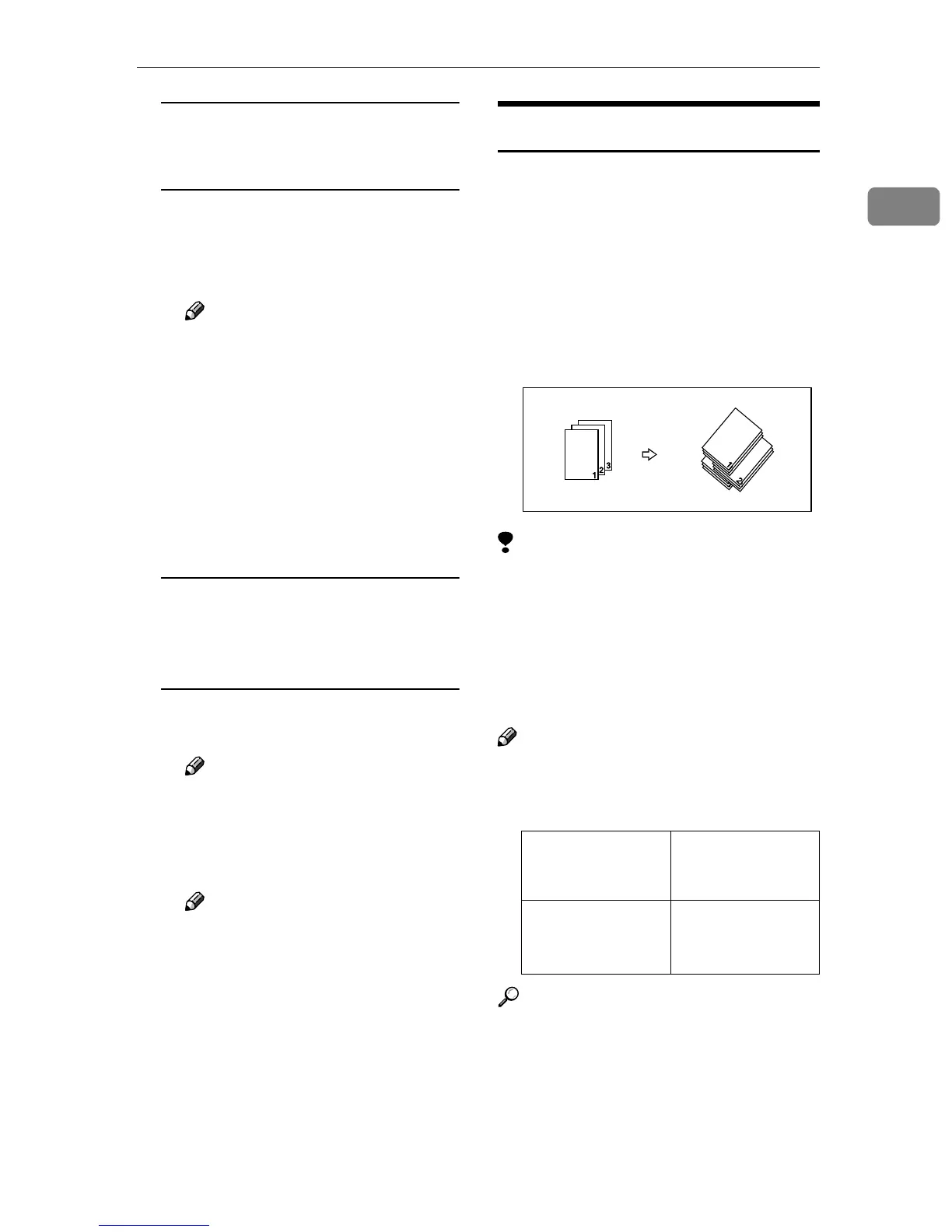
Stack
The optional 2 Tray Finisher is required.
Copies can be put together with each
page placed. This function groups to-
gether copies of each page in a multi-
page original. Every other page stack
is shifted for ease of separation. The
shift tray of the optional 2 Tray Fin-
isher provides this function by sliding
from side to side.
Limitation
❒ You cannot use the Bypass Tray
with this function.
❒ You cannot use the following pa-
per with this function:
• OHP transparencies
• Thick paper
Note
❒ The paper sizes that can be used
with the Stack function are as fol-
lows:
Reference
For the maximum tray capacity of
the optional 2 Tray Finisher. ⇒
“Options”, Administrator Refer-
ence 2 Copier System Edition
Metric version A3L, B4L,
A4KL, B5KL,
A5K
Inch version
11" × 17"L, 8
1
/
2
" ×
14"L, 8
1
/
2
" ×
11"KL



 To Next Page