Basic Copying
46
1
❖
❖❖
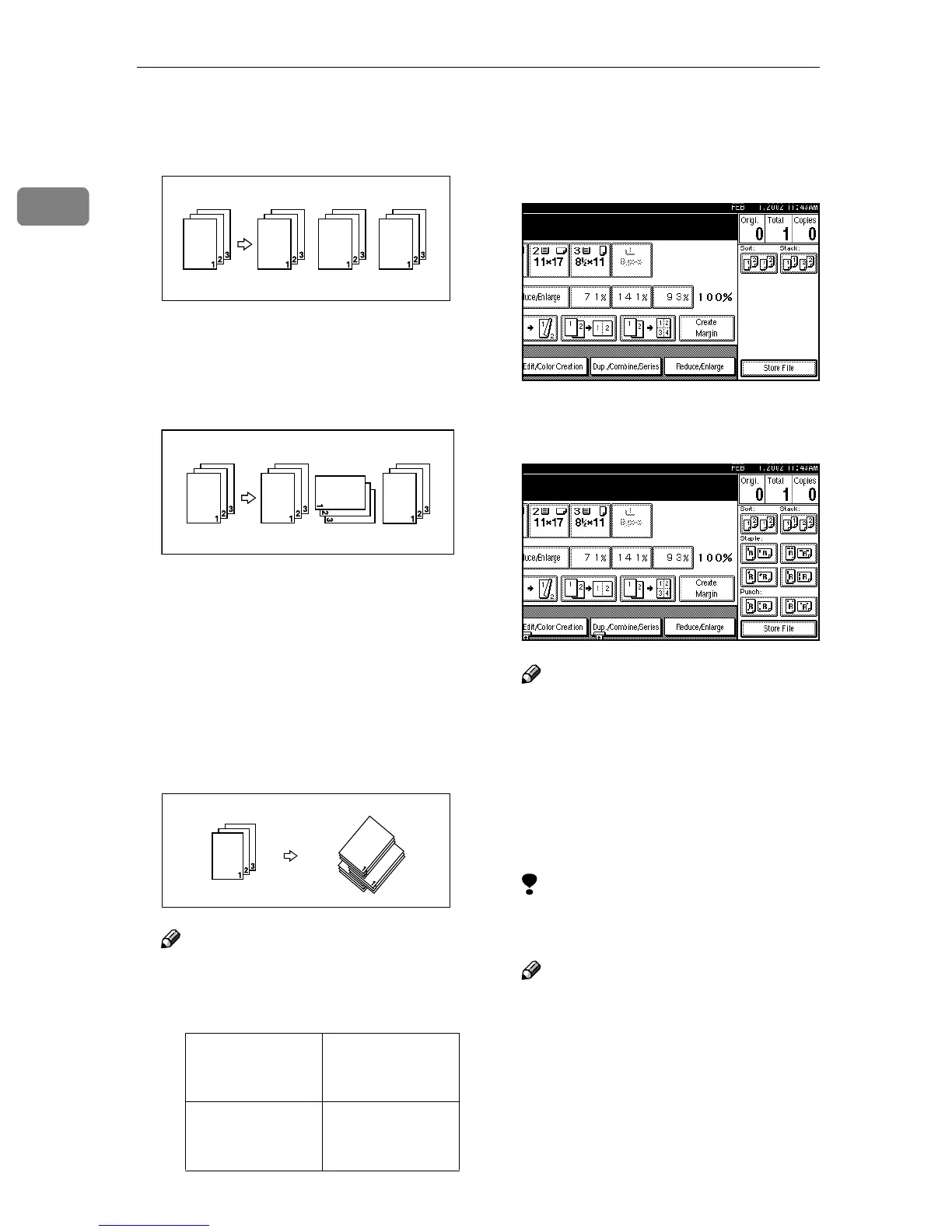
❖ Sort
Copies are assembled as sets in se-
quential order.
❖
❖❖
❖ Rotate Sort
Every other copy set is rotated by
90°KL and delivered to the copy
tray.
❖
❖❖
❖ Shift Sort
The optional 2 Tray Finisher is re-
quired.
The shift tray moves backward or
forward each time the copies of
one set or those of each job are de-
livered, causing the next copy to
shift when delivered so that you
can differentiate each set or job.
Note
❒ The paper sizes that can be used
in the Shift Sort function are as
follows.
A
AA
A
Press [Sort] or [Rotate Sort].
❖
❖❖
❖ When the optional 2 Tray Finisher
is not installed
❖
❖❖
❖ When the optional 2 Tray Finisher
is installed
Note
❒ When the optional 2 Tray Fin-
isher is installed, use the User
Tools to display [Rotate Sort]. ⇒
“Select Stack Function”, Ad-
vanced Features manual
B
BB
B
Enter the number of copy sets
with the number keys.
Limitation
❒ The maximum number of sets is
99.
Note
❒ To change the entered number,
press the {
{{
{Clear/Stop}
}}
} key.
C
CC
C
Place your originals, and then
press the {
{{
{Start}
}}
} key.
Metric version A3L, B4L,
A4KL, B5KL,
A5K
Inch version 11" × 17"L, 8
1
/
2
"
× 14"L, 8
1
/
2
" ×
11"KL



 To Next Page