53
3. Appendix
Removing Misfed Paper in the Duplex
Feed Unit
You can remove misfed paper from
the Duplex Feed Unit following the
procedure below.
Note
❒ When a paper misfeed occurs in
the Duplex Feed Unit, the printer
usually sends the misfed paper to
the right cover and there is no need
to execute the following proce-
dure. See "When “Remove Misfeed
A:Internal Path” Appears" in Main-
tenance Guide 2.
Important
❒ Be sure to remove misfed paper
following the procedure below
only when "Paper in duplex unit.
Open cover and remove paper."
appears on the panel display.
A
AA
A
Turn off the power switch, and
then unplug the power cable.
B
BB
B
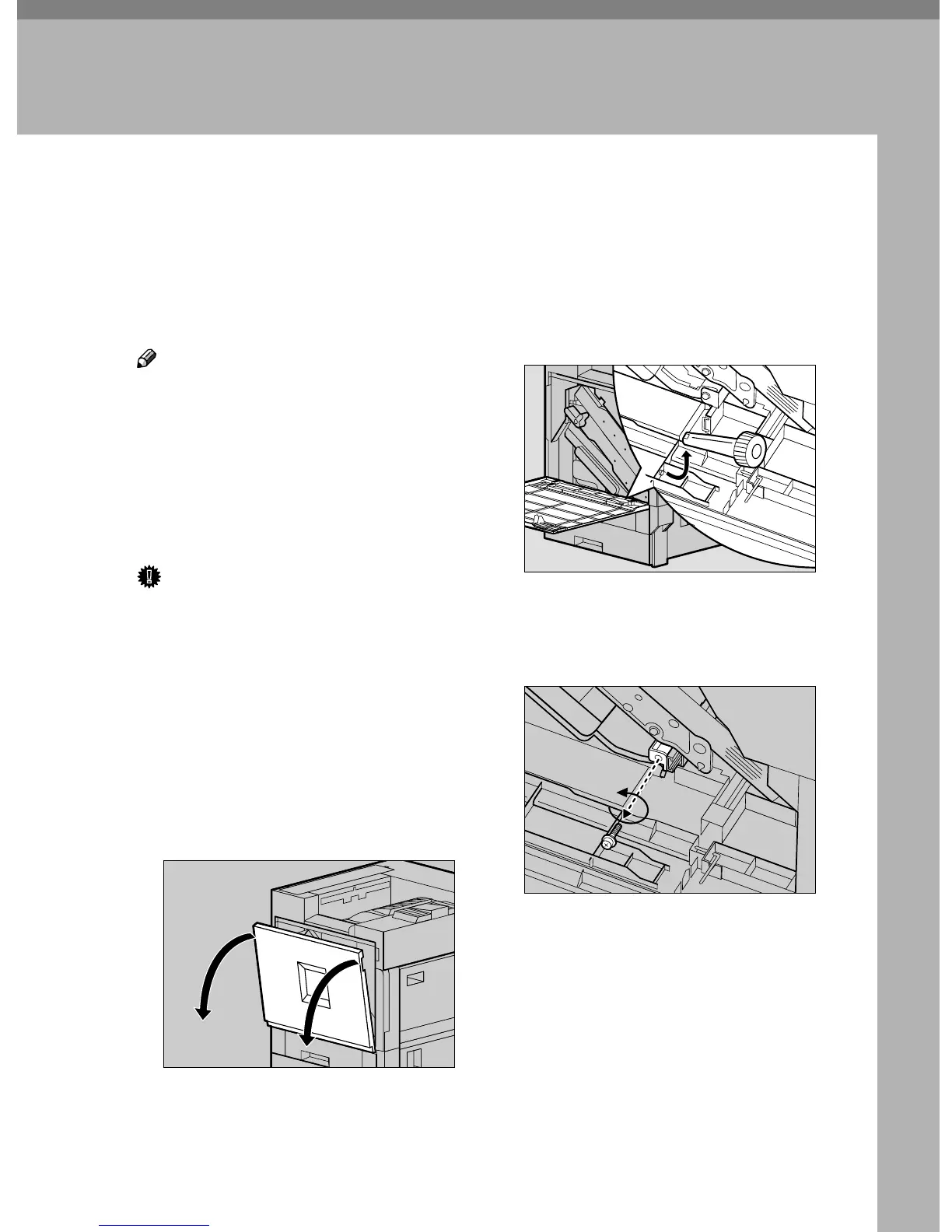
Open the front cover slowly by
pulling down from the two areas
on the left and right.
C
CC
C
Take out the green screwdriver.
Use this screwdriver to attach and
detach all screws.
D
DD
D
Remove the screw that fastens the
Duplex Feed Unit using the pro-
vided screwdriver.
You will use this screw to refasten
the Duplex Feed Unit later.
ZDJH007J
ZDJH013J
ZDJP221J



 To Next Page