Operating InstructionsFacsimile Reference (option) <Advanced Features>
171
❒ You can switch the display by pressing [U
UU
U
Prev.] or [T
TT
T Next].
❒ The selected item is highlighted.
❒ When you specify all the settings, press [
OK
].
If [
OK
] is not pressed, the settings you made
might be canceled.
❒ Press [
Cancel
] to cancel specified settings.
The previous display is shown.
-
--
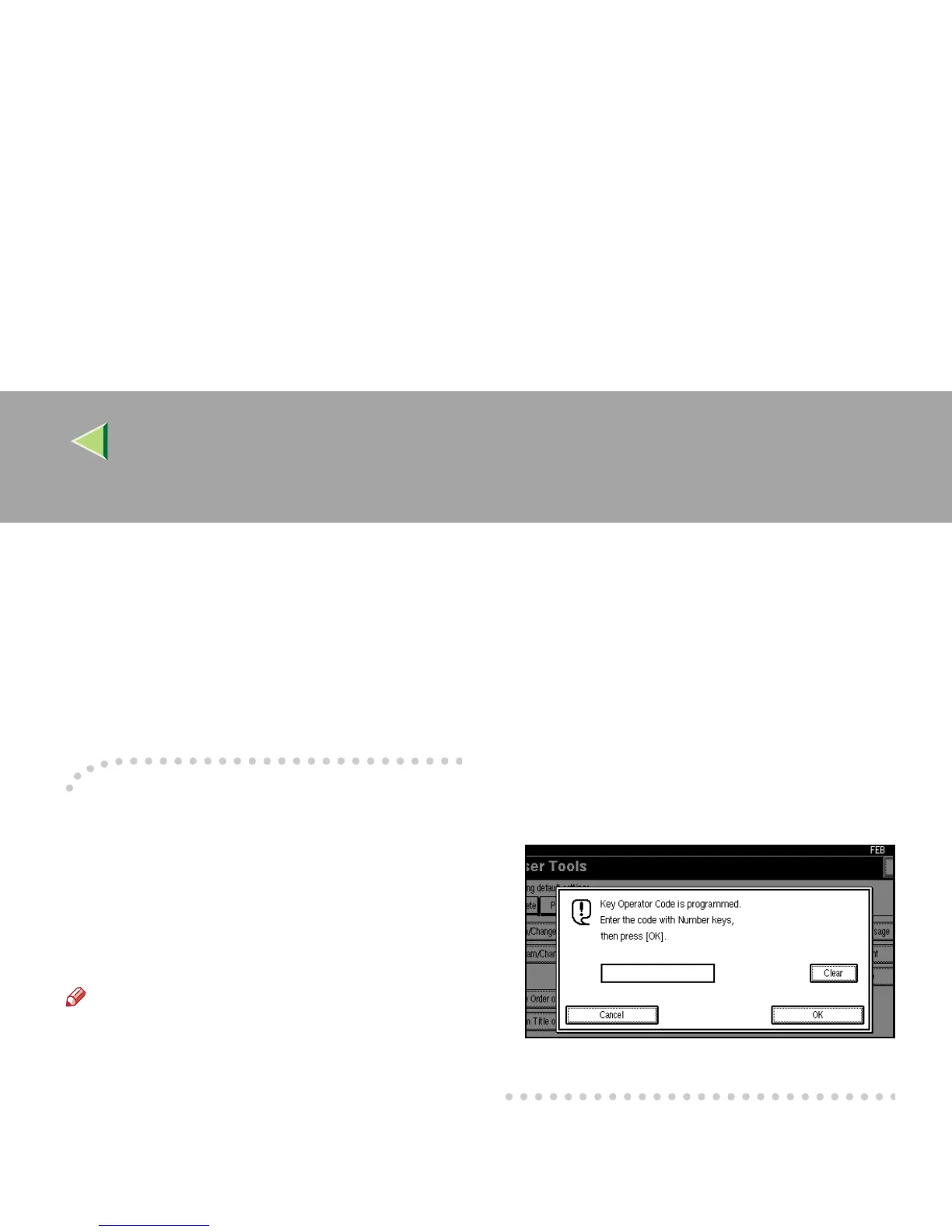
-Key Operator Code
When Key Operator Code is programmed and
turned on, users have to enter a programmed Key
Operator Code (maximum 8 digits) to operate the
User Tools and Key Operator Tools. This pre-
vents unauthorized people from changing regis-
trations.
Note
❒ You can turn the Key Operator Code on or off
in the “System Settings”.
❒ When you set the Key Operator Code active,
enter a code (maximum 8 digits) with the
number keys and select [Partial] or [All Initial
Settings] to limit access.
• When [Partial] is selected:
Only the Key Operator Tools are protected
with a Key Operator Code.
• When [All Initial Settings] is selected:
The Key Operator Tools and User Tools
are protected with a Key Operator Code.
A
Press the {
{{
{User Tools/Counter}
}}
} key.
If you have selected [
All Initial Settings
],
go to step C.
B
Select [
Key Operator Code
].
C
Press [
Facsimile Features
].
D
Enter a maximum 8 digit Key Operator
Code with the number keys.
E
Press [OK].



 To Next Page