Operating Instructions Scanner Reference
86
B
BB
B
Specify file information.
Specifying a user name
A
AA
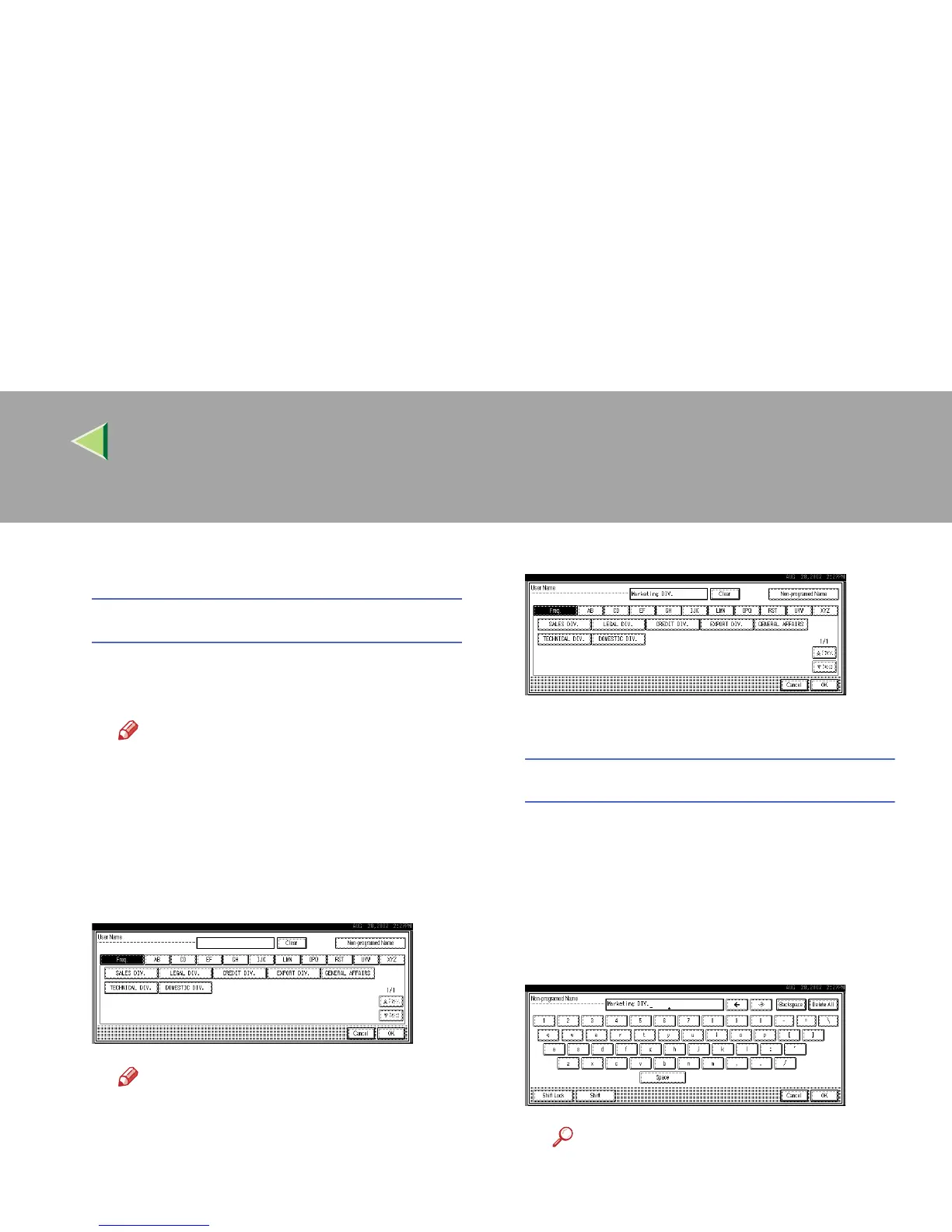
A Press [User Name].
The User Name Selection screen appears.
Note
❒ If no user name is programmed in Sys-
tem Settings under the Administrator
tab, the User Name Selection screen
does not appear. Instead, the Non-pro-
grammed Name Entry screen appears.
Enter the user name.
B
BB
B Select the desired user name.
Note
❒ The user names shown here are
names that were programmed in Sys-
tem Settings under the Administrator
tab. To enter a name not shown here,
press [
Non-programmed Name
], and then
enter the user name.
C
CC
C Press [OK].
The user name is set.
Specifying a file name
Scanned data files are automatically named
SCAN0001, SCAN0002, etc. If desired, you
can change the file name.
A
AA
A Press [File Name].
The File Name Entry screen appears.
B
BB
B Enter the desired file name.
Reference
❒ For information about how to enter
characters, see the Facsimile Refer-
ence <Basic Features>.



 To Next Page