Operating Instructions Scanner Reference
88
Viewing a List of Stored Files
From the displayed list of stored files, you can de-
lete the files stored in the Document Server or
change the file information. To show the displayed
list of stored files, perform the following steps.
A
AA
A
Press the {
{{
{Scanner}
}}
} key.
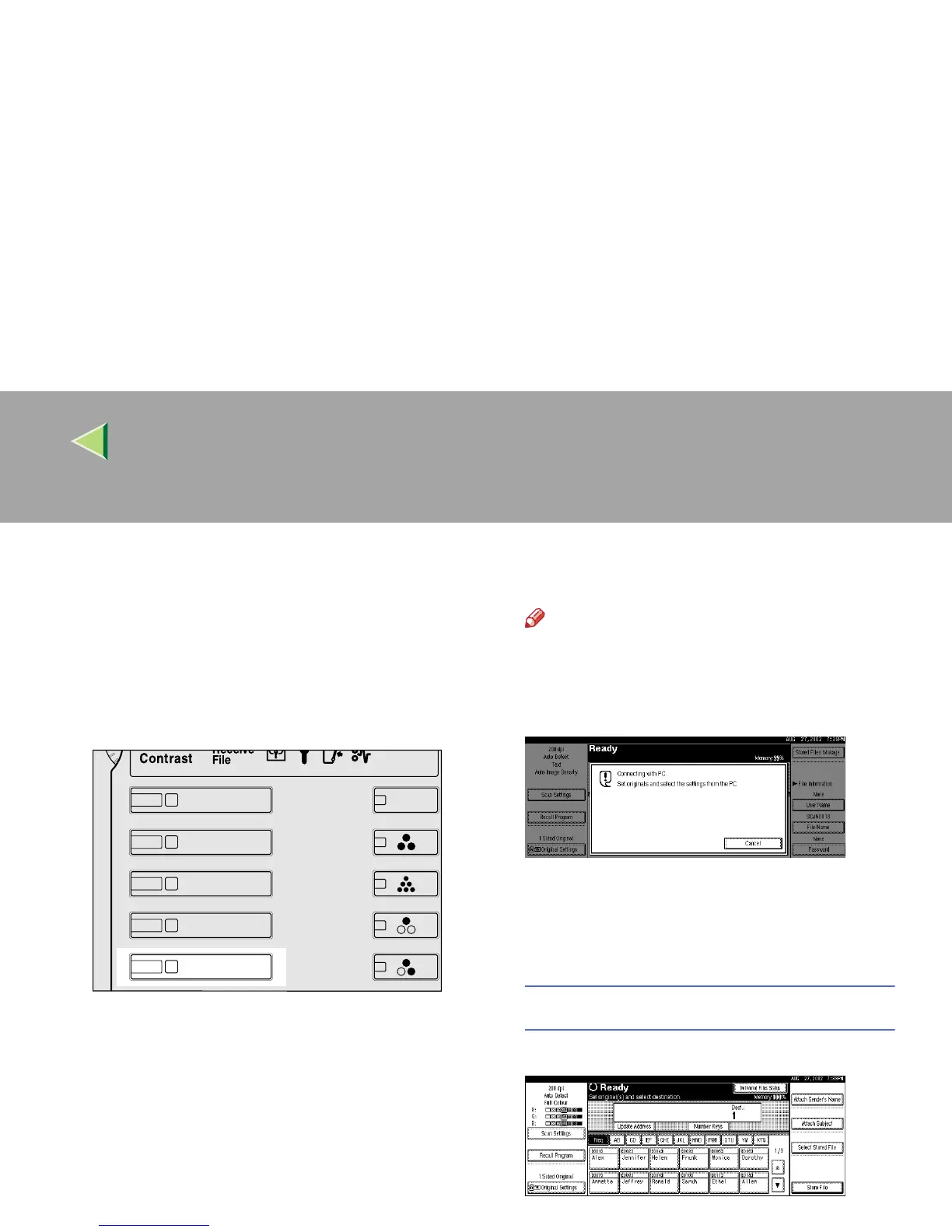
The Scanner Function screen appears.
Note
❒
If the network TWAIN scanner screen is dis-
played, press
[
Cancel
]
. This screen is displayed
if "Function Priority" in the Scanner Initial Setup
is set to network TWAIN scanner mode.
B
BB
B
The displayed list of stored files appears.
The subsequent operation steps depend on
whether the network delivery scanner is used.
When using the network delivery scanner
A
AA
A Press [Select Stored File].
B
BB
B Press [Manage/Delete File].



 To Next Page