Adjusting the Color Calibration
47
2
Verifying the Test Pattern Sheet
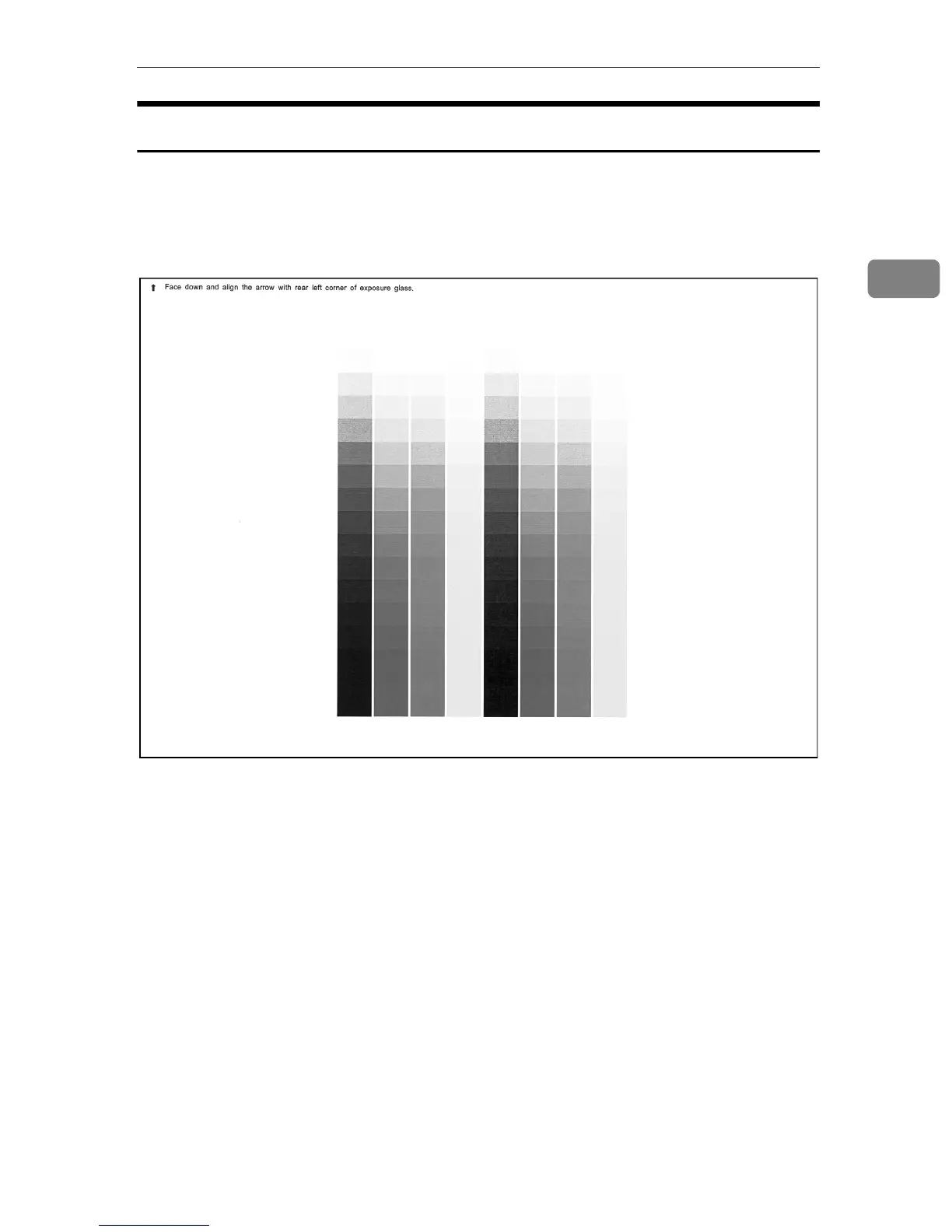
This is the test pattern sheet that is printed out when carrying out Auto Color
Calibration. Place the printed arrow of the sheet at the left corner of the exposure
glass and scan the sheet to automatically start color calibration.
❖
❖❖
❖ Test Pattern Sheet for Copy Mode



 To Next Page