Operating InstructionsFacsimile Reference (option) <Advanced Features>
139
Printing Options
Print Completion Beep
When this function is turned on, the machine
beeps to let you know when a received message
has been printed.
Note
❒ You can alter the volume of the beep or turn it
off completely (set the volume to the minimum
level). ⇒ Chapter 4, “Adjusting Volume” in the
Basic Features manual
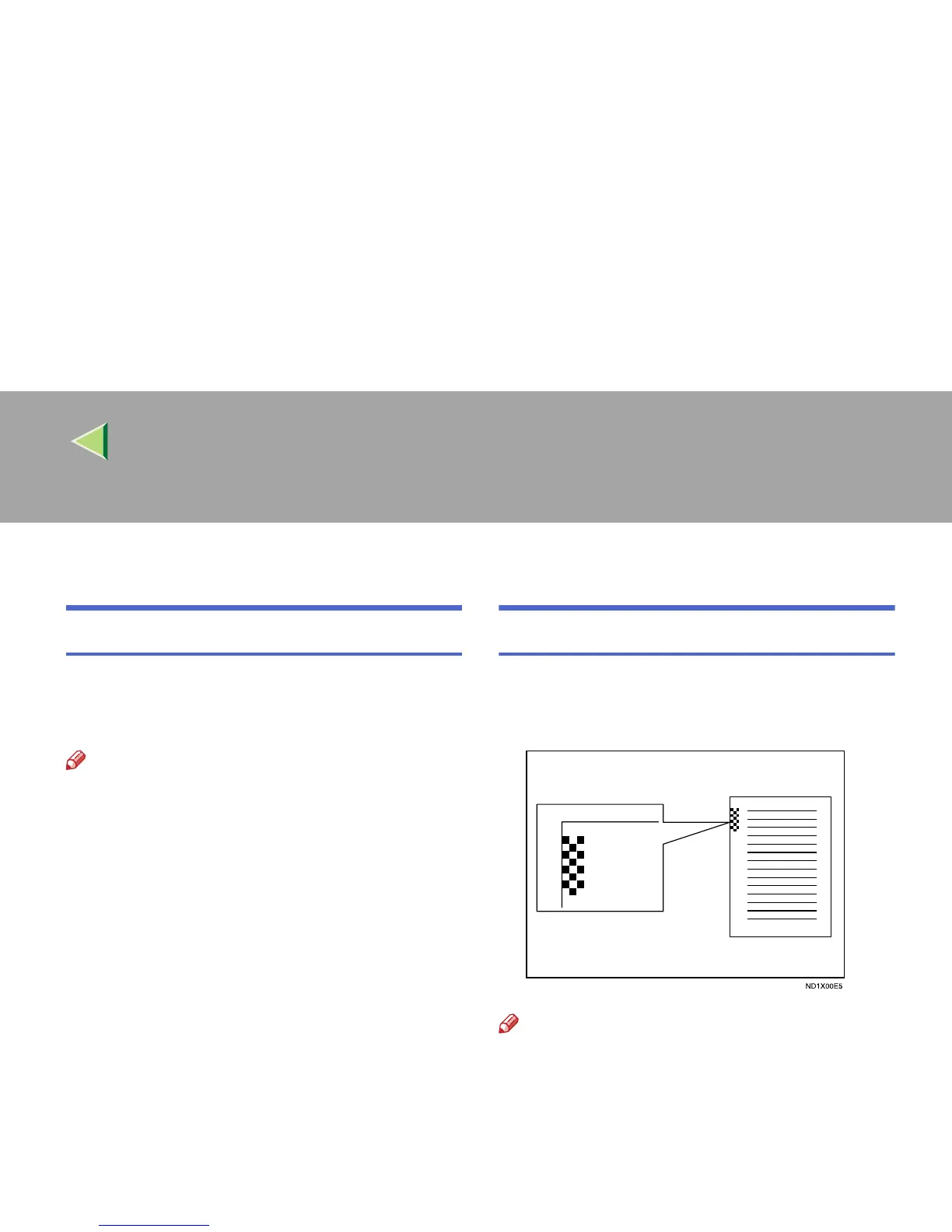
Checkered Mark
When this function is turned on, a Checkered
Mark is printed on the first page of fax messages
to help you separate them.
Note
❒ You can turn this function on or off with the
Reception Mode. ⇒ p.198 “Reception Mode”



 To Next Page