Getting Started
12
1
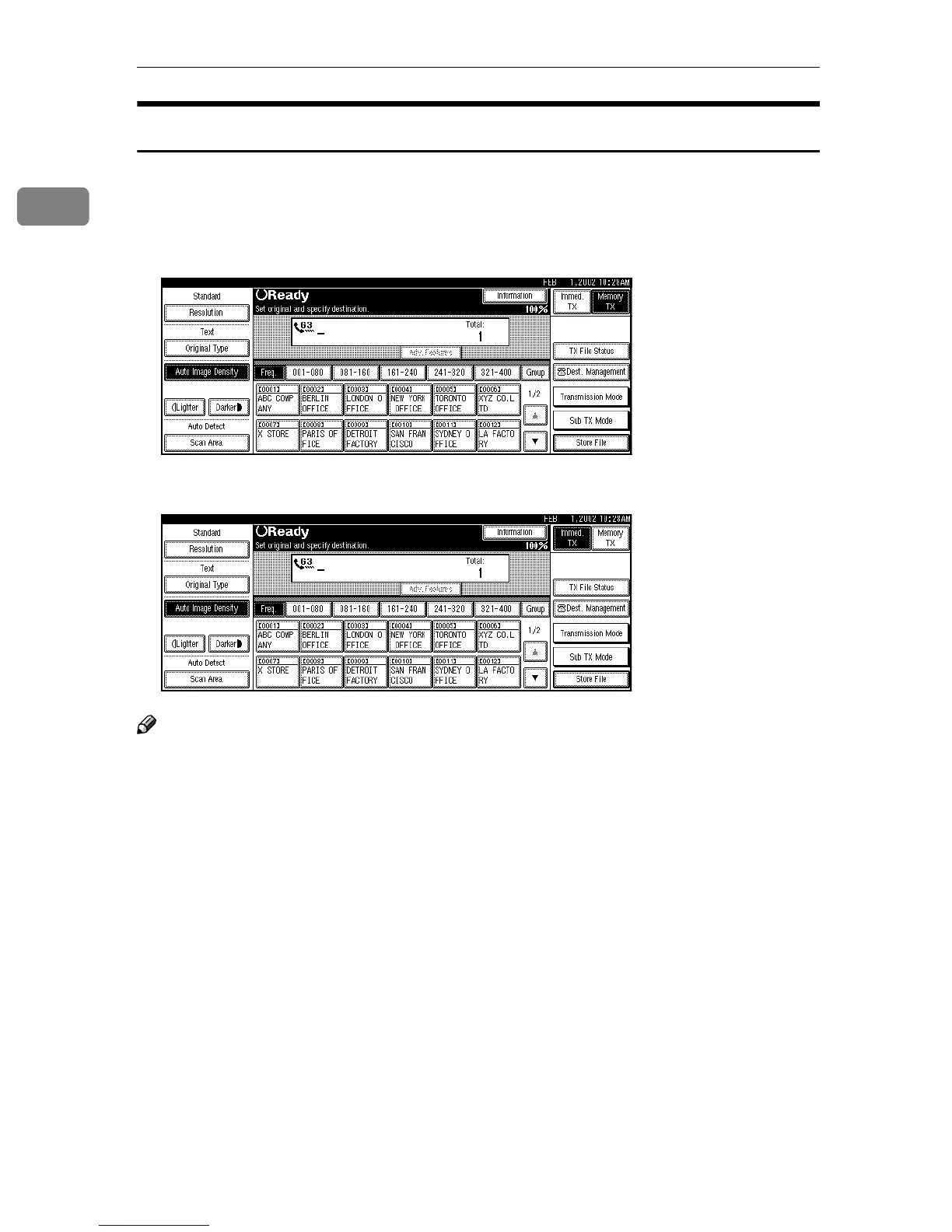
Standby Display
While the machine is in standby mode (immediately after the {
{{
{Facsimile}
}}
} key is
pressed or after the {
{{
{Clear Modes}
}}
} key is pressed), the following display is
shown.
❖
❖❖
❖ Memory Transmission (Initial display)
❖
❖❖
❖ Immediate Transmission
Note
❒ To return the machine to standby mode, do one of the following:
• If you have placed the original on the optional Document Feeder (ADF)
and have not pressed the {
{{
{Start}
}}
} key, remove the original.
• If you have not placed an original, press the {
{{
{Clear Modes}
}}
} key.
• If you are in User Tools mode, press the {
{{
{User Tools/Counter}
}}
} key.



 To Next Page