37
4. Combined Function
Operations
Copy Mode
You can make basic copies, and enlarge/reduce, combine, or use other various
functions to make copies. You can also add options to further increase the num-
ber of functions. For more details, see the Copy Reference.
Changing to Copy Mode
You can always make a copy when the machine isn't printing or scanning origi-
nals for faxes.
A
AA
A
Press the {
{{
{Copy}
}}
} key.
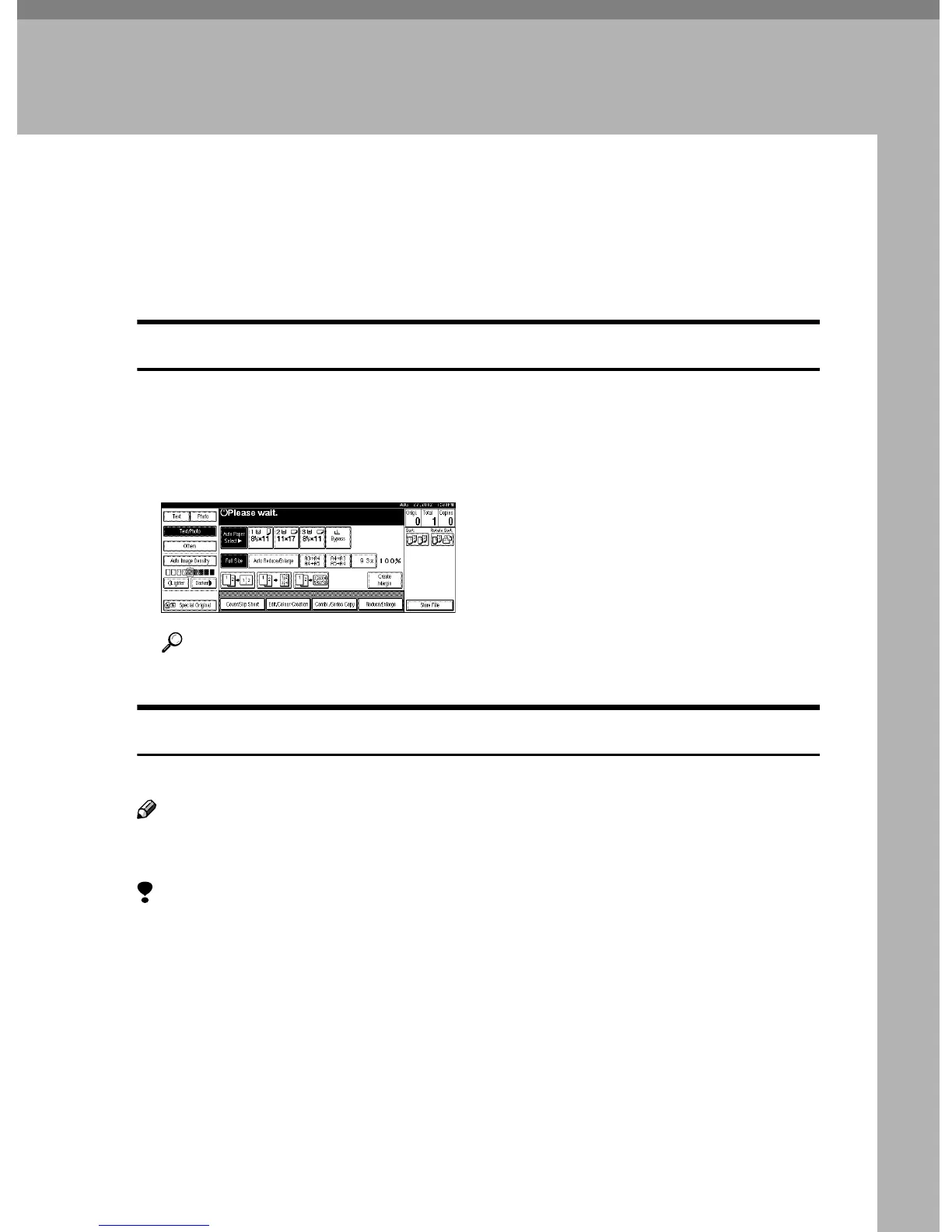
The copier display appears on the panel display.
Reference
For more information, see the Copy Reference <Basic Features>.
Interrupt copying to make urgently needed copies
You can interrupt the current job to make a copy.
Note
❒ The display may vary depending on the settings described on "User Tools
(System Settings)" in Administrator Reference 2 Copier System Edition.
Limitation
❒ You cannot use the interrupt copy function in the following cases:
• During fax immediate transmission
• While scanning an original for memory transmission
• During interrupt copying



 To Next Page