Operating Instructions Copy Reference <Advanced Features>
79
If You Cannot Make Copies As You Want
General
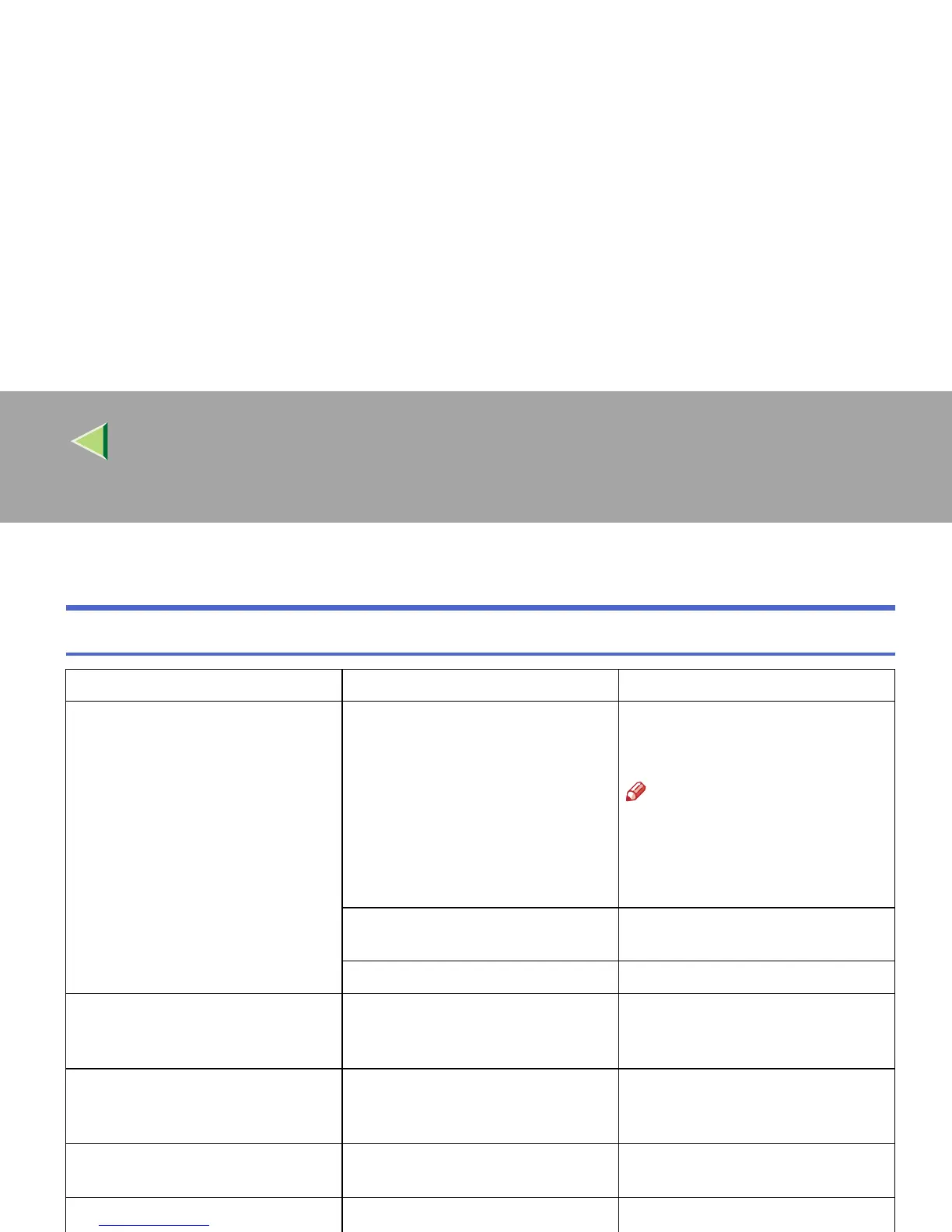
Problem Cause Solution & Reference
Copies are not stapled. There are jammed staples in the sta-
pler.
Remove jammed staples. ⇒ “Re-
moving Jammed Staples”, Mainte-
nance Guide 2 Copier System Edition
Note
❒ After removing jammed sta-
ples, staples might not be
ejected the first few times
you try to use the stapler.
The number of copies exceeds the ca-
pacity of the stapler.
Check the stapler capacity. ⇒ “Sta-
ple”, Basic Features manual
Copy paper is curled. Turn the copy paper over in the tray.
Staples are wrongly positioned. Originals are not placed correctly. Place the original on the upper left
corner of the exposure glass. ⇒ “Sta-
ple”, Basic Features manual
Misfeeds occur frequently. Copy paper size setting is not correct. Set the proper paper size. ⇒ “Paper
Tray (Tray 1 - 4)”, Administrator
Reference 2 Copier System Edition
You cannot combine several func-
tions.
Selected functions cannot be used to-
gether.
Check the combination of functions
and correct the settings.
When sorting, the pages are divided
into two blocks.
The memory became full in the mid-
dle of sorting and the pages were de-
livered in two blocks.
You can interrupt the copying when
the memory becomes full. ⇒ “Sta-
ple”, Basic Features manual



 To Next Page