Registering
64
3
-
--
-Programming the Group as a
Transfer Station of a Multi-Step
Transfer
A group can be programmed as a
Transfer Station. You should pro-
gram the receiving stations when you
program the Group as a Transfer Sta-
tion.
For more information, contact your
service representative.
Limitation
❒ If you want to program a group
which has been programmed as a
Transfer Station as a normal
group, delete the group and pro-
gram again.
❒ Only one destination can be pro-
grammed as a Transfer Station in a
group.
Note
❒ Before you program the group as a
Transfer Station, you must pro-
gram the Polling ID and your own
fax number. ⇒ Chapter 8, “Pro-
gramming a Polling ID”, “Transfer
Report” in the Advanced Features
manual
A
Follow steps A to F in “Program-
ming”.
B
Press [Adv. Features].
C
Press [Transfer Req.].
D
Press [Receiving Station].
E
Specify the receiving station.
Note
❒ When you specify the receiving
station with Quick Dial, press
[Quick Dial] and enter the Group
Dial number using the number
keys.
❒ When you specify the receiving
station with Group Dial, press
[Group Dial] and enter the Group
Dial number using the number
keys.
F
After specifying all of the receiving
stations, press [OK].
G
Press [OK].
H
Press [Exit].
Reference
⇒ Chapter 4, “Transfer Request”,
Chapter 5, “Transfer Station” in
the Advanced Features manual
Editing
Use this procedure to change the
Groups already programmed.
Limitation
❒ When a programmed group is be-
ing used for a standby Memory
Transmission, the message “
Spec-
ified destination is used by
transmission standby file. It
cannot be changed or deleted.
Specify it again after trans-
mission is completed.
” is
shown. You cannot change the des-
tinations for this key at this time.
A
AA
A
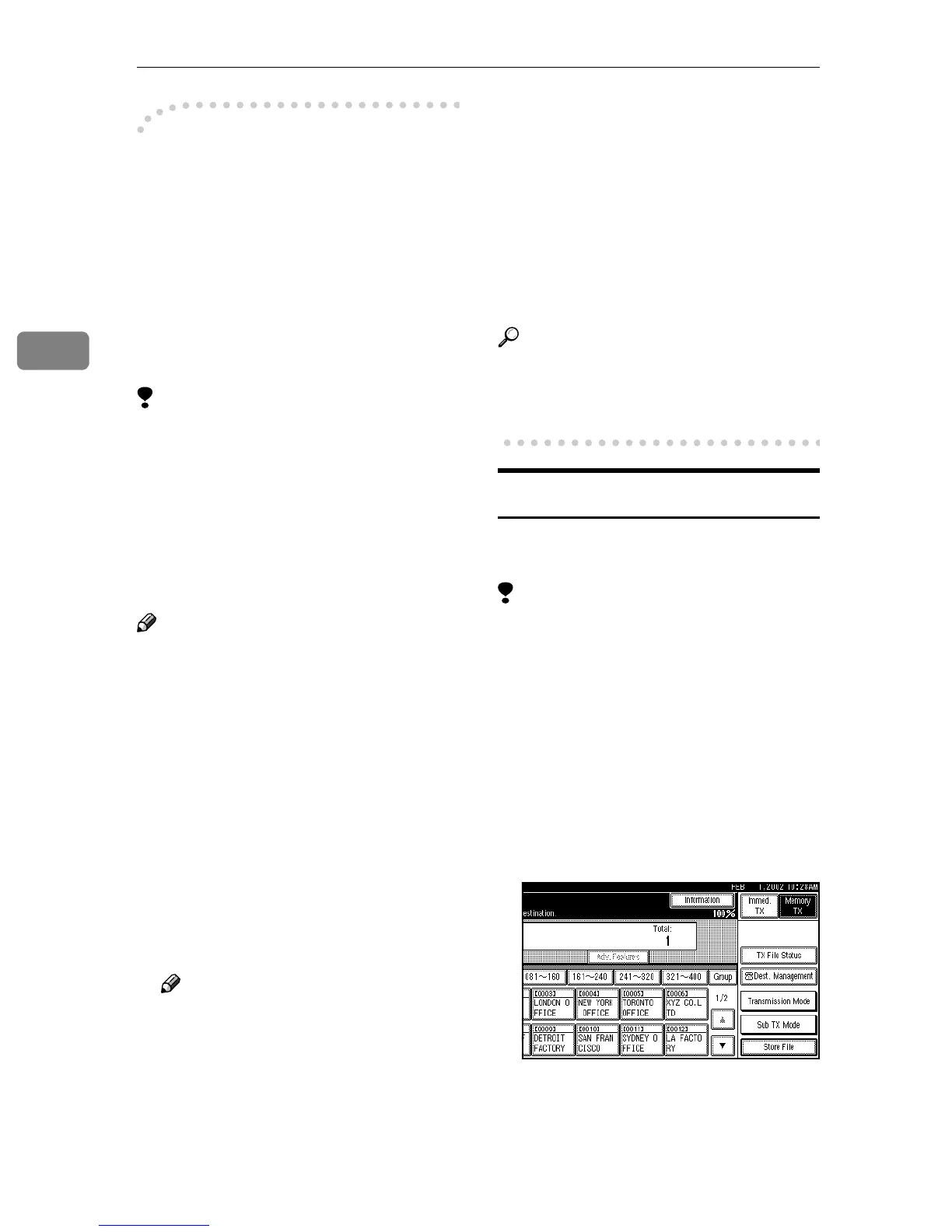
Press [Dest. Management].



 To Next Page