Operating Instructions Scanner Reference
96
B
BB
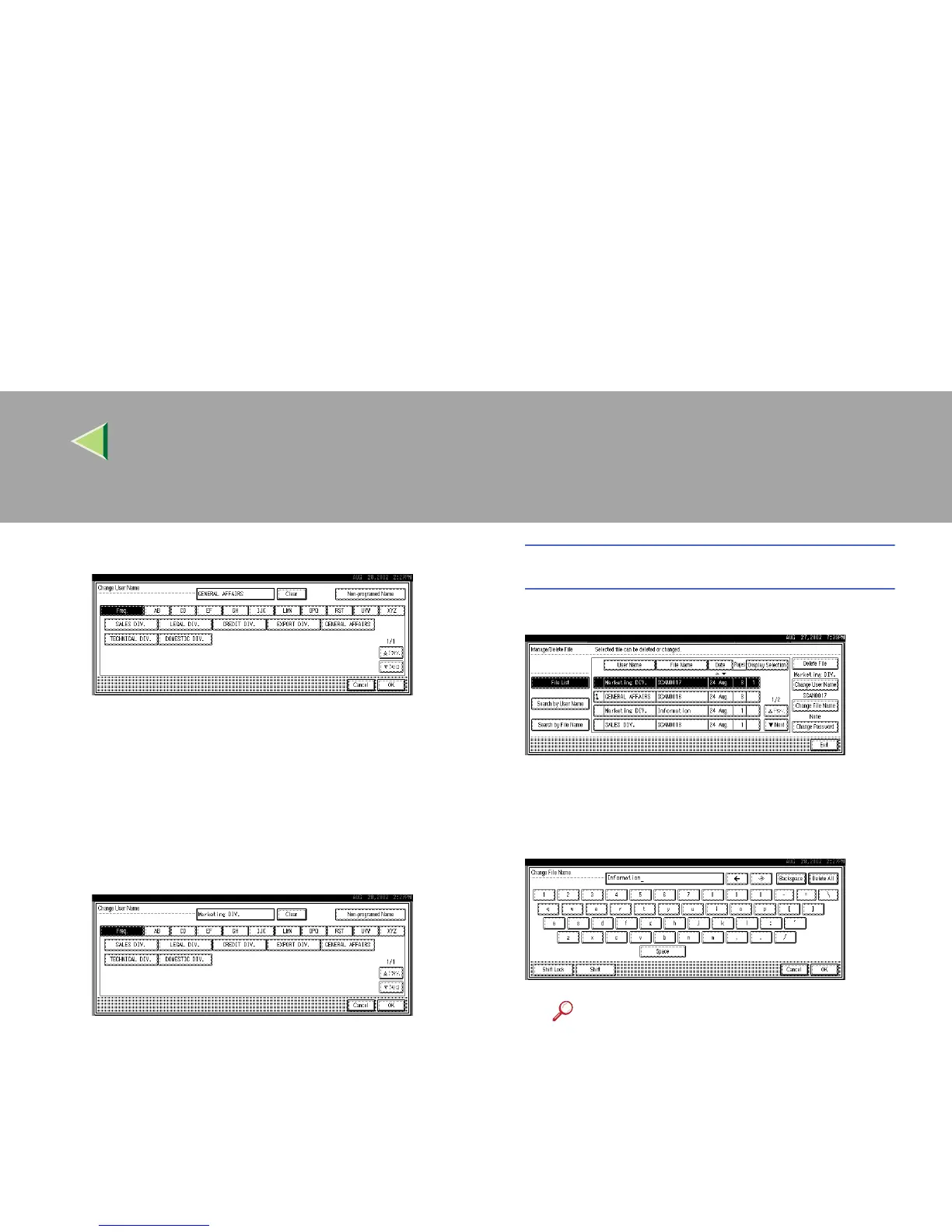
B Select the new user name.
The user names shown here are names that
were programmed in System Settings un-
der the Administrator tab. To specify a
user name not shown here, press [Non-pro-
grammed Name], and then enter the user
name.
C
CC
C Press [OK].
The user name is changed.
Changing the file name
A
AA
A Press [Change File Name].
The screen for changing the file name ap-
pears.
B
BB
B Enter the new file name.
Reference
❒ For information about how to enter
characters, see the Facsimile Refer-
ence <Basic Features>.
C
CC
C Press [OK].
The file name is changed.



 To Next Page