Operating Instructions Administrator Reference 2
139
H
HH
H
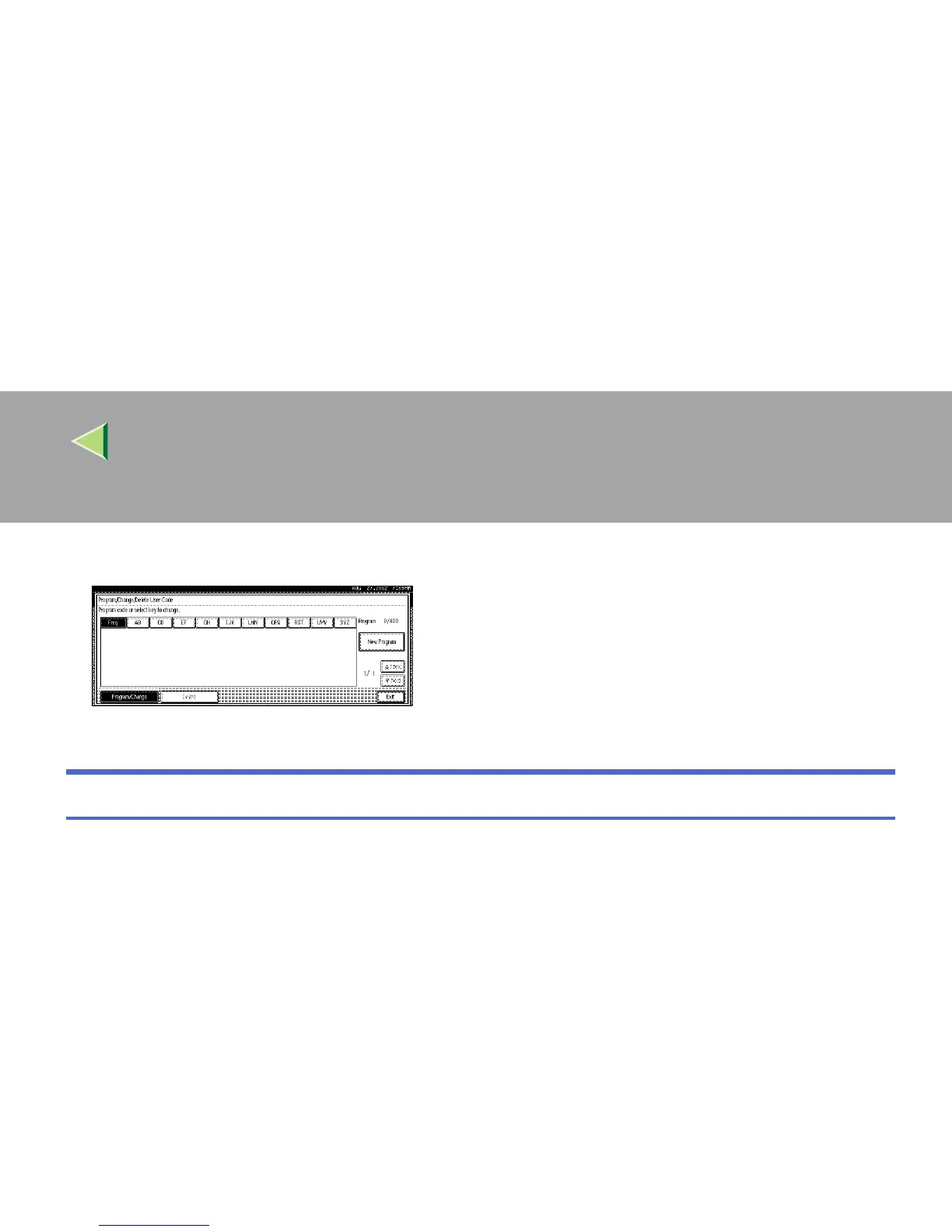
Press [Exit].
The display returns to the initial settings screen.
To display the counter for each user code
Using "Copy Counter", you can check the counter for each user code for the Copy/Document Server
function.
Using "Print Counter", you can check the counter for each user code for the Printer function and Fac-
simile function.
Using “Transmission Counter”, you can print the list for number of pages sent by fax and the charge
for each fax sent.
A
AA
A
Press the {
{{
{User Tools/ Counter}
}}
} key.
B
BB
B
Press [System Settings].
C
CC
C
Press [Key Operator Tools].



 To Next Page