Operating Instructions Administrator Reference 2
132
L
LL
L
Press [Exit].
The display returns to the initial settings screen.
Changing the User Code
Important
❒ This operation also deletes a user code registered for multiple functions. Current be specific using
the deleted user code will be disabled.
A
AA
A
Press the{
{{
{User Tools/ Counter}
}}
} key.
B
BB
B
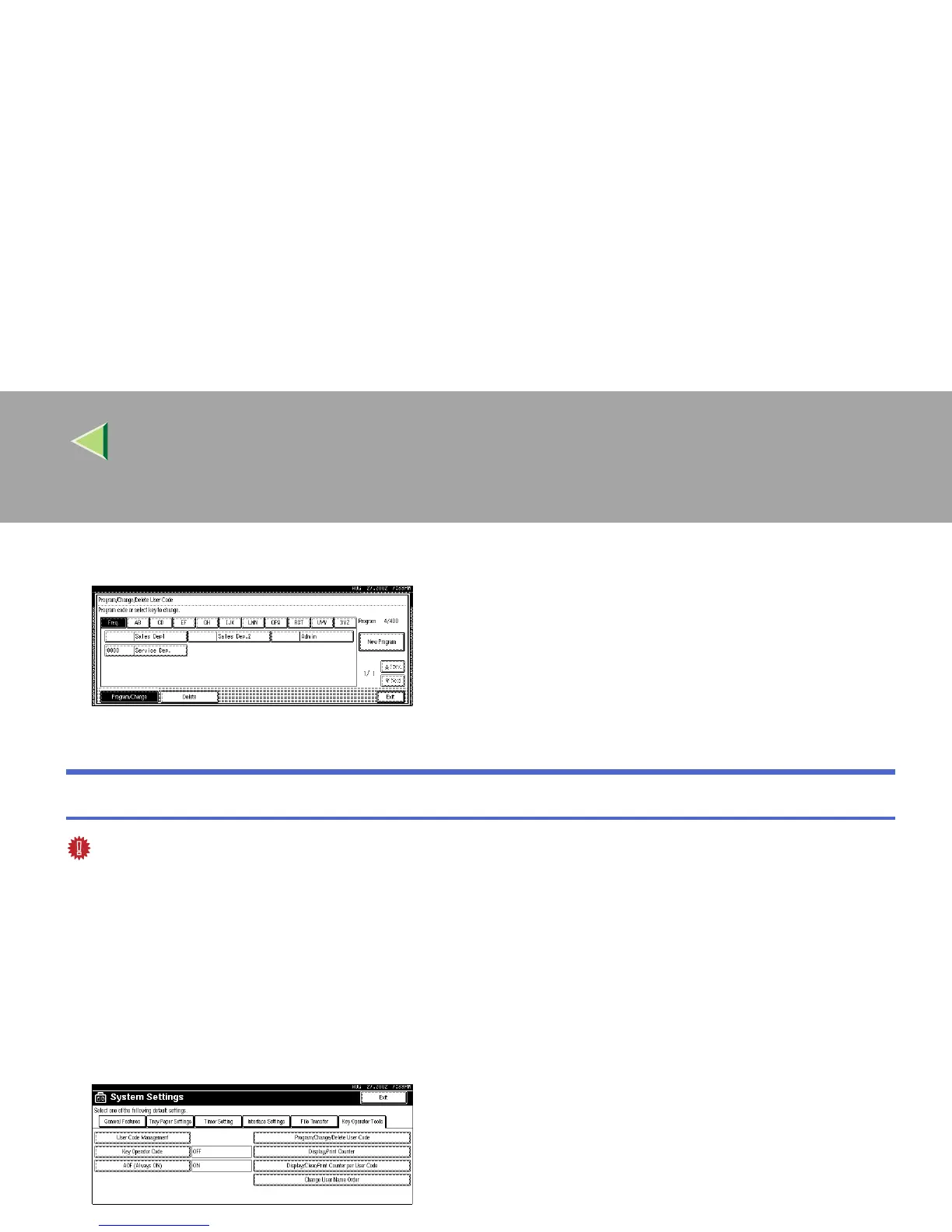
Press [System Settings].
C
CC
C
Press [Key Operator Tools].
D
DD
D
Press [Program/Change/Delete User Code].



 To Next Page