Operating Instructions Administrator Reference 2
133
E
EE
E
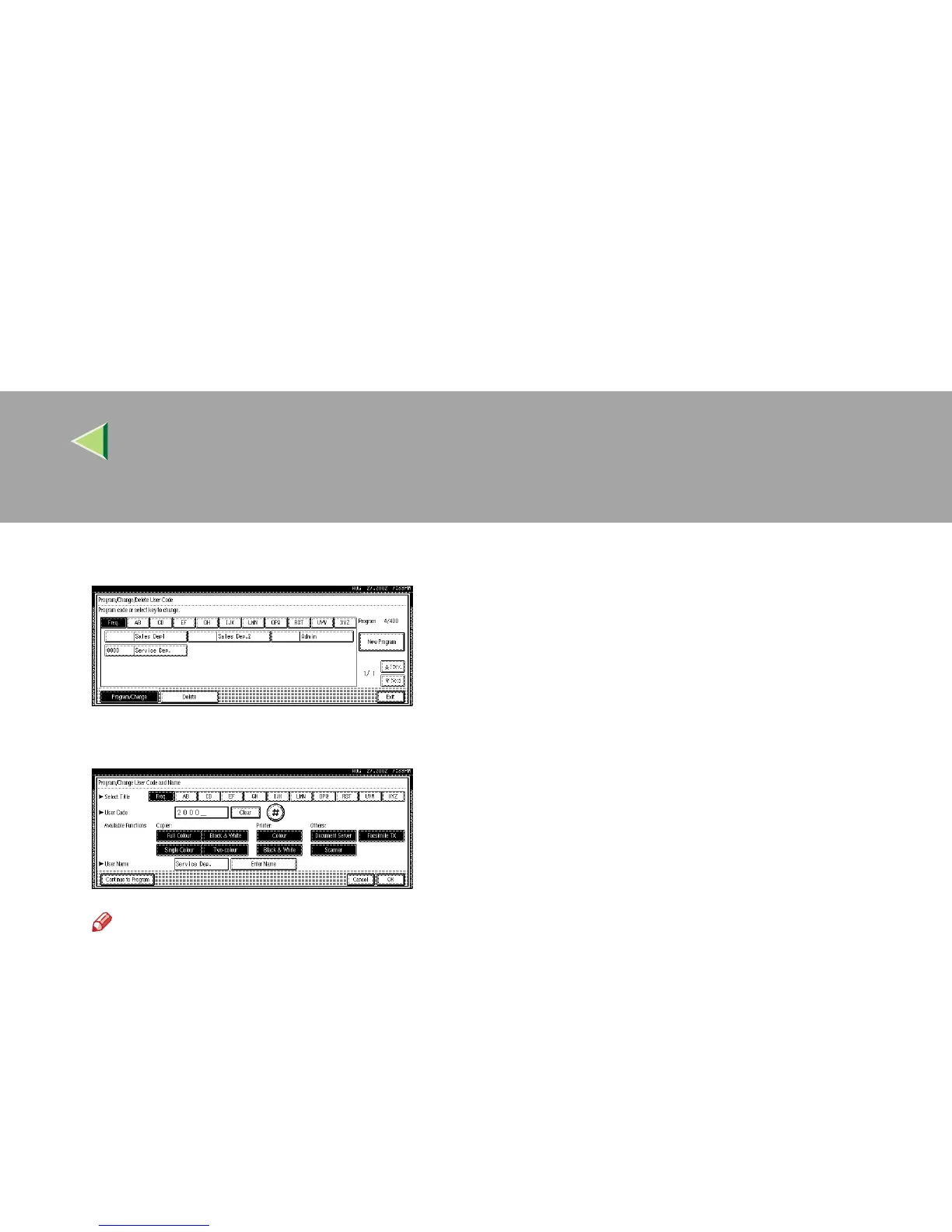
Select the user code you want to change.
F
FF
F
Enter the new information for the item that you want to change.
Note
❒ To change a user code, select [Clear], enter a new user code with the number keys, and then
select [#].
❒ For "Available Functions", highlighted buttons indicate the currently available functions. To dis-
able an available function, select the corresponding button so that it is not highlighted. To enable
an unavailable function, select the corresponding button to highlight it.
❒ To change a user name, select [Enter Name], and then enter a new user name in the input dialog
box. For more information about how to enter characters, see p.149 “Entering Text”.



 To Next Page