Operating InstructionsFacsimile Reference (option) <Advanced Features>
89
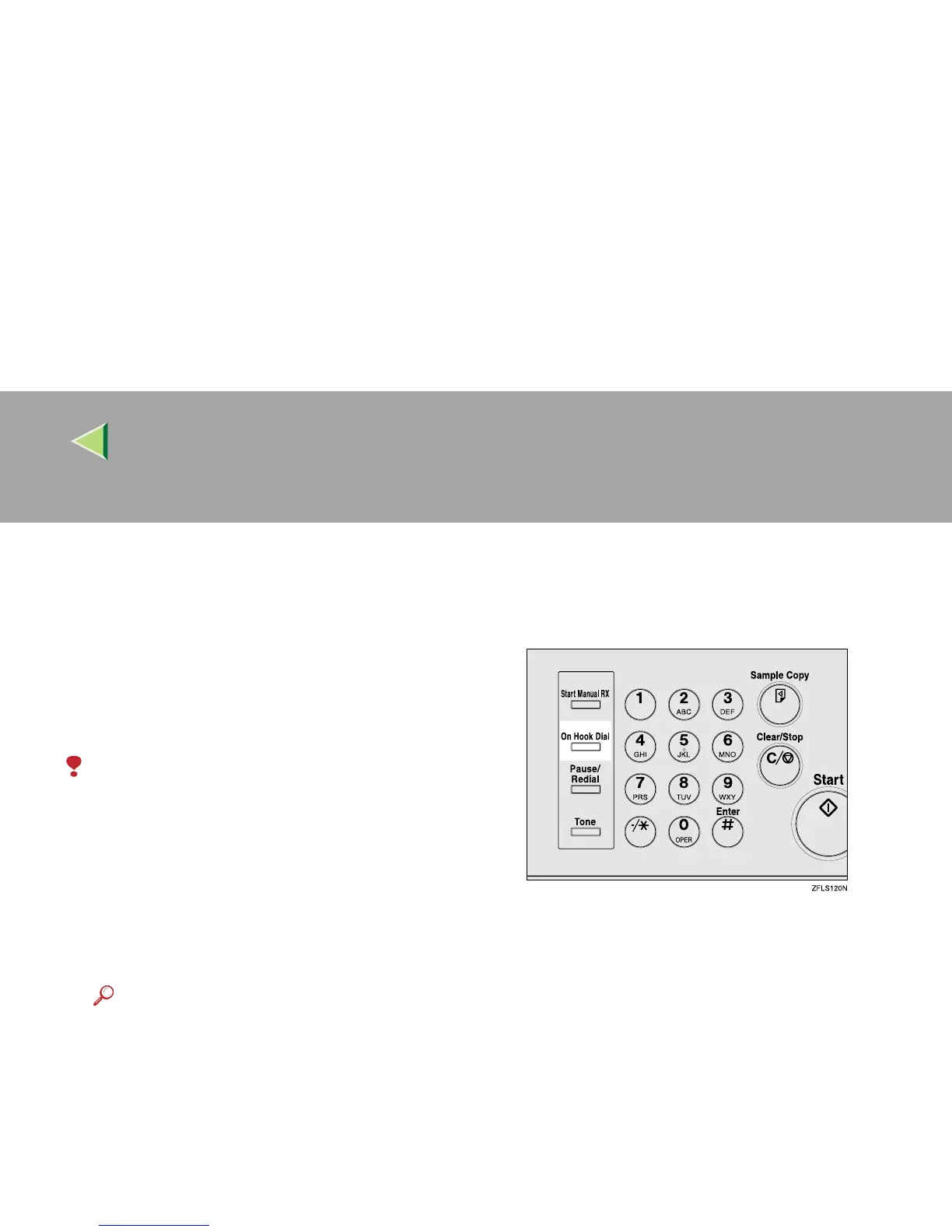
On Hook Dial
This is just like using the external telephone, ex-
cept you do not have to pick up the external tele-
phone before dialing. Just press the {
{{
{On Hook
Dial}
}}
} key and dial the number. If you hear a
voice, you can pick up the external telephone and
speak with the other party.
Limitation
❒ This feature is not available in some coun-
tries.
❒ On Hook Dial does not work with ISDN lines.
❒ This feature is not available for the optional
Extra G3 Interface Unit.
A
AA
A
Place your original, and then select any
scan settings you require.
Reference
❒ ⇒ Chapter 2, “Placing Originals” in the Ba-
sic Features manual
❒ ⇒ Chapter 2, “Scan Settings” in the Basic
Features manual
B
BB
B
Press the {
{{
{On Hook Dial}
}}
} key.
You will hear a low tone from the internal
speaker. If you wish to cancel this operation,
press the {
{{
{On Hook Dial}
}}
} key again.



 To Next Page