Operating InstructionsFacsimile Reference (option) <Advanced Features>
90
C
CC
C
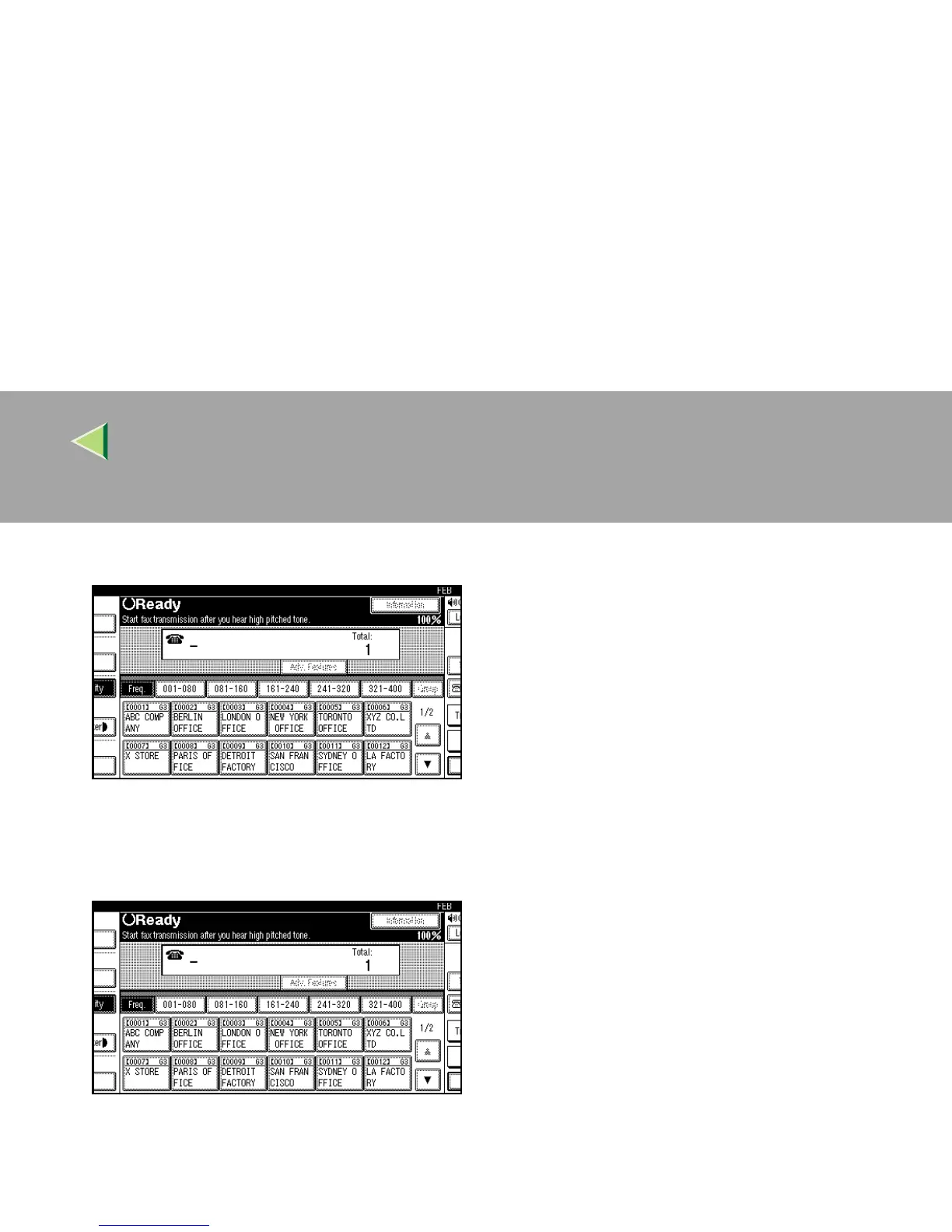
Dial.
The machine immediately dials the destina-
tion. If you make a mistake, press the {
{{
{On
Hook Dial}
}}
} or {
{{
{Clear Modes}
}}
} key and return to
step
B
.
D
DD
D
When the line is connected and you hear a
high-pitched tone, press the {
{{
{Start}
}}
} key.
• If you hear a voice, pick up the external
telephone before you press the {
{{
{Start}
}}
} key
and notify the destination that you want to
send a fax message (ask them to switch to
Facsimile mode).
• After transmission, the machine will re-
turn to standby mode.



 To Next Page