Operating Instructions Copy Reference <Advanced Features>
37
Specified Area Repeat
Limitation
❒ Place your originals on the exposure glass
when using the Specified Area Repeat func-
tion.
A
AA
A
Choose the position of the starting point of
the area (X1, Y1), and the length and width
of the area (X2, Y2).
Note
❒ You can set the area in the following rang-
es:
B
BB
B
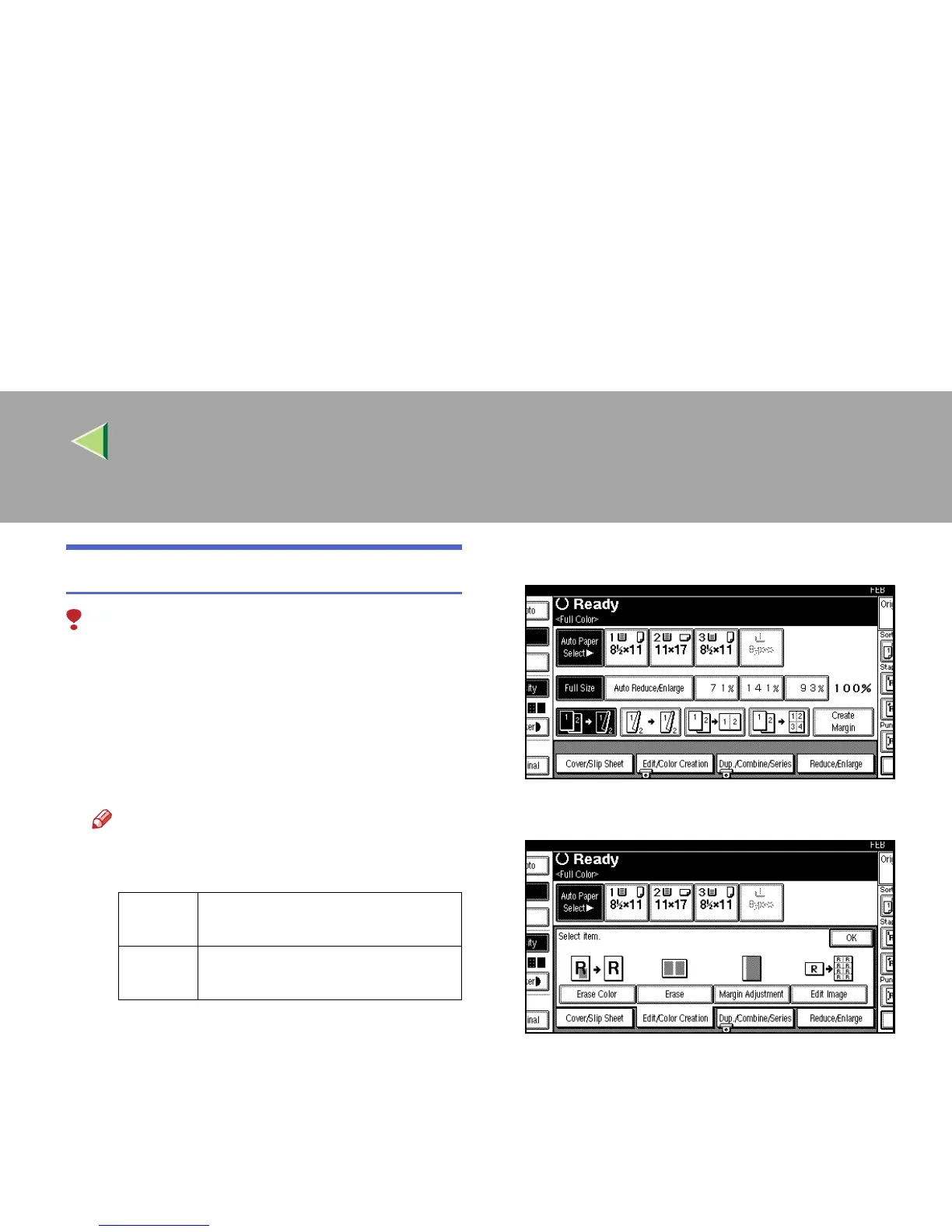
Select the reproduction ratio and the paper
size.
C
CC
C
Press [
Edit/Color Creation
].
D
DD
D
Press [Edit Image].
Metric
version
X1 = 0 to 412mm, X2 = 20 to 432mm,
Y1 = 0 to 277mm, Y2 = 20 to 297mm
Inch
version
X1 = 0.0" to 16.2", X2 = 0.8" to 17",
Y1 = 0.0" to 10.8", Y2 = 0.8" to 11.6"



 To Next Page