Replacing the Dustproof Filter
23
1
Replacing the Dustproof Filter
The dustproof filter is attached to the
black Development Unit. When re-
placing the black Development Unit,
also replace the dustproof filter.
The dustproof filter is attached to the
left side of the printer shown in the il-
lustration.
A
AA
A
Turn off the power switch, and
then unplug the power cable.
B
BB
B
Push in the grips on both sides of
the dustproof filter cover to pull it
off.
Note
❒ Be sure to put the removed
dustproof filter cover in a stable
and level place.
C
CC
C
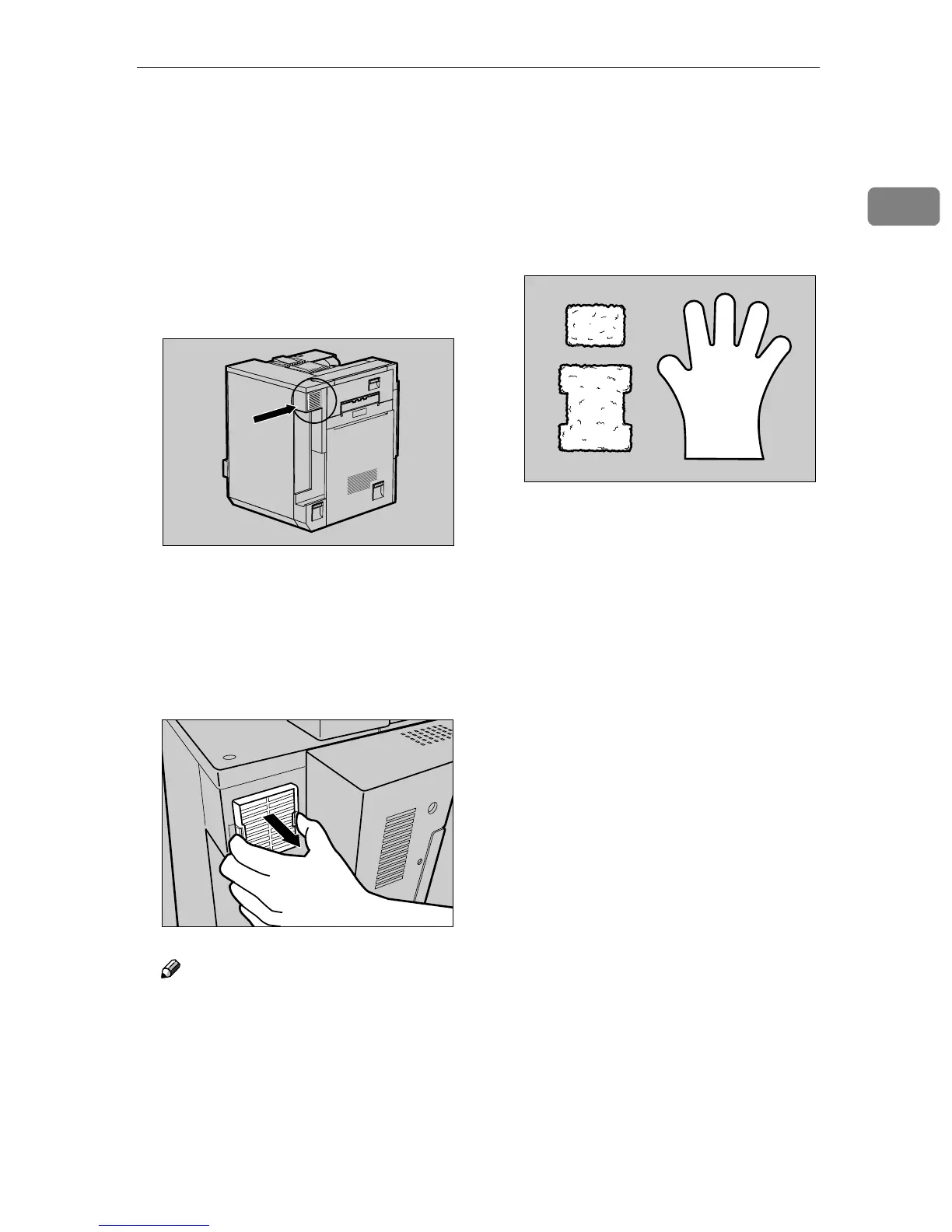
From the box which contained the
black Development Unit, take out
the new dustproof filters and
glove.
D
DD
D
Wear the glove on either hand.
ZDJH801J
ZDJH212J
ZDJH214J



 To Next Page