Operating Instructions Scanner Reference
59
Placing the Divided Original in the
Automatic Document Feeder (SADF)
When originals are placed in the ADF, scanning
finishes as one document when the scan of all
originals are completed by factory default. If the
next original is placed within a certain amount of
time after all originals are scanned, these multi-
ple documents can be scanned as one document
by the SADF.
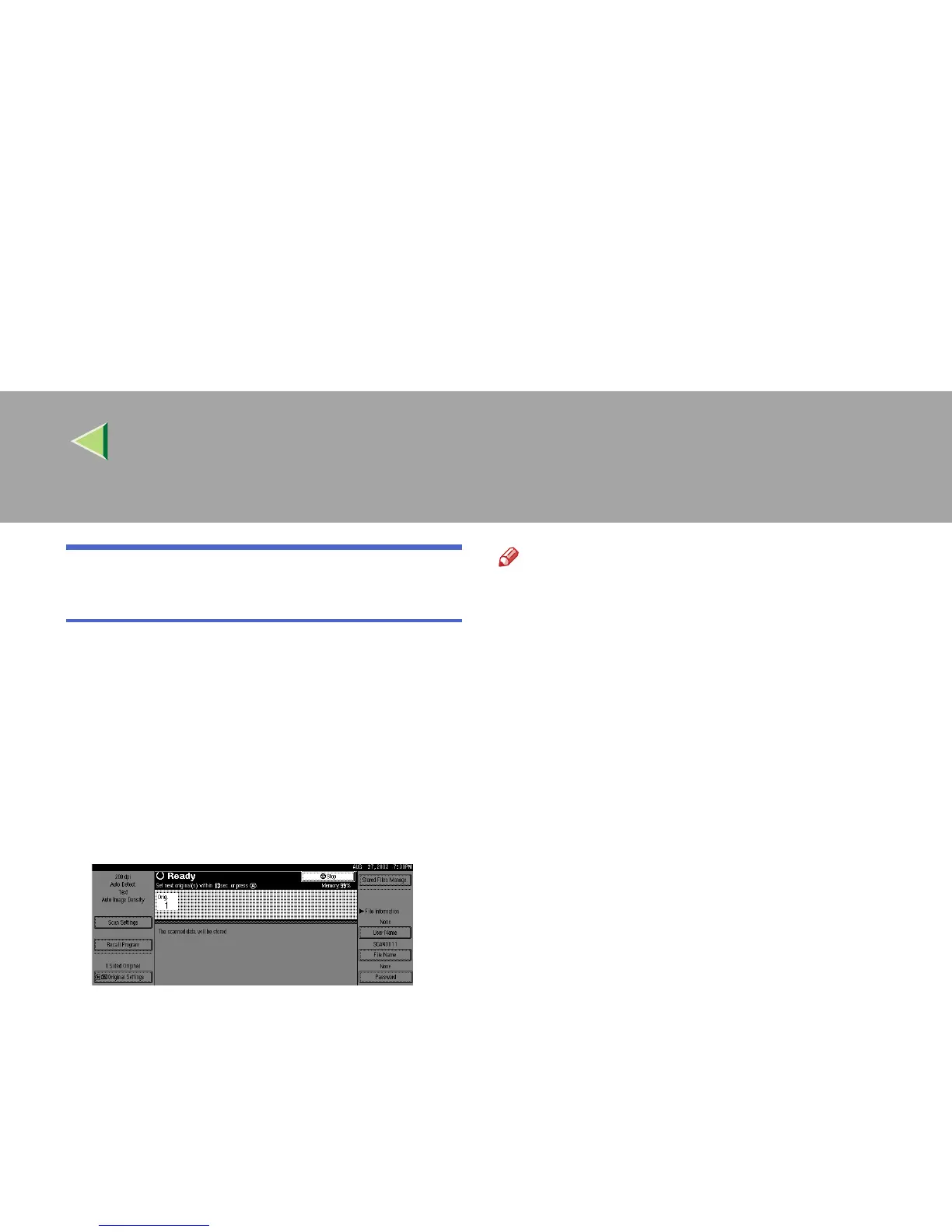
After the originals are scanned, the remaining
time for accepting the next original is displayed.
When there is another page to scan, set it within
the specified time. If set, the original is feeded
and scanned automatically. If there is no more
page, press {
{{
{#}
}}
} key.
Note
❒ To use this function, settings must be made in
the Initial Scanner Setup. ⇒ p.37 “SADF Auto
Reset Timer”
❒ Originals are scanned in order. Place them
from the first page.



 To Next Page