Dialing
39
2
Dialing
There are three main ways to dial a
number:
❖
❖❖
❖ Number Keys
⇒ p.39 “Number Keys”
❖
❖❖
❖ Quick Dials
⇒ p.41 “Quick Dials”
❖
❖❖
❖ Groups
⇒ p.42 “Groups”
This section covers these features and
others in more detail.
Number Keys
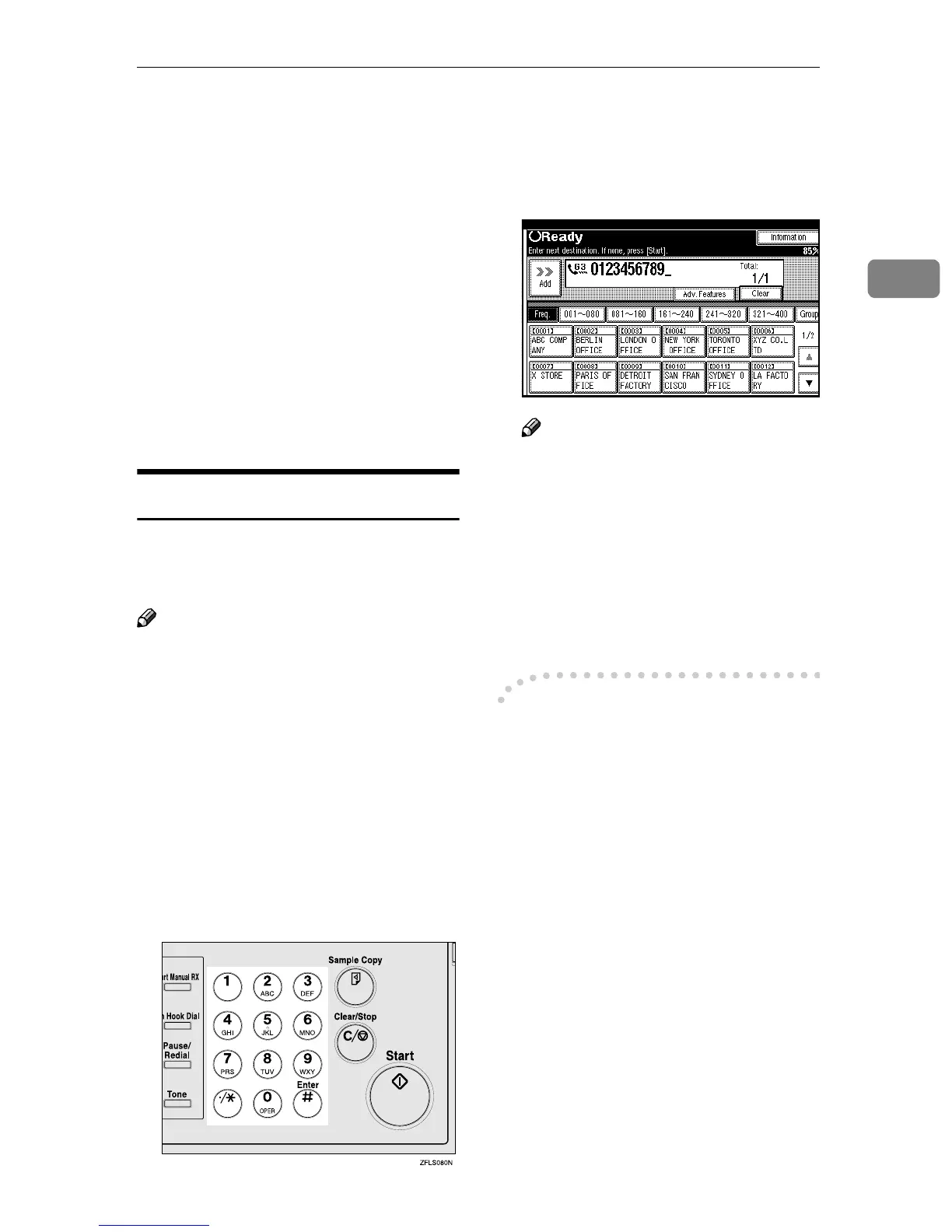
Enter numbers directly using the key
pad on the right side of the operation
panel.
Note
❒ Maximum length of a fax number:
254 digits.
❒ You can insert pauses and tones in
a fax number. ⇒ p.40 “Pause”, p.40
“Tone”
❒ If the optional ISDN Unit is in-
stalled, you may need to enter a
sub-address and UUI. ⇒ Chapter 4,
“Sub-address” , “UUI” in the Ad-
vanced Features manual
A
AA
A
Enter the fax number with the
number keys.
The digits appear on the display as
you enter them.
Note
❒ If you make a mistake, press
[Clear] or the {
{{
{Clear/Stop}
}}
} key
and enter again.
❒ If the optional ISDN Unit is in-
stalled, select G3 or G4 before
you go to the next step. ⇒
Chapter 4, “Changing the Line
Type” in the Advanced Fea-
tures manual
-
--
-Restrictions When Dialing with
the Number Keys
Fax numbers entered with the num-
ber keys are programmed in the inter-
nal memory (separate from memory
for storing original data). Therefore,
using the number keys, you cannot
program more than 100 numbers in
total for the following:
• Destinations specified in a Memo-
ry Transmission (including Confi-
dential Transmission and Polling
Reception)
• Transfer Stations and End Receiv-
ers specified in a Transfer Request
• Destinations and Transfer Stations
specified in a Group
• Destinations specified in program
registration



 To Next Page