Operating InstructionsFacsimile Reference (option) <Advanced Features>
201
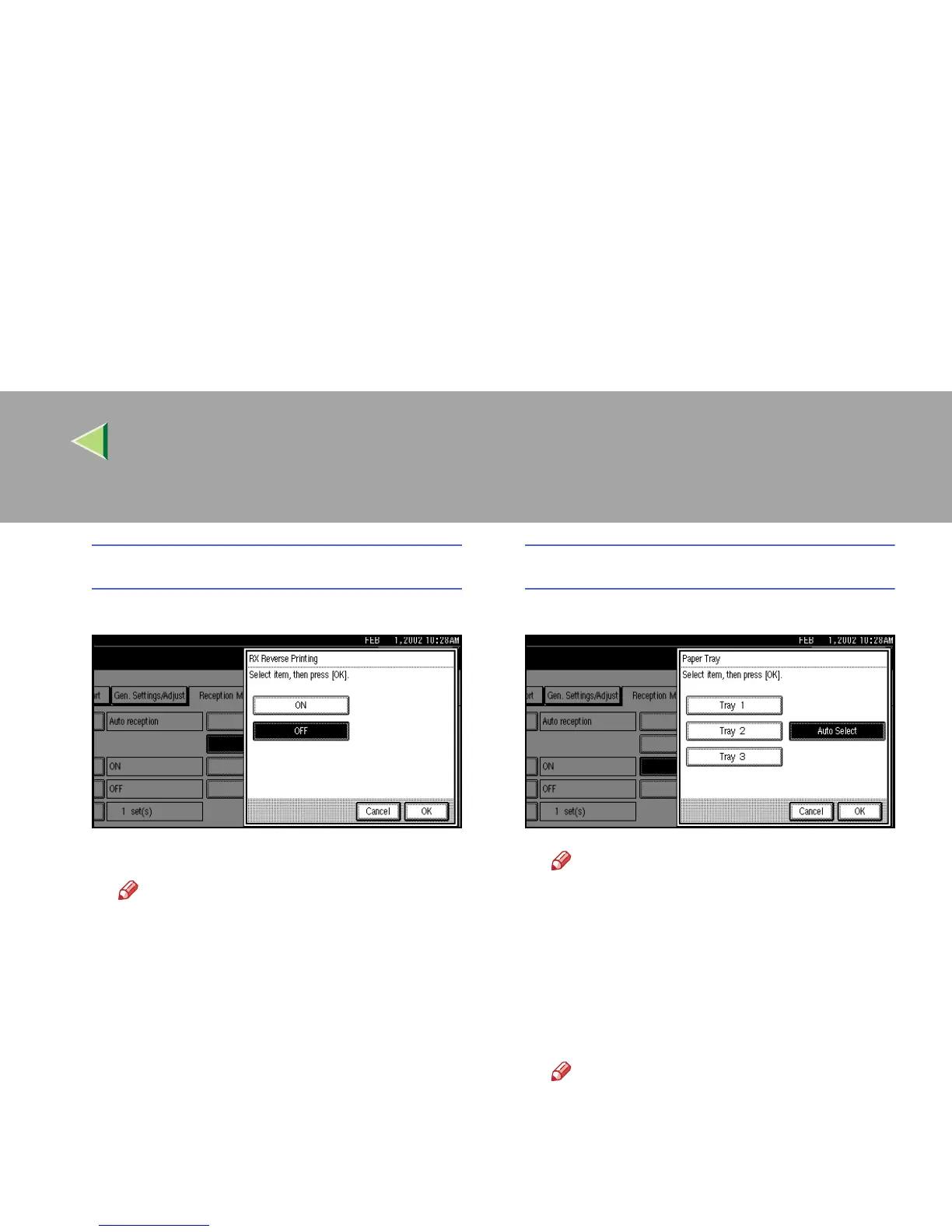
RX Reverse Printing
A
AA
A Select [ON] or [OFF].
B
BB
B Press [OK].
Note
❒ To cancel this setting, press [
Cancel
].
Paper Tray
A
AA
A Select paper tray.
Note
❒ When no tray is specified, “Auto Select”
will be selected.
❒ If you want to select the bypass tray,
specify it with “Special Sender”. ⇒
p.223 “Special Senders to Treat Differ-
ently”
B
BB
B Press [OK].
Note
❒ To cancel this setting, press [Cancel].



 To Next Page